
LinkedIn® Carousel Maker
Design, brand, schedule, publish. One tool. No exports.
Stop bouncing between Figma, Canva, and a download folder. Build LinkedIn® carousels that match your brand and ship them straight to the feed.
Try for 7 days | Cancel anytime
Carousels work. Making them does not.
Three tools, three exports, three chances to abandon the post. Here is what kills it.
The tool-switching tax
Design in Figma. Export to PNG. Upload to LinkedIn®. Every handoff is a step where the post dies on your desktop.
Brand consistency slips
Wrong font on slide 3. Logo missing on slide 5. The carousel looks fine in isolation, off-brand at scale.
No designer, no carousel
If design is a bottleneck, carousels stay rare. The format with the highest engagement becomes the one you never post.
From blank page to live post in 10 minutes.
Four steps. One tab. Zero file exports.
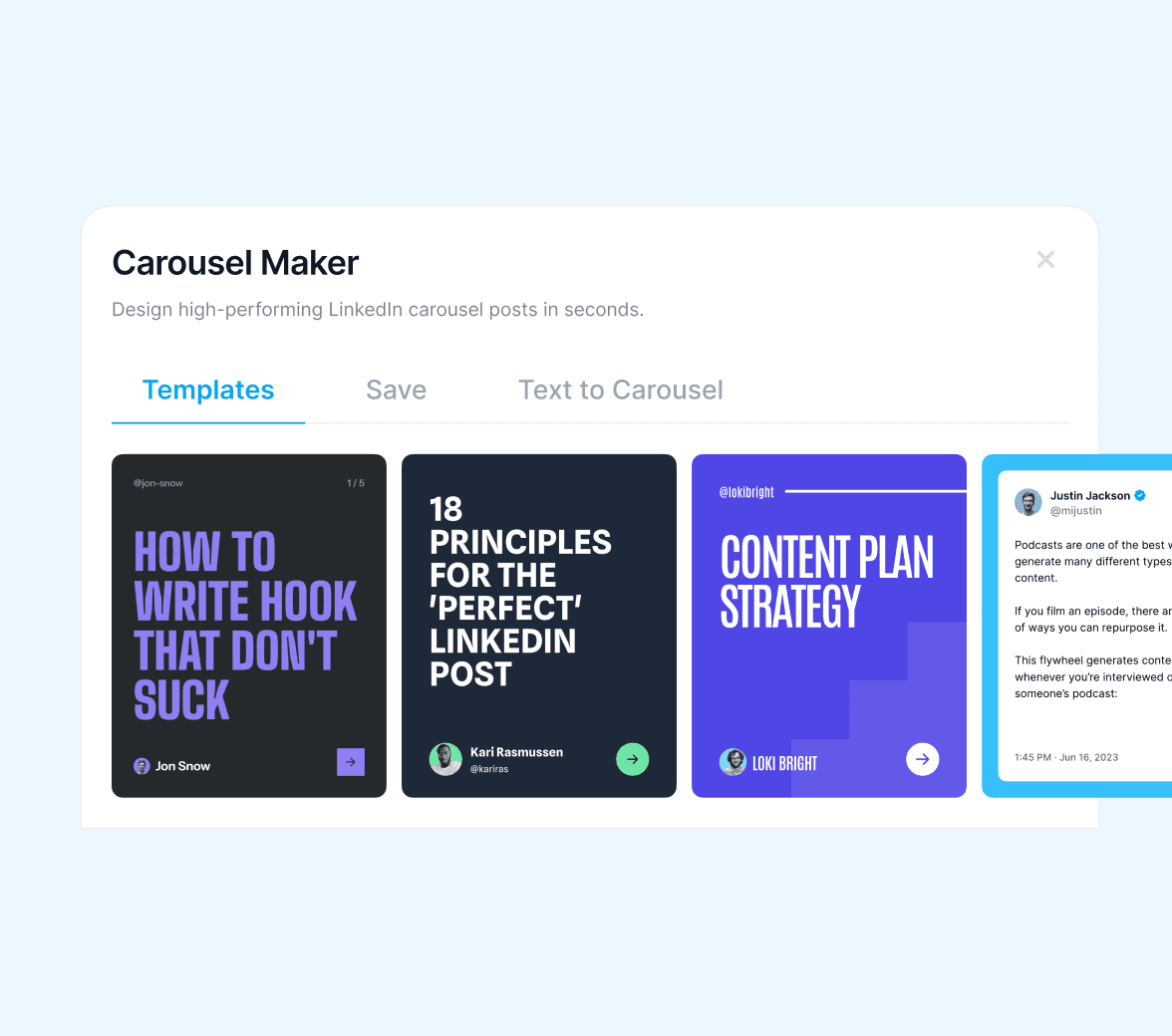
Pick a template
Browse pre-built carousel layouts proven to perform on LinkedIn®. No blank-page anxiety.
Edit inline
Click to edit text, swap images, duplicate slides. Spacing and aspect ratio are handled for you.
Apply your brand
One click swaps colors, fonts, and logo across every slide. Brand kit always available.
Schedule and ship
Publish to LinkedIn® directly or queue it. No PDF export, no upload step.
A design tool that actually understands LinkedIn®.
Built around the LinkedIn® carousel format, not retrofitted from a generic design app.
Templates
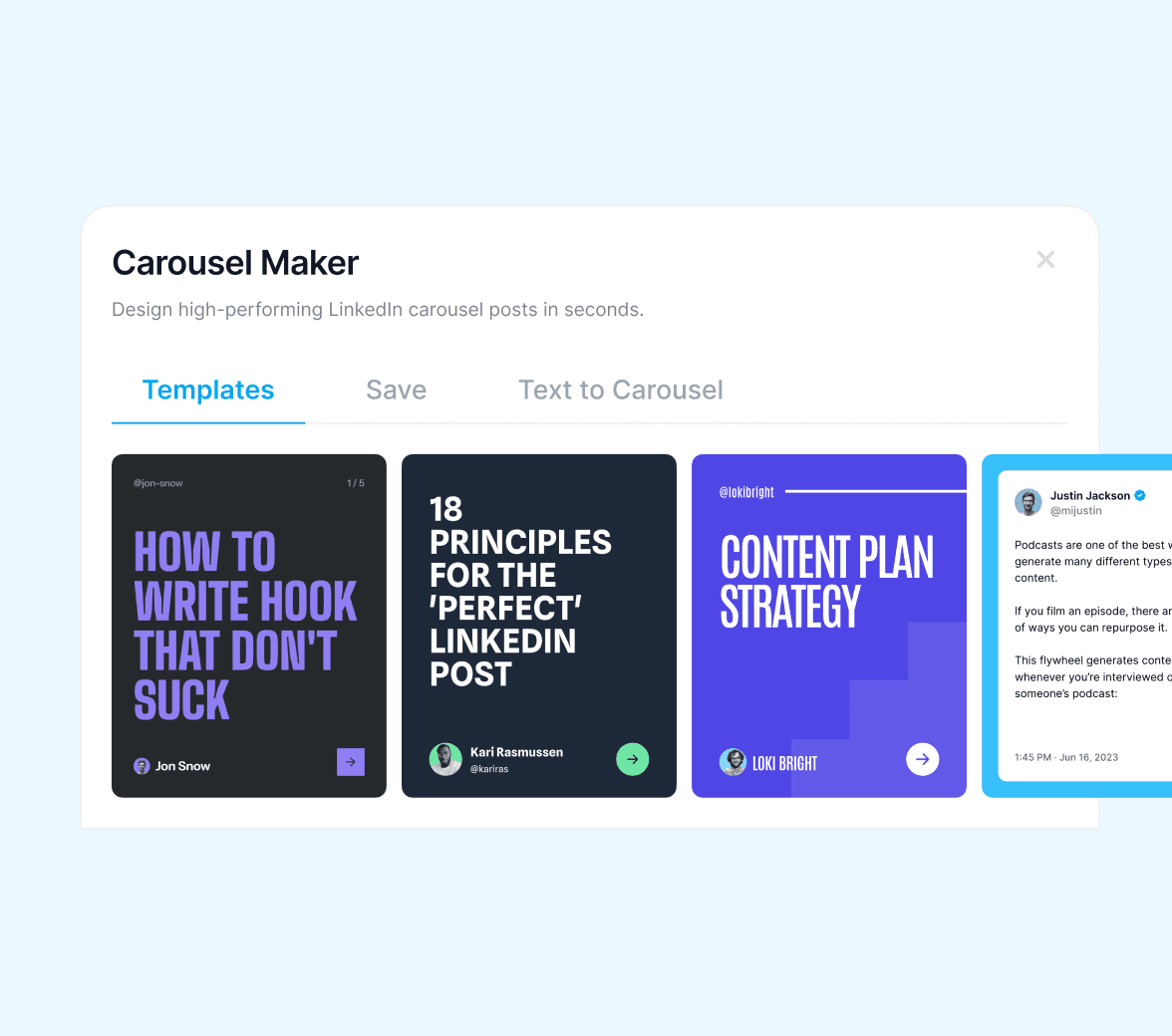
Start with a layout, not a blank page.
Templates built for LinkedIn®, organized by post type: thought leadership, frameworks, case studies, lists. Pick one, hit edit, ship.
- 50+ pre-built templates across post types
- Each template is mobile-first, since most LinkedIn® views are mobile
- Save your own as templates to reuse
Customize
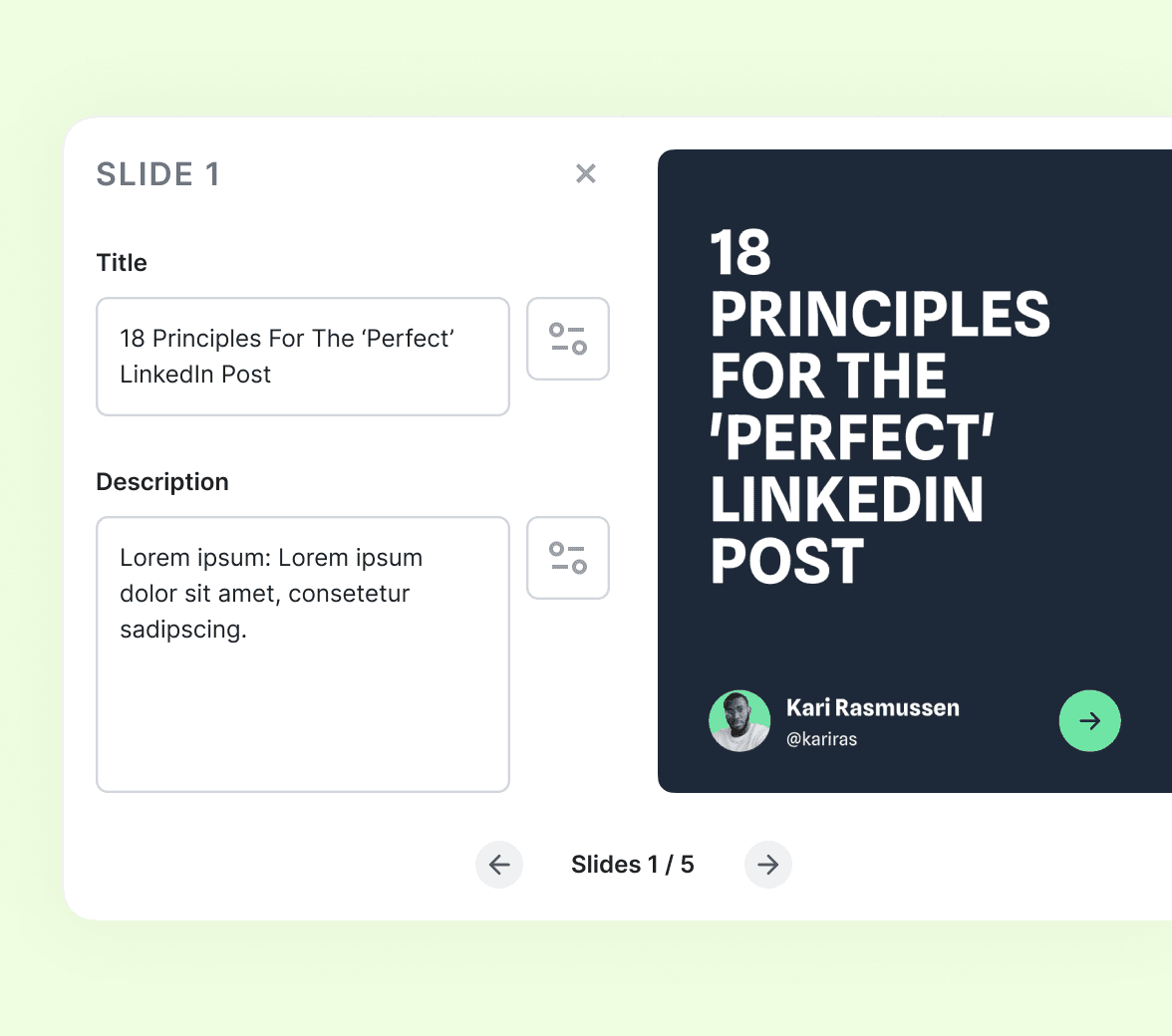
Edit what you see, exactly as you see it.
Click any text to rewrite it. Swap images, change colors, duplicate slides. No nested layer panels, no design-app learning curve.
- Click-to-edit inline text with type controls
- Upload your own images or pick from the built-in library
- Duplicate, delete, or reorder slides in one click
Brand Kit
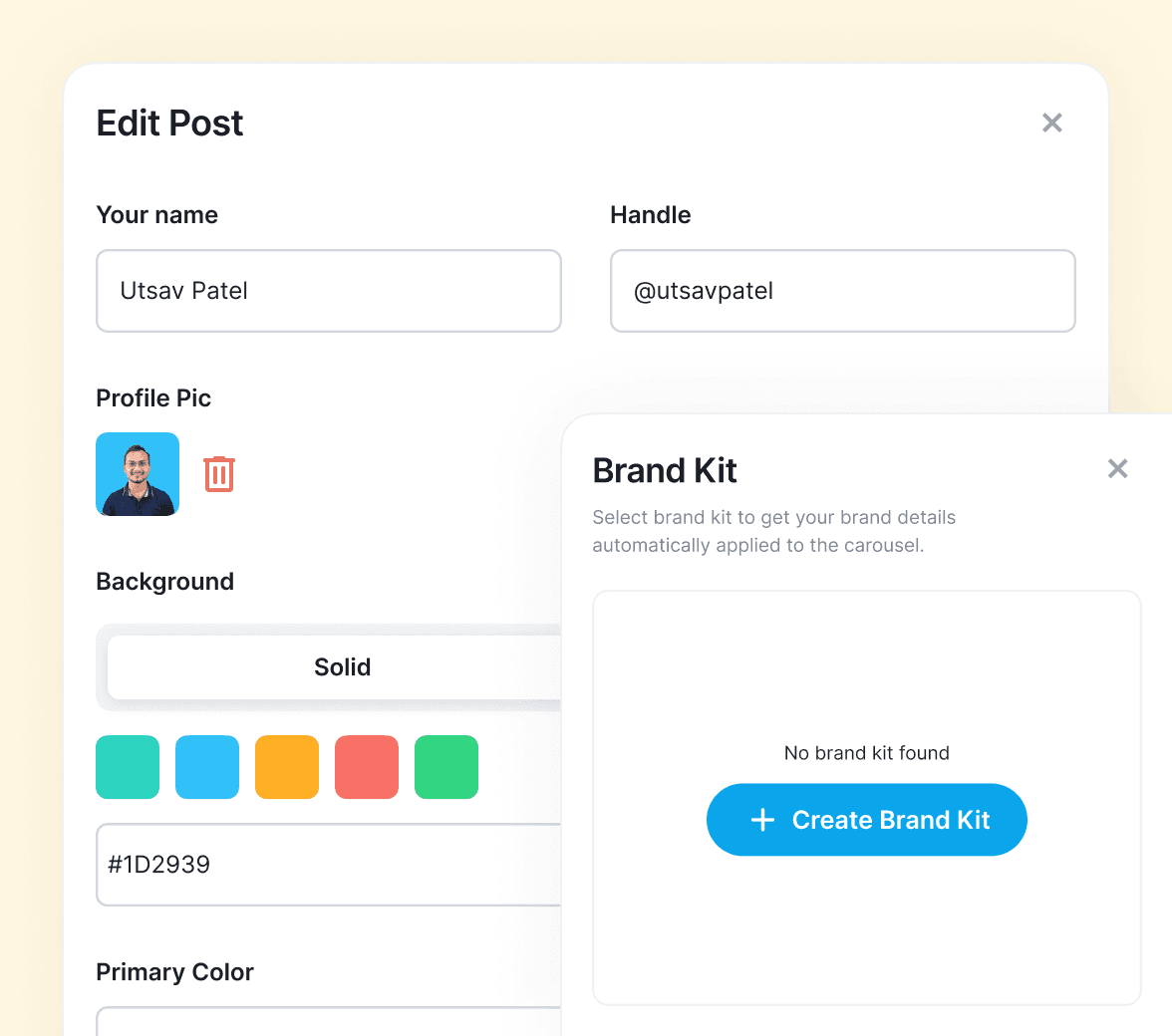
Brand once. Apply forever.
Save your colors, fonts, and logo. One click applies them across the entire carousel and every future one.
- Hex codes, font weights, and logos saved per workspace
- One-click apply to any template
- Multiple brand kits for agencies and teams managing several brands
Publish
Direct to feed. No file in between.
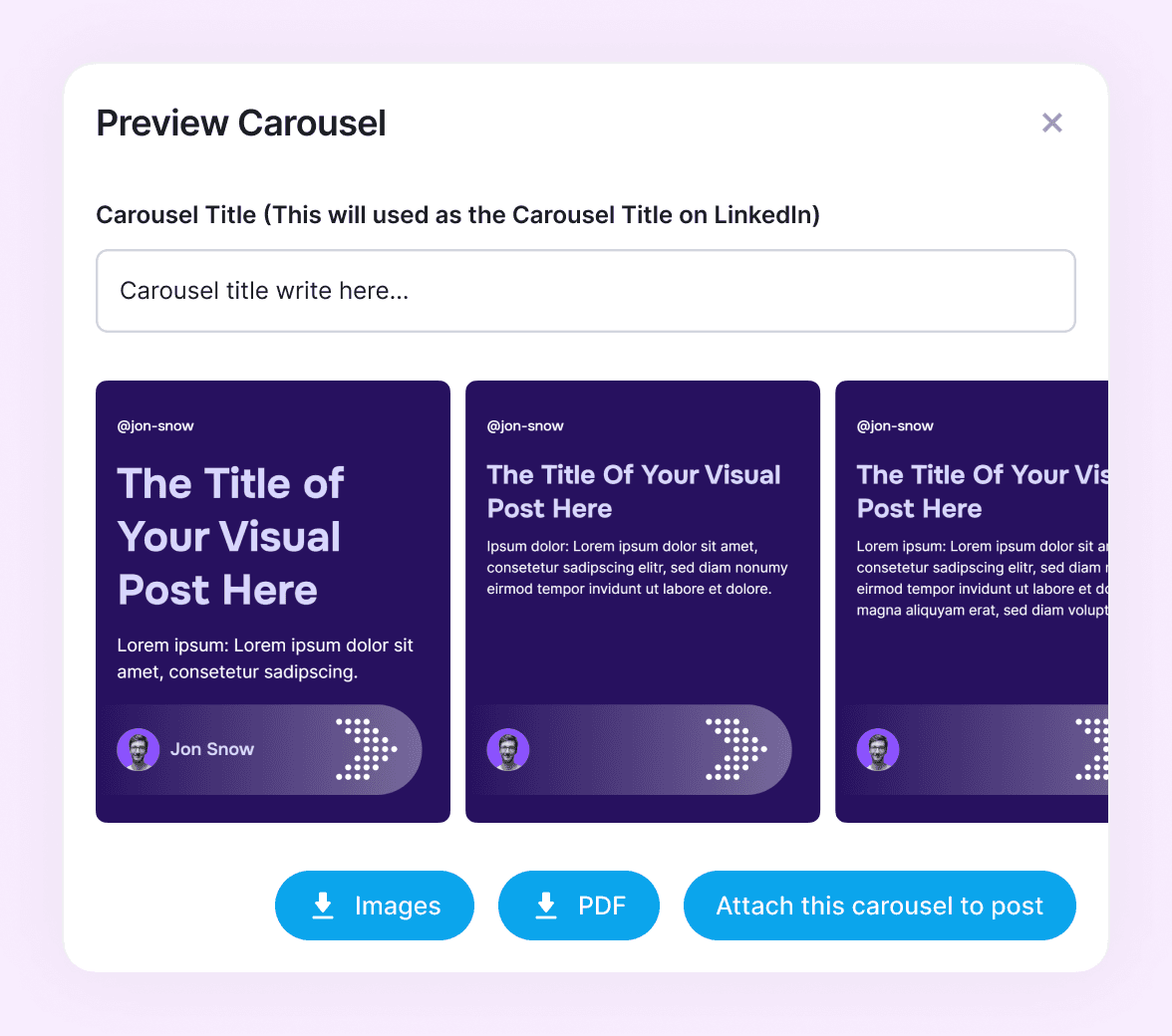
Schedule, queue, or publish now, all from inside Supergrow. The carousel goes to LinkedIn® as native multi-page content.
- Native LinkedIn® carousel format (multi-page document)
- Schedule to the queue or pick a specific time
- First comment scheduling included
They grow with Supergrow
Hear from professionals who stopped struggling with LinkedIn® content.
"Supergrow has completely changed the way we work. The credential-free onboarding, dedicated workspaces, and automation have saved us countless hours."
 Justin ObermanFounder, Genius Scout
"I've tried everything, Notion, and other scheduler tools, but Supergrow made my life so much easier. It's intuitive, efficient, and helps me deliver better results for my clients."
 Sarra RichmondGhostwriter
"Supergrow has transformed the way we manage LinkedIn® for our clients. It's efficient, reliable, and makes scaling our operations effortless."
 Moshe PesachFounder, StepUp Media Group
"If you're already using Make or Zapier, the Supergrow API fits right in. It's reliable, clean, and gives our team the time back to focus on client success."
 Kareem MostafaFounder, Bonafide
"Supergrow has increased my productivity by at least 50%. The scheduling and AI tools make content creation feel effortless."
Sarra RichmondGhostwriter"Supergrow has completely changed the way we work. The credential-free onboarding, dedicated workspaces, and automation have saved us countless hours."
Justin ObermanFounder, Genius Scout"I've tried everything, Notion, and other scheduler tools, but Supergrow made my life so much easier. It's intuitive, efficient, and helps me deliver better results for my clients."
Sarra RichmondGhostwriter"Supergrow has transformed the way we manage LinkedIn® for our clients. It's efficient, reliable, and makes scaling our operations effortless."
Moshe PesachFounder, StepUp Media Group"If you're already using Make or Zapier, the Supergrow API fits right in. It's reliable, clean, and gives our team the time back to focus on client success."
Kareem MostafaFounder, Bonafide"Supergrow has increased my productivity by at least 50%. The scheduling and AI tools make content creation feel effortless."
Sarra RichmondGhostwriterFrequently asked questions
No. Templates handle layout, the brand kit handles styling, and editing is as simple as clicking text to rewrite it. If you can edit a slide in Google Slides, you can ship a Supergrow carousel.
Yes. Save your brand colors, fonts, and logo once in the brand kit. One click applies them across the carousel and every future one.
Carousels publish as native LinkedIn® multi-page documents, the format the algorithm rewards. Schedule, queue, or publish immediately, all without leaving Supergrow. No PDF download, no manual upload.
Yes. Upload existing slides or design from scratch on a blank canvas. The brand kit and publishing tools work either way.
Yes. Send a carousel through the approval workflow. Comms, marketing, or your manager reviews and approves before anything publishes. Same workflow as text posts.
Canva and Figma are general design tools. Supergrow is built specifically for LinkedIn® carousels and connects directly to your account for scheduling and publishing. You skip the export, upload, and 'did the file render correctly' loop.
Yes. A full 7-day free trial of Supergrow including the carousel maker, post generator, scheduling, and analytics. Cancel anytime.
Your next carousel takes 15 minutes,
not 2 hours.
Start building today. First carousel goes live before the end of your coffee.
Try for 7 days | Cancel anytime