
I’ve spoken to hundreds of LinkedIn creators while building Supergrow.
And one thing is clear: creating content isn’t the hardest part. It’s staying consistent, finding new ideas, and managing everything across tools that don’t really talk to each other.
The native LinkedIn Creator suite gives you access to Live, Newsletters, and the “Follow” button switch.
But it doesn’t cover everything you need in 2025: idea-generation fatigue, limited post formats, and no single dashboard that manages creation → design → scheduling → insights.
That’s why I’ve curated 9 LinkedIn personal branding tools for creators: from ideation and visuals to engagement and analytics, with Supergrow leading the way.
9 Best LinkedIn Personal Branding Tools for Creators That Help You Build and Scale Your Audience
Below are the 9 LinkedIn creator tools that can take your personal brand to the next level.
1. Supergrow.ai — All-in-One LinkedIn Growth Platform
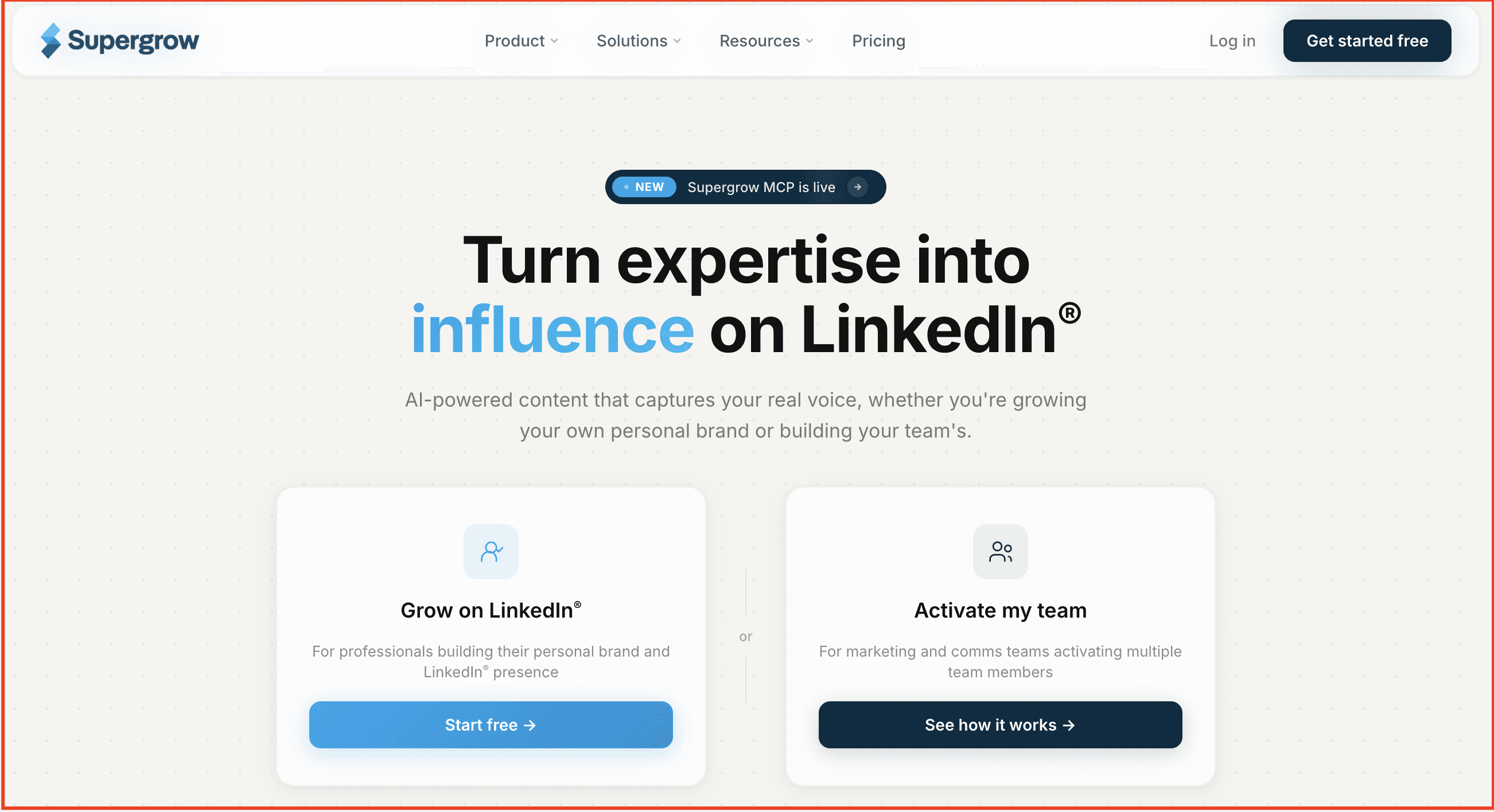
Supergrow is an all-in-one LinkedIn creator tool built for professionals who treat content as a core part of their growth strategy—not just a random task on their to-do list.
Whether you’re building your personal brand, growing a business, or managing clients, Supergrow gives you a focused workspace to write, schedule, engage, and grow—all in one LinkedIn-first system. It’s designed for creators who want to stay visible and valuable on the platform without burning out or juggling five different tools.
Instead of just posting and hoping for the best, Supergrow equips you with the tools, structure, and inspiration to consistently publish high-performing content, nurture your audience, and track what actually works.
What you get with Supergrow as your LinkedIn creator tool:
-
AI Post Generator – Write posts from scratch or repurpose YouTube videos, blogs, or PDFs—trained on your voice, tone, and writing style.
-
Content Calendar & Kanban Board – Plan, schedule, and manage your post pipeline with clean calendar views and drag‑and‑drop status boards.
-
Carousel Maker – Turn ideas into swipeable, branded carousels without using external design tools or breaking your visual consistency.
-
First-Comment Scheduler – Schedule your CTA, hashtags, or added value content as a follow-up comment to boost visibility and early traction.
-
Voice-to-Post – Say your thoughts out loud and turn them into publish-ready LinkedIn content with the AI voice transcription tool.
-
Creator Analytics – Track follower growth, best-performing content, and audience engagement trends that help refine your content strategy.
Why it stands out:
Supergrow is built for LinkedIn creators who want to grow with intention, combining AI, content planning, collaboration, and analytics into a single tool that helps you stay consistent and scale your presence, even on your busiest days.
Pros:
-
Everything you need for LinkedIn content creation in one workspace
-
First-comment scheduling + AI comment assistant to boost reach
-
Built-in carousel maker and voice-to-post feature
-
Post scheduling calendar streamlines the creator workflow
-
Ideal for freelancers, teams, and agencies managing multiple accounts
Cons:
-
No multi-platform support (LinkedIn-only focus)
-
No mobile app (yet) — currently desktop/web only
Pricing:
-
Starter — $19/month (billed yearly): For solo creators getting started — includes Content DNA, PostCast AI interviews.
-
Pro — $39/month (billed yearly): For creators and execs serious about visibility — everything in Starter, plus unlimited PostCast AI interviews, carousel maker, infographic generator, Supergrow MCP, profile analytics, and weekly report.
All plans include a 7-day free trial. Annual billing is available at a 20% discount.
👉Start your free trial of Supergrow to simplify your LinkedIn content workflow—from planning to publishing.
2. Buzzsumo — Discover Proven Content Ideas
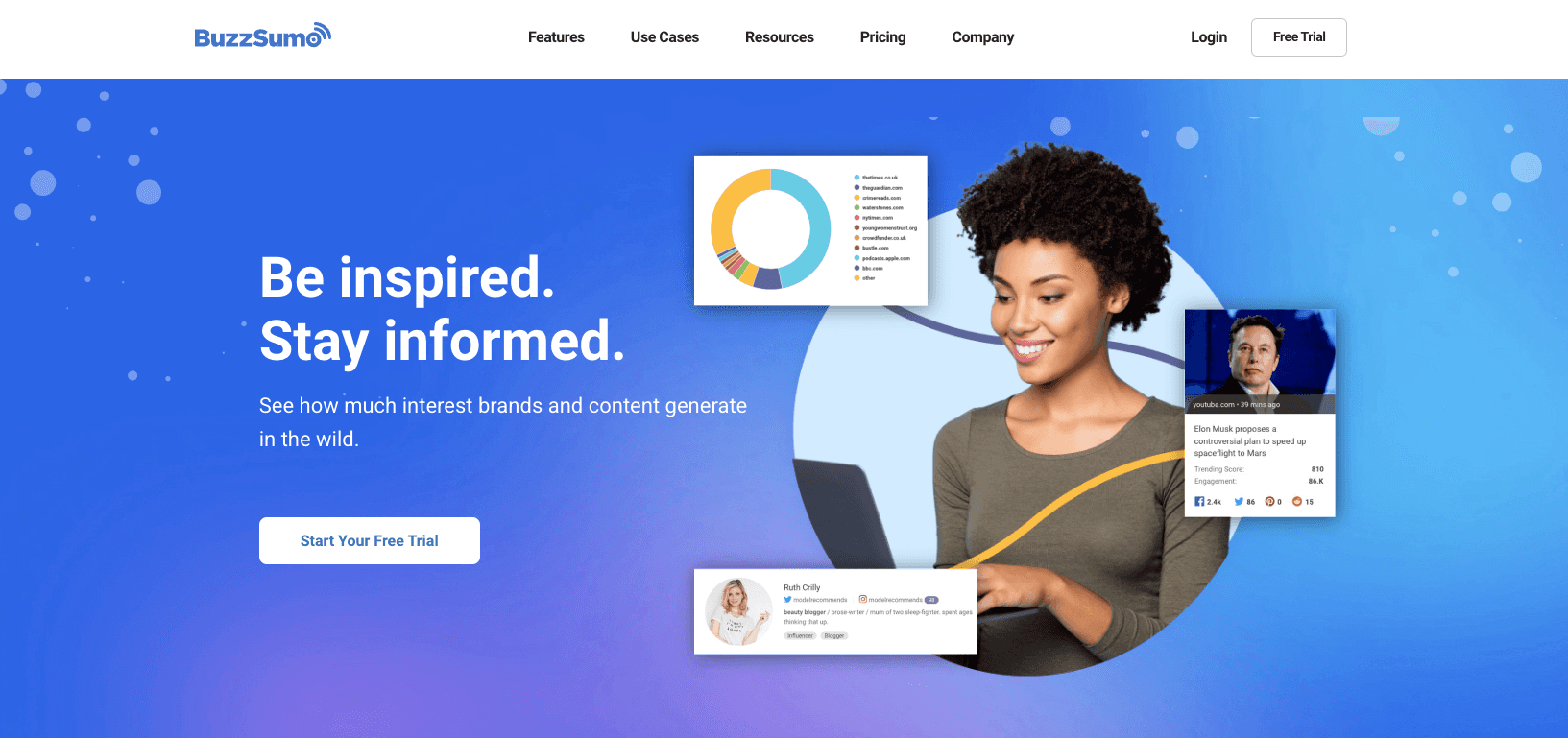
Buzzsumo is a comprehensive content research platform that helps you find trending topics and discussions across LinkedIn and other platforms.
While it's not exclusively focused on LinkedIn, it’s still an essential tool for creators who want to create timely, relevant content that resonates with their audience.
Using Buzzsumo, you can analyze content performance across different channels while giving you specific insights into what's gaining traction on LinkedIn. Furthermore, you can also track industry trends, monitor competitor content, and identify gaps in the current conversation that you can fill with your own unique perspective.
The tool has an extensive database that spans millions of articles, posts, and discussions, giving you a bird's-eye view of your industry's content aspect.
This broad perspective helps you understand not just what's trending on LinkedIn, but how these trends connect to wider industry conversations. This can help to make your content more comprehensive and authoritative.
Key Features
-
Content Research Dashboard — This gives you access to a comprehensive view of trending topics in your industry, complete with engagement metrics and performance data across different platforms. In simple words, this feature helps you identify content opportunities before they become oversaturated.
-
Trending Topic Alerts — You can set up custom alerts for specific topics, keywords, or competitors to stay informed about new trending content in real time.
-
Content Performance Analysis — This feature allows you to track how different types of content perform across various platforms, with specific insights into LinkedIn engagement patterns. This helps you optimize your content for maximum impact on LinkedIn.
-
Competitor Content Tracking — You can monitor your competitors' most successful content and understand what makes it perform well. Basically, you can use these insights to identify gaps in their content strategy and create unique angles for your own posts.
-
Content Backlink Analysis — Using this feature, you can discover which pieces of content earn the most backlinks and shares, so that you can create more authoritative and shareable content for your LinkedIn audience.
Pros
-
Extensive database of content across multiple platforms
-
Powerful trend detection algorithms
-
Real-time content alerts and monitoring
-
Detailed competitor analysis features
Cons
-
Higher price point than LinkedIn-specific tools
-
Some features may not be relevant for LinkedIn-only creators
Pricing
-
Content Creation — $199 per month (1 User)
-
PR & Comms — $299 per month (5 Users)
-
Suite — $499 per month (10 Users)
3. Kleo — Find Top-Performing Content & Creators
Kleo is built to help LinkedIn creators spend less time guessing what will work and more time sharing what matters. It gives you content‑inspiration and formatting tools inside LinkedIn — helping you identify trending post formats, preview how your drafts will look on mobile and desktop, and structure your posts so they engage.
For anyone looking to sharpen their content strategy, Kleo offers an efficient companion to your creator workflow.
Key Features:
-
Trending Post Finder: Discover top‑performing post formats, including carousels, images, and text posts, filtered by keyword, author or date.
-
Editor Preview Mode: See how your draft will appear on desktop, mobile and tablet before you publish.
-
Rich Formatting Tools: Add bold, italics, bullets, lists and line breaks within the LinkedIn editor via the Kleo sidebar.
-
Content Library + Templates: Access a collection of 160+ post templates and examples tailored for LinkedIn creators.
-
Creator Scorecard Reports: View engagement metrics (based on publicly available data) such as post frequency, virality, profile growth for any LinkedIn creator.
Pros:
-
Excellent for post‑idea generation and understanding what’s already working on LinkedIn
-
Helps you plan and format posts that “look right” on all devices
-
No cost barrier — entry is free for most features
-
Lightweight: works inside LinkedIn via a sidebar, no external dashboard needed
Cons:
-
Does not provide scheduling or direct publishing capabilities
-
Limited in‑depth analytics for your posts (focuses more on others’ performance)
-
Premium design or branding tools and templates are limited compared with full‑design platforms
-
As a browser extension, dependent on LinkedIn’s interface changes (potential maintenance risk)
Pricing: Free to use — best suited for creators who want to improve their LinkedIn content quality and strategy without adding another scheduling tool.
4. Canva — Design Scroll-Stopping Carousels
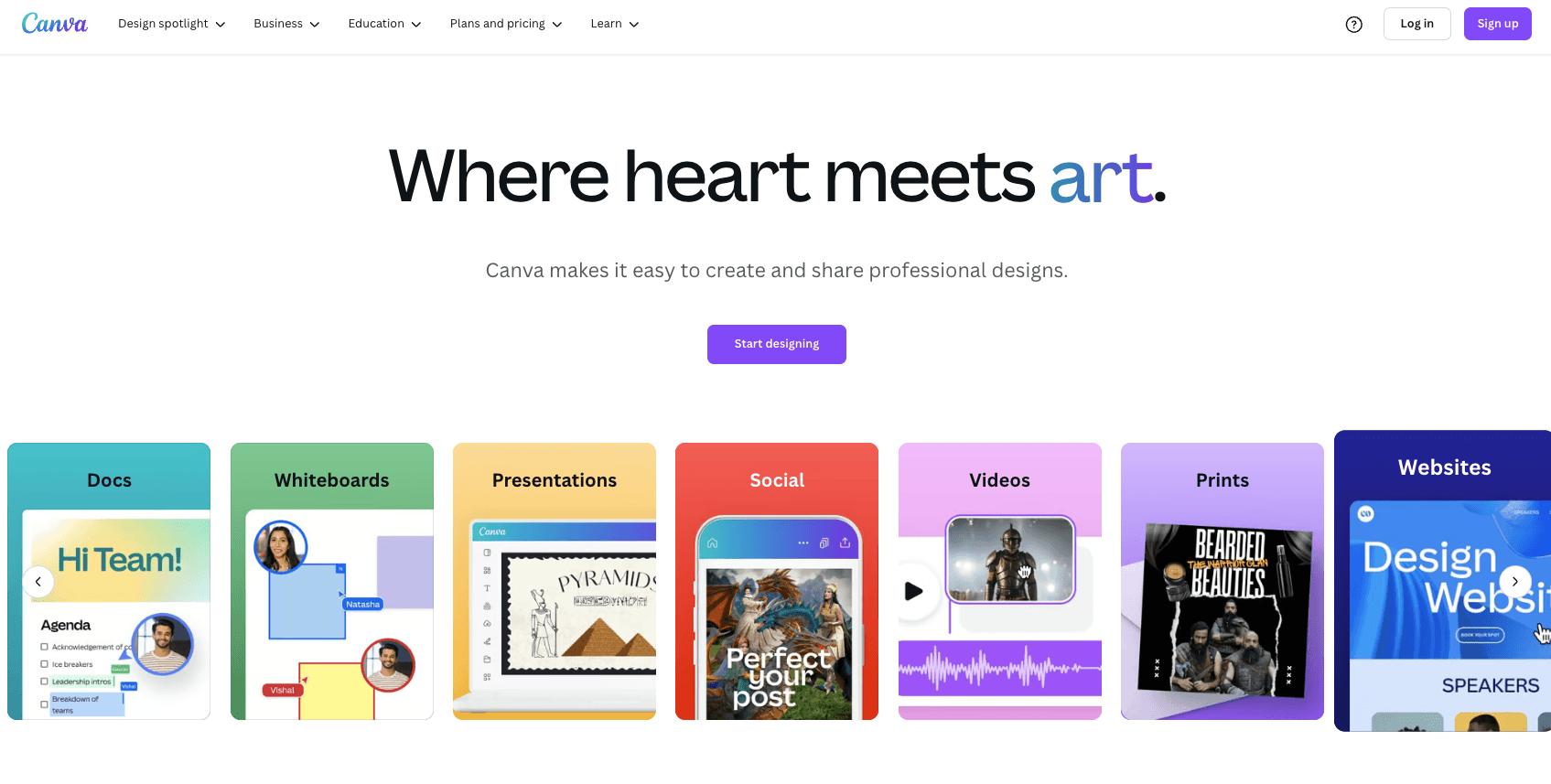
Canva is a widely popular, go-to design tool for millions of people (including LinkedIn creators) around the world.
In other words, it’s a user-friendly, online graphic design tool that offers a vast array of templates specifically optimized for LinkedIn's various content formats.
However, Canva is particularly valuable for LinkedIn creators because it offers templates that strike the perfect balance between engaging and professional —exactly what your LinkedIn audience expects.
Whether you're creating carousel posts, article featured images, or custom profile banners, Canva helps you maintain a consistent, professional brand image.
Most importantly, Canva keeps up with LinkedIn's evolving visual trends, regularly updating its template library with fresh, contemporary designs that perform well on the platform.
This means you're always equipped to create visuals that feel current and engaging.
Key Features
-
LinkedIn-Optimized Templates — Canva offers access to thousands of pre-designed templates specifically sized for LinkedIn posts, banners, and carousel content. The best part? Each template is professionally designed and easily customizable to match your brand.
-
Brand Kit Integration — Using this feature, you can store your brand colors, logos, and fonts in one place for consistent visual branding across all your LinkedIn content. Furthermore, it ensures your content remains instantly recognizable to your followers.
-
Collaboration Tools — You can work seamlessly with team members or clients on design projects, and get feedback and approval on your LinkedIn visuals before posting.
-
Content Planner — This lets you schedule and organize your visual content directly in Canva, helping you maintain a consistent visual presence on LinkedIn.
-
Smart Resize — You can easily convert your designs instantly to different LinkedIn content formats without losing quality or needing to start from scratch.
Pros
-
Extremely user-friendly interface
-
Vast library of professional templates
-
Regular updates with new features and designs
-
Affordable pricing options
-
Strong collaboration features
-
Integrated stock photo and element library
Cons
-
Some advanced design features are limited to the Pro version
-
Can be slow with large design files
Pricing
-
Canva Free — $0 per month
-
Canva Pro — $15/user per month
-
Canva Teams — $10/user per month (minimum 3 users)
5. Submagic — Add Auto Captions That Engage
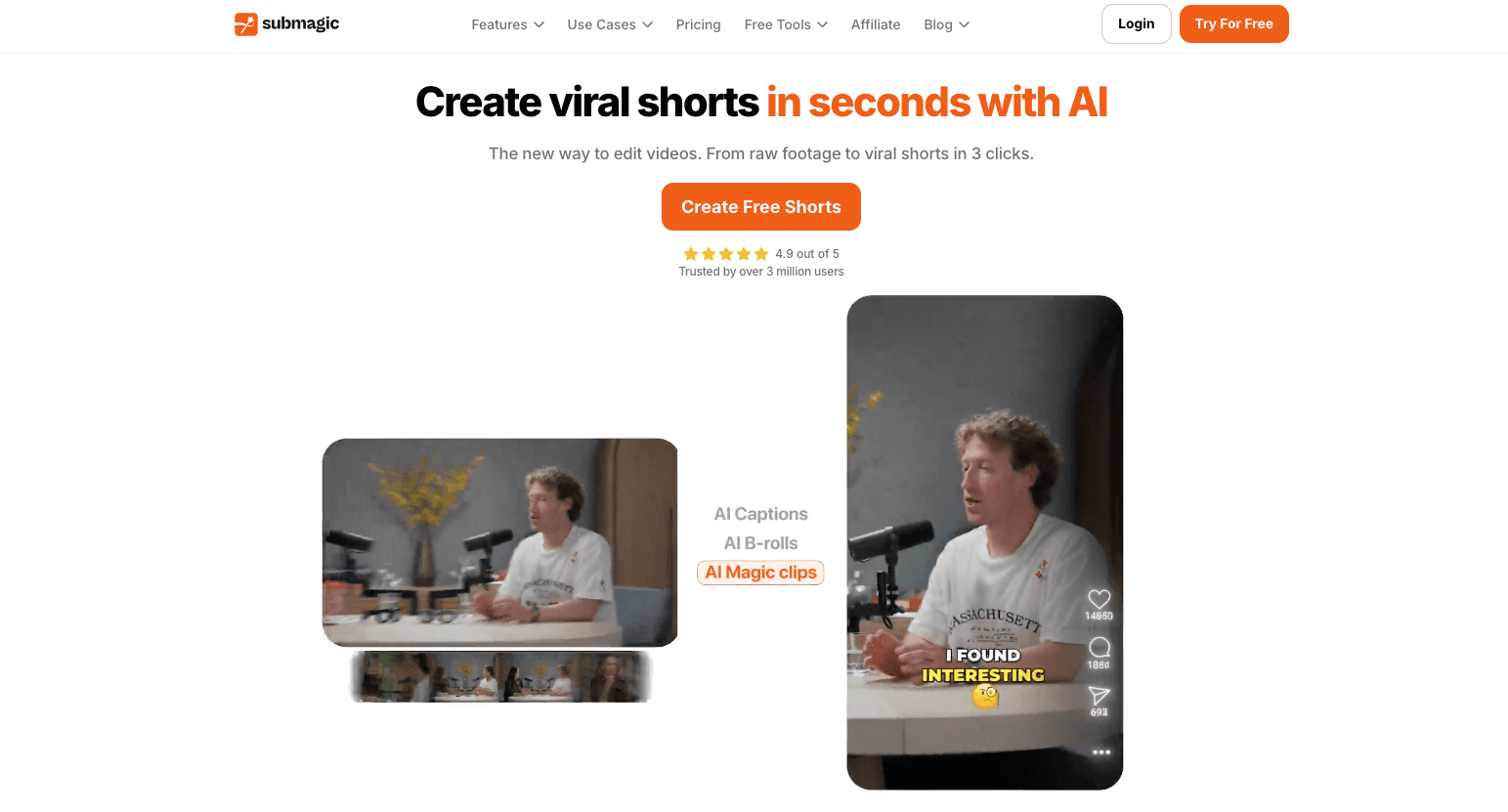
Submagic is an emerging AI video editing tool that's revolutionizing how you create and optimize short-form video content for LinkedIn.
This powerful platform understands that video content on LinkedIn needs to be both professional and engaging, which is why it is accurately optimized to help you transform raw footage into polished, attention-grabbing videos that resonate with your professional audience.
The best thing about Submagic is it analyzes your content to automatically identify key moments, generate captions, and suggest optimal cuts for maximum impact.
This is particularly valuable for LinkedIn, where viewers often watch videos without sound in their professional environments, and clear messaging is crucial.
Whether you're turning webinar recordings into bite-sized insights or creating quick tips from longer presentations, Submagic helps you maintain professional quality while saving hours of editing time.
Key Features
-
Captions — It helps you generate accurate, professional-looking captions in multiple styles and languages automatically. The AI ensures perfect timing and placement while allowing you to customize fonts, colors, and positions to match your brand aesthetic.
-
Magic Clip — This feature automatically identifies and extracts the most engaging moments from your longer videos, creating perfectly timed clips ideal for LinkedIn's short-form format.
-
Auto-Zoom — The tool automatically detects key areas of interest and applies subtle zoom effects to maintain viewer engagement.
-
Transitions — You can choose from a variety of LinkedIn-appropriate transition styles that keep your content looking sophisticated.
-
Background Music — The tool helps you match music to your video's tone and automatically adjusts volume levels for perfect background ambiance.
-
B-Roll — The AI suggests and places B-roll clips that enhance your story and maintain viewer interest throughout your video.
-
Image & GIFs — The platform offers a curated selection of business-appropriate visuals that enhance your message without compromising professionalism.
-
Sound Effects — you can choose from a library of professional sound effects that complement your content without being distracting.
-
Auto Description — This feature analyzes your video content to generate engaging, SEO-friendly descriptions that help it get discovered.
Pros
-
Powerful AI that saves significant editing time
-
User-friendly interface
-
High-quality automatic captioning
-
Professional template designs
-
Excellent for repurposing long-form content
Cons
-
AI editing may sometimes need manual adjustments
-
Limited advanced manual editing options
Pricing
-
Starter — $19 per month (1 User)
-
Professional — $49 per month (3 Users)
6. Descript — Turn Long Videos into LinkedIn Clips
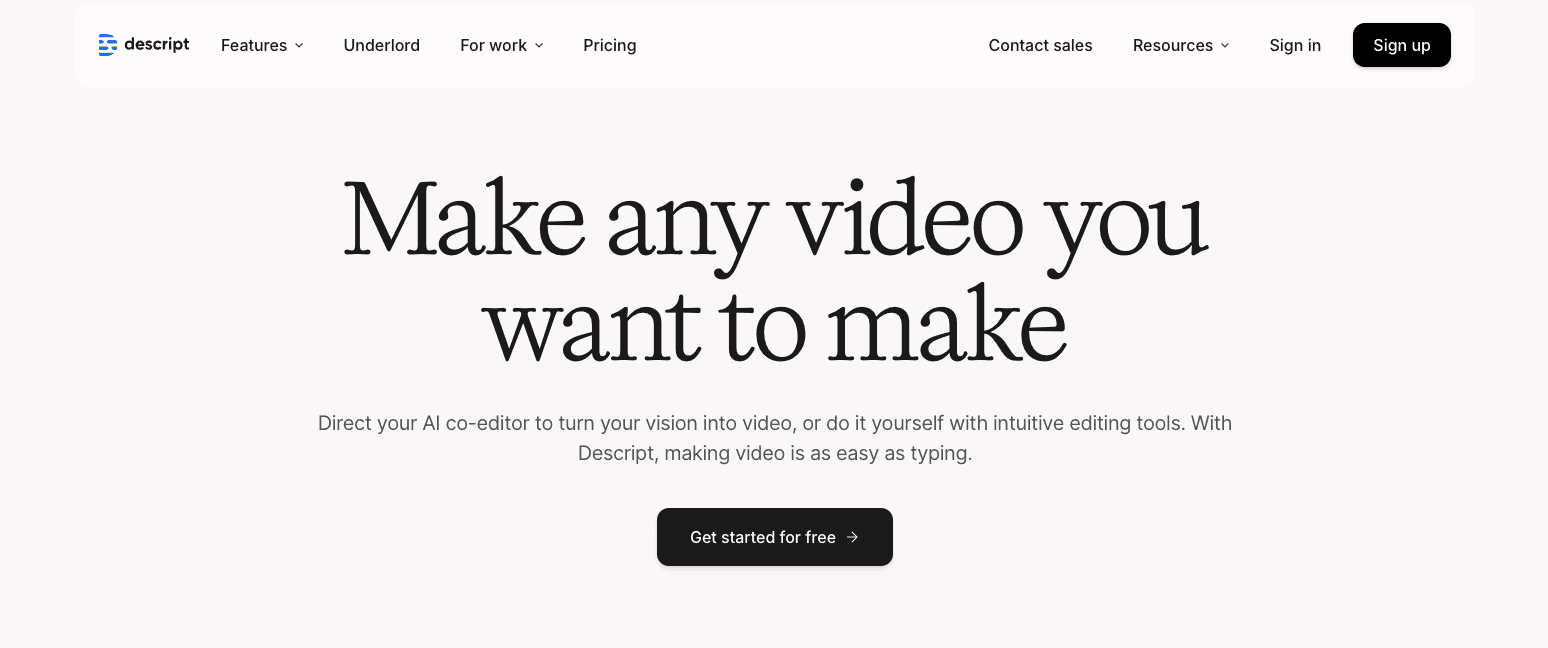
Most LinkedIn creators spend 3-4 hours editing a single 10-minute video. That's insane.
Descript flips video editing on its head. It is a revolutionary video and podcast editing platform that's transforming how LinkedIn creators approach video content creation through its unique text-based editing approach.
Instead of dragging timelines and cutting clips, you edit your videos like a Google Doc.
You just need to upload your video, get an instant transcript, then delete unwanted text. The video automatically adjusts. Want to remove that awkward "um" at 2:47? Just delete it from the transcript. Done.
Bottom line: If you're creating video content for LinkedIn (and you should be), Descript eliminates the biggest barrier — time-consuming editing.
Key Features
-
Video Editing — You can edit videos by simply editing the auto-generated transcript. When you cut, copy, or delete text, the corresponding video segments automatically adjust, making professional video editing as simple as working with a text document.
-
Screen Recorder — The platform offers high-quality screen recording capabilities built directly into the editor, perfect for creating tutorial content, software demonstrations, or walkthrough videos for your LinkedIn audience without needing separate recording software.
-
Captions — Descript automatically generates accurate captions for your videos with customizable styling options. You can adjust fonts, colors, and positioning to match your brand while ensuring your LinkedIn videos are accessible to all viewers.
-
Transcription — The AI-powered transcription engine converts your audio and video content into editable text with industry-leading accuracy, making it easy to repurpose your content into LinkedIn articles, posts, or quotes.
-
Podcasting — You can record, edit, and publish podcast content with professional-grade tools including remote recording capabilities, multi-track editing, and automatic audio enhancement – ideal for creating podcast clips to share on LinkedIn.
-
AI Speech — Using Overdub technology, you can create an AI clone of your voice to make corrections, add new content, or update information in your recordings without having to re-record entire segments, saving hours of production time.
Pros
-
Revolutionary text-based editing approach
-
Excellent transcription accuracy
-
Time-saving automated features
-
Professional-quality output
-
Great for repurposing long-form content
Cons
- Some advanced video effects are limited
Pricing
-
Hobbyist — $24/person per month
-
Creator — $35/person per month (Up to 3 users)
7. PosterMyWall — Quick Visuals for Daily Posts
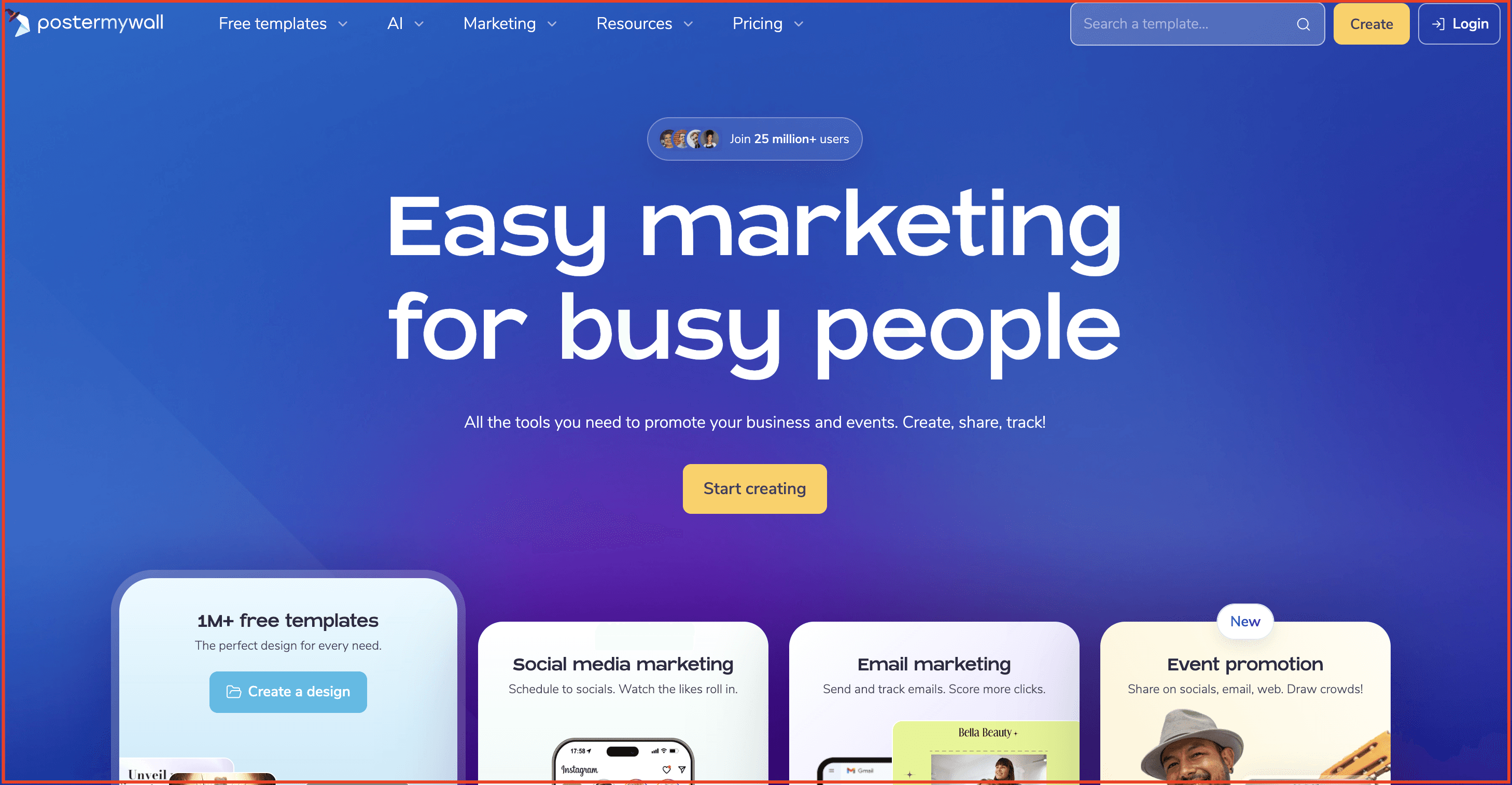
PosterMyWall is a powerful, beginner-friendly design and marketing tool used by small businesses, content creators, and marketers around the world. It’s an all-in-one online platform that not only helps you design professional graphics but also lets you publish, promote, and resize content.
What makes PosterMyWall particularly valuable for LinkedIn creators is its built-in publishing and scheduling tools, combined with thousands of engaging, professionally designed templates that are optimized for LinkedIn and beyond.
Whether you're designing LinkedIn carousel posts, profile banners, event promos, or marketing visuals, PosterMyWall helps you create high-impact content while saving time.
Key Features
-
LinkedIn-Ready templates — PosterMyWall gives you access to thousands of customizable templates tailored to LinkedIn formats like carousels, banners, and promotional posts. Every design is modern, engaging, and ready to personalize.
-
Publishing and scheduling — Unlike most design tools, PosterMyWall lets you publish and schedule LinkedIn posts directly from the platform. No need for extra tools.
-
Email marketing — Reach your LinkedIn audience beyond the platform by turning your designs into branded email campaigns for events, updates, or lead nurturing. Send directly from PosterMyWall!
-
Track your performance — Check your LinkedIn post’s engagement, reach, shares, likes, clicks and more.
-
Resize in one click — Want to repurpose a LinkedIn post for Instagram or email? You can instantly resize your design to multiple dimensions without starting from scratch.
-
Event marketing — Easily design and promote events with customizable, shareable event pages
-
Brand Kits — Upload your brand’s fonts, logos, and colors to create a consistent, recognizable identity across all your LinkedIn and marketing content.
-
Video & animation support — Add motion to your LinkedIn posts with animated templates and stock video. It’s a simple way to stand out in crowded feeds.
Pros
-
All-in-one design, publishing, and marketing platform
-
Extremely easy for beginners
-
Huge template library including video, image, and animated designs
-
Integrated stock library (photos, videos, music)
-
No design experience required
-
Affordable even for solopreneurs
-
Mobile apps for on-the-go design
Cons
-
Advanced branding features (like Brand Kits) available only in Premium
-
Collaboration options are limited compared to some alternatives
Pricing
-
Free Plan — $0/month (basic quality downloads and limited features)
-
Premium Plan — $9.95/month (includes HD downloads and email/social publishing)
-
Premium Plus — $29.95/month (no limits, advanced tools like AI Writer)
8. Crystal Knows — Personalize Every DM and Outreach
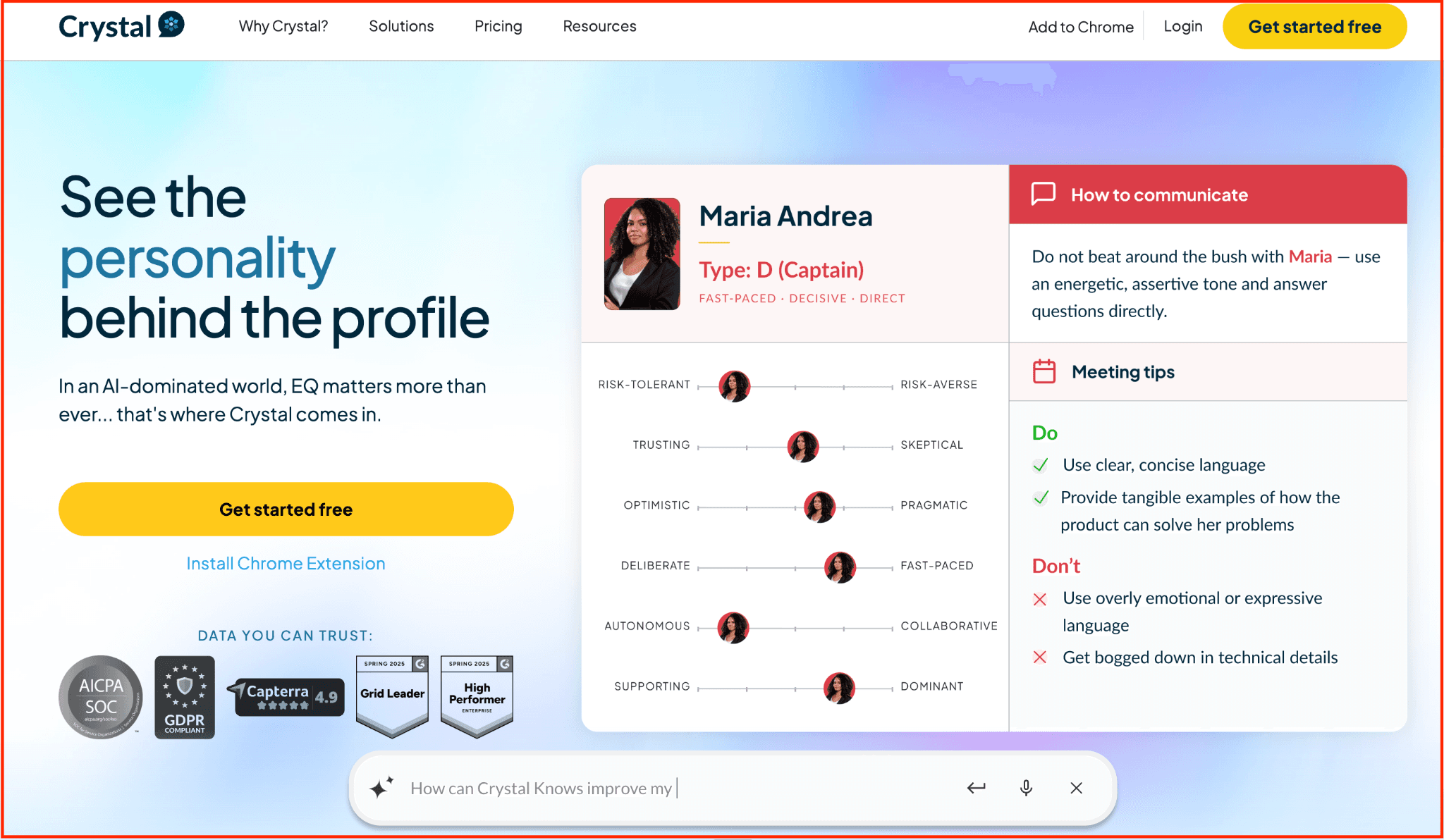
Crystal Knows helps creators and marketers communicate more effectively on LinkedIn by revealing how their audiences prefer to be addressed. It uses personality AI to analyse LinkedIn profiles and generate real-time communication tips — helping you write comments, DMs, and pitches in a tone that resonates.
For anyone trying to build real relationships on LinkedIn, Crystal removes the guesswork and brings science to human connection.
Key Features:
-
Personality AI Profiles: Get DISC-based personality insights on LinkedIn connections or prospects, with breakdowns of traits like tone preference, communication style, and motivators.
-
Message Suggestions: Receive tailored suggestions for how to write cold messages, comments, and introductions based on the recipient’s personality type.
-
Chrome Extension for LinkedIn: Use Crystal directly on a LinkedIn profile without switching tools — insights are embedded into the experience.
-
Real-time Writing Tips: Get dos and don’ts while writing DMs or outreach, including words to avoid, tone to match, and call-to-action guidance.
-
Team Collaboration Tools: Sales and content teams can sync personality data across platforms such as HubSpot, Salesforce, and Gmail to coordinate outreach.
Pros:
-
Instant insights to tailor messages and comments
-
Works seamlessly inside LinkedIn via Chrome
-
Great for creators, marketers, and outreach teams
-
Helps build trust faster through aligned communication
Cons:
-
Limited functionality outside of messaging and tone suggestions
-
Some personality assessments may feel too rigid or AI‑assumed
-
Best results require regular use to justify subscription pricing
Pricing:
-
Free plan available with basic insights
-
Premium plans start at $49/month — ideal for creators or teams who do regular LinkedIn outreach and want to optimise every message.
9. Shield App — Measure and Improve What Works
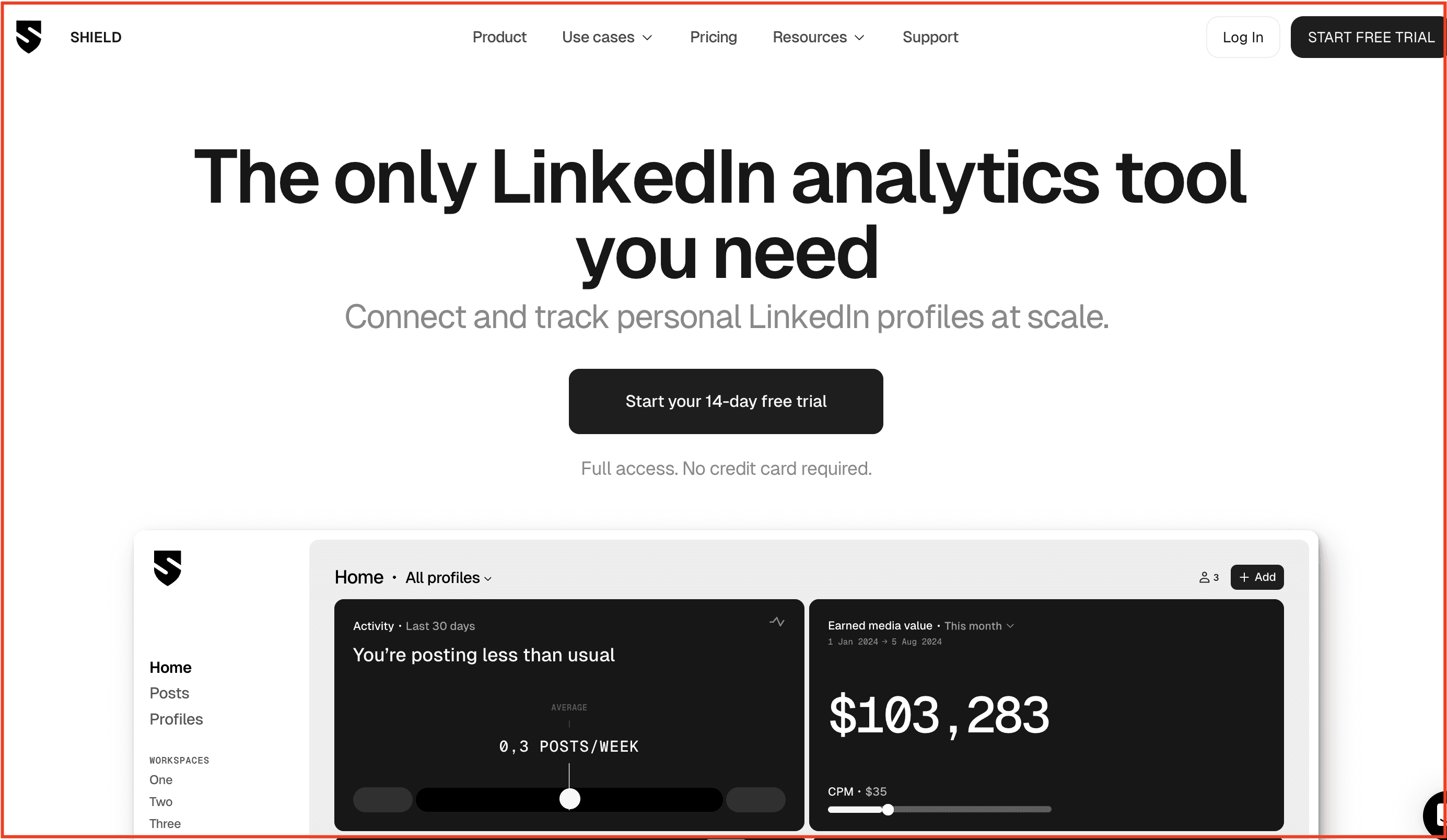
Shield App is built for LinkedIn creators who treat their profiles as strategic growth channels—not just social feeds. This analytics‑first tool tracks impressions, engagement rates, post types, follower growth and audience demographics, allowing you to see what content is truly moving the needle.
By replacing manual spreadsheets or LinkedIn’s limited native insights, Shield helps you spot patterns in your posting, optimise your format mix, and focus more on what converts rather than what simply posts.
Key Features:
-
Historical data archive: Pull in your full LinkedIn post history and analyse performance over months or years.
-
Content‑type breakdown: See which formats (text, image, carousel, video) get the highest engagement on your profile.
-
Audience and profile growth tracking: Monitor connection/follower trends, profile views, and reach of your content.
-
Filterable dashboards & CSV exports: Customise views by date, keyword, format or hashtag to uncover hidden insights; export data for deeper analysis.
-
Multi‑profile/agency mode: Manage analytics across multiple LinkedIn profiles or workspaces—especially useful for creators with side projects or agencies with client accounts.
Pros:
-
Let's you quantify LinkedIn growth and content ROI in a way LinkedIn doesn’t natively support
-
Highly useful for identifying what post formats or topics actually work for your audience
-
Works well for creators, consultants and small teams looking to evolve from “just posting” to “posting with purpose”
-
Multi‑profile support makes it viable for creators managing multiple accounts or service‑based professionals
Cons:
-
It’s analytics‑only—no content creation, scheduling or publishing features
-
Some users report that the UX and team collaboration features feel behind newer tools
-
Pricing may feel steep given the tool’s scope is focused purely on LinkedIn analytics, not full‑stack content workflows
Pricing: Paid plans start around $15/month for individual creators; higher tiers for teams and analytics‑heavy users
Conclusion
Most creators don’t fail because of a lack of ideas — they fail because managing ideas, creation, and engagement across disconnected tools becomes overwhelming. The real growth on LinkedIn in 2026 will come from creators who treat it like a system — one that blends creativity with consistency and data.
This guide brought together 9 creator tools that make that system work — from finding ideas to designing carousels, analysing insights, and scaling engagement.
If you want one platform that unites all of this, Supergrow helps you plan, create, and publish every post that builds your audience and your brand — faster.
👉 Start your free trial today and see how Supergrow can help you build a stronger, more consistent LinkedIn presence.