
Most teams searching for AI tools for social media are not exploring AI out of curiosity. They are trying to fix execution problems—slow content production, inconsistent posting, low engagement, or unclear performance signals. The challenge is that many social media AI tools focus on isolated features, making it harder to build an end-to-end workflow.
The best AI tools for social media marketing solve one job clearly—whether that’s content creation, analytics, video editing, or scheduling—and fit into a system that supports consistency and outcomes.
In this guide, we’ve shortlisted practical AI tools for social media based on how buyers evaluate them in real scenarios, helping you choose the right tools for each stage of your social media workflow without overlap or guesswork.
TL;DR: AI Tools for Social Media (Quick Comparison)
| AI Tool | Category | Primary Use Case |
|---|---|---|
| Supergrow | LinkedIn content system | Create, manage, publish, and engage with LinkedIn content consistently |
| Brandwatch | AI social media analytics | Monitor audience sentiment, trends, and competitor conversations |
| Canva | AI content creation | Design social media visuals, posts, and carousels quickly |
| HeyGen | AI video creation | Generate presenter-style social videos without filming |
| CapCut | AI video editing | Edit and optimise short-form videos for social platforms |
| Buffer AI | AI social media scheduler | Schedule and publish posts across multiple social networks |
| FeedHive | AI content repurposing | Turn one post or idea into multiple social media variations |
7 Best AI Tools for Social Media — Content, Analytics & Growth
1. Supergrow — AI-Powered LinkedIn Content System
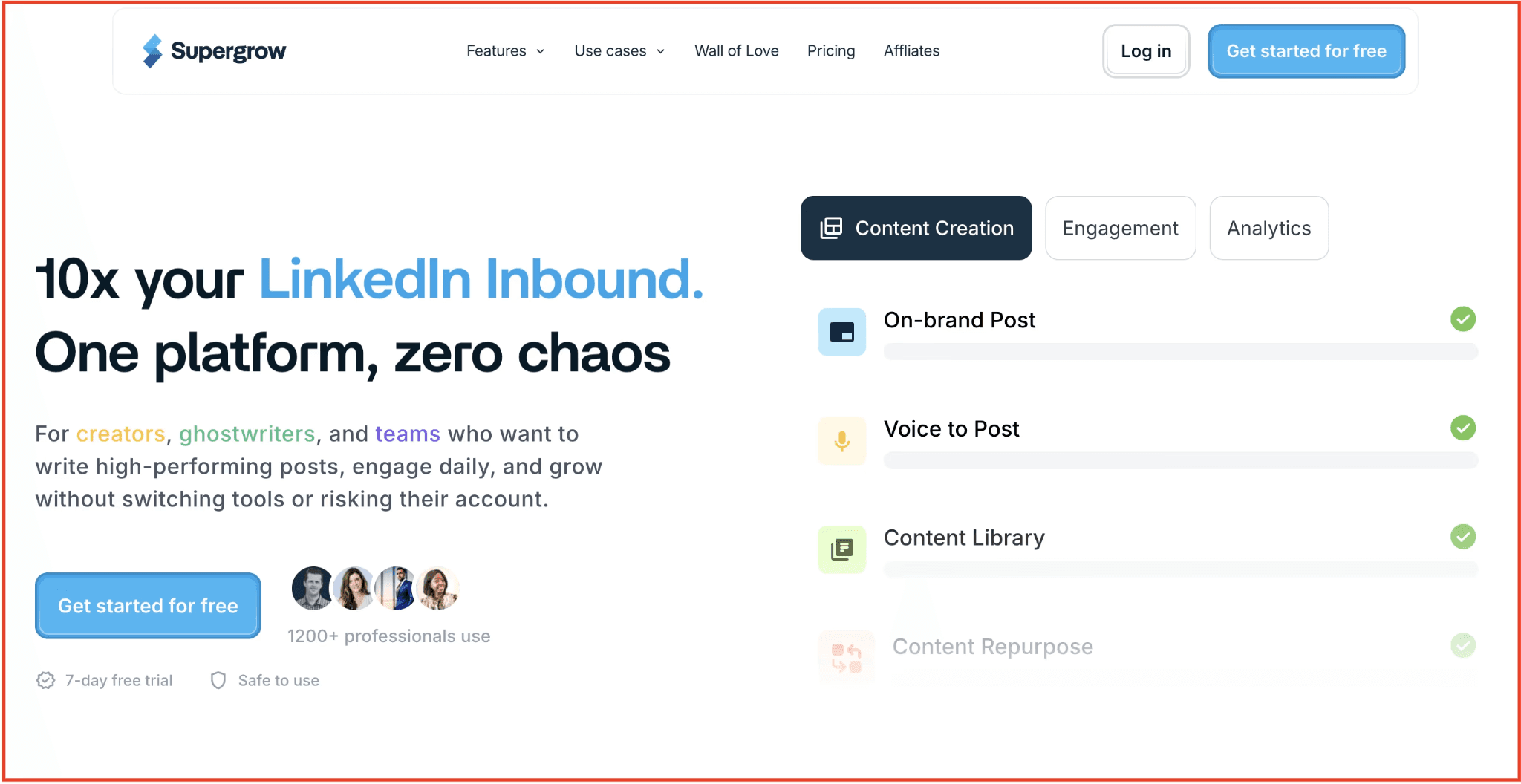
Supergrow is built specifically to close that gap. As an AI social media marketing tool designed for LinkedIn, Supergrow brings structure to the entire LinkedIn content lifecycle—from ideation and drafting to publishing, engagement, and performance tracking. Instead of stitching together AI writers, design tools, schedulers, and spreadsheets, teams use Supergrow to run LinkedIn as a repeatable system rather than a series of one-off posts.
What sets Supergrow apart from most AI tools for social media content creation is its focus on consistency and outcomes. The platform is designed for founders, marketers, and B2B teams who want to build visibility, authority, and inbound demand on LinkedIn without relying on risky automations or generic AI output.
If LinkedIn matters to your growth, Supergrow is a purpose-built AI social media management system for LinkedIn covering everything you need to execute well, week after week.
Best for: B2B founders, marketers, and agencies who want a structured, AI-powered system to run LinkedIn as a serious growth channel.
Not for: Teams looking for multi-platform scheduling or lightweight AI post generators. Supergrow is built for long-term LinkedIn execution, not casual posting.
Key Features
-
AI-assisted LinkedIn content creation: Draft original posts and repurpose ideas while preserving your writing style and point of view.
-
Draft management and approval workflows: Organize drafts, reviews, and approvals so content never gets lost or stalled.
-
AI branded carousel generator: Create on-brand LinkedIn carousels without switching to external design tools.
-
LinkedIn-first scheduling with auto-commenting: Publish posts and schedule first comments to maximize early engagement.
-
LinkedIn analytics: Understand what formats and topics drive reach, interaction, and consistency.
Pros
-
Covers the full LinkedIn execution workflow in one system
-
Designed specifically for LinkedIn, not generic social media
-
Balances AI assistance with authenticity and control
-
Reduces operational friction across teams and clients
-
Strong fit for agencies managing multiple LinkedIn accounts
Cons
-
Not designed for Instagram, TikTok, or X workflows
-
Requires commitment to LinkedIn as a primary channel
-
May feel structured for users who prefer ad-hoc posting
Why Supergrow stands out in this list
Most AI tools for social media solve individual tasks—writing, designing, scheduling, or analytics.
Supergrow solves the LinkedIn execution problem end-to-end. It is built for teams that want predictable outcomes from LinkedIn, not just more posts.
👉Start your free trial of Supergrow to simplify your LinkedIn content workflow—from planning to publishing.
2. Brandwatch — AI Analytics & Audience Insights

Brandwatch is an AI tool for social media teams that need to understand what audiences are saying, how sentiment is shifting, and why conversations are changing across platforms.
As an AI social media analytics solution, it aggregates conversations from social networks, forums, blogs, and news sources to help brands track perception, monitor competitors, and identify emerging trends that influence social strategy. Rather than focusing on publishing or engagement, Brandwatch’s value lies in turning unstructured social data into reliable intelligence.
Within the broader landscape of AI social media marketing tools, Brandwatch is used primarily at the insight and decision layer. Marketing and brand teams rely on it to validate campaign impact, detect reputation risks early, and inform content direction using real audience signals. If your goal is to power social media decisions with data—not guesswork—Brandwatch fills the analytics gap that most social media AI tools do not address.
Best for: Brand, marketing, and insights teams that need AI-driven social listening and analytics to inform content strategy, reputation management, and competitive positioning.
Not for: Teams looking for AI social media management, scheduling, or content creation tools—Brandwatch is an insight platform, not a publishing system.
Key Features
-
Real-time social listening across platforms — Track brand mentions, keywords, and sentiment at scale.
-
Trend detection and alerts — Automatically notify teams when unusual activity or negative sentiment spikes occur.
-
Customizable dashboards & visual reporting — Build visual outputs that fit internal decision-making needs.
-
Competitor and market benchmarking — Compare share of voice and audience trends against competitors.
-
Audience segmentation & sentiment analysis — Break down audiences and conversations to inform targeting.
Pros
-
Strong fit for AI social media analytics use cases
-
Excellent visibility into audience sentiment and trends
-
Highly customizable reporting for stakeholders
-
Broad data coverage beyond social networks
-
Valuable for long-term strategic insights
Cons:
-
Steeper learning curve than most social media AI tools
-
Sentiment analysis may need manual validation
-
Not suitable for lightweight teams or basic needs
3. Canva — AI Tool for Visual Design
Canva is one of the most widely adopted AI tools for social media content creation, designed to help teams create on-brand visuals quickly without relying on professional designers.
As a visual-first AI tool for social media, Canva combines templates, brand kits, and AI-powered design assistance to simplify the creation of static posts, carousels, and lightweight motion assets. Its strength lies in reducing design turnaround time while maintaining visual consistency across social channels.
Within the broader ecosystem of AI tools for social media marketing, Canva is used at the production layer—specifically for visual asset creation. Social media managers and marketers use it to transform ideas into ready-to-publish visuals, experiment with layouts, and adapt designs for different formats without switching tools. If your priority is efficiently scaling visual output for social media, Canva is a reliable social media AI tool for design execution, not strategy or distribution.
Best for: Social media managers, marketers, and small teams who need AI-assisted visual content creation for social media at speed and scale.
Not for: Teams looking for AI social media scheduling, analytics, or video-first editing workflows—Canva focuses on visual design, not publishing or performance tracking.
Key Features
-
AI-powered design assistant (Magic Design): Generate layouts and design suggestions based on content input.
-
AI image generation and background removal: Create or modify images using text prompts and automated editing tools.
-
Extensive social media templates: Pre-built templates optimised for platforms like LinkedIn, Instagram, and X.
-
Brand kits and style controls: Maintain consistent fonts, colours, and visual identity across assets.
-
Collaboration and asset sharing: Enable teams to create, review, and reuse social media visuals efficiently.
Pros
-
Strong fit for AI tools for social media content creation
-
Minimal learning curve for non-designers
-
Large template library optimised for social formats
-
AI features speed up repetitive design tasks
-
Supports collaborative social media workflows
Cons
-
Limited capabilities for advanced video editing
-
AI image generation lacks fine creative control for complex concepts
-
Not suitable for social media scheduling or analytics needs
4. HeyGen — AI Video Creation Using Avatars
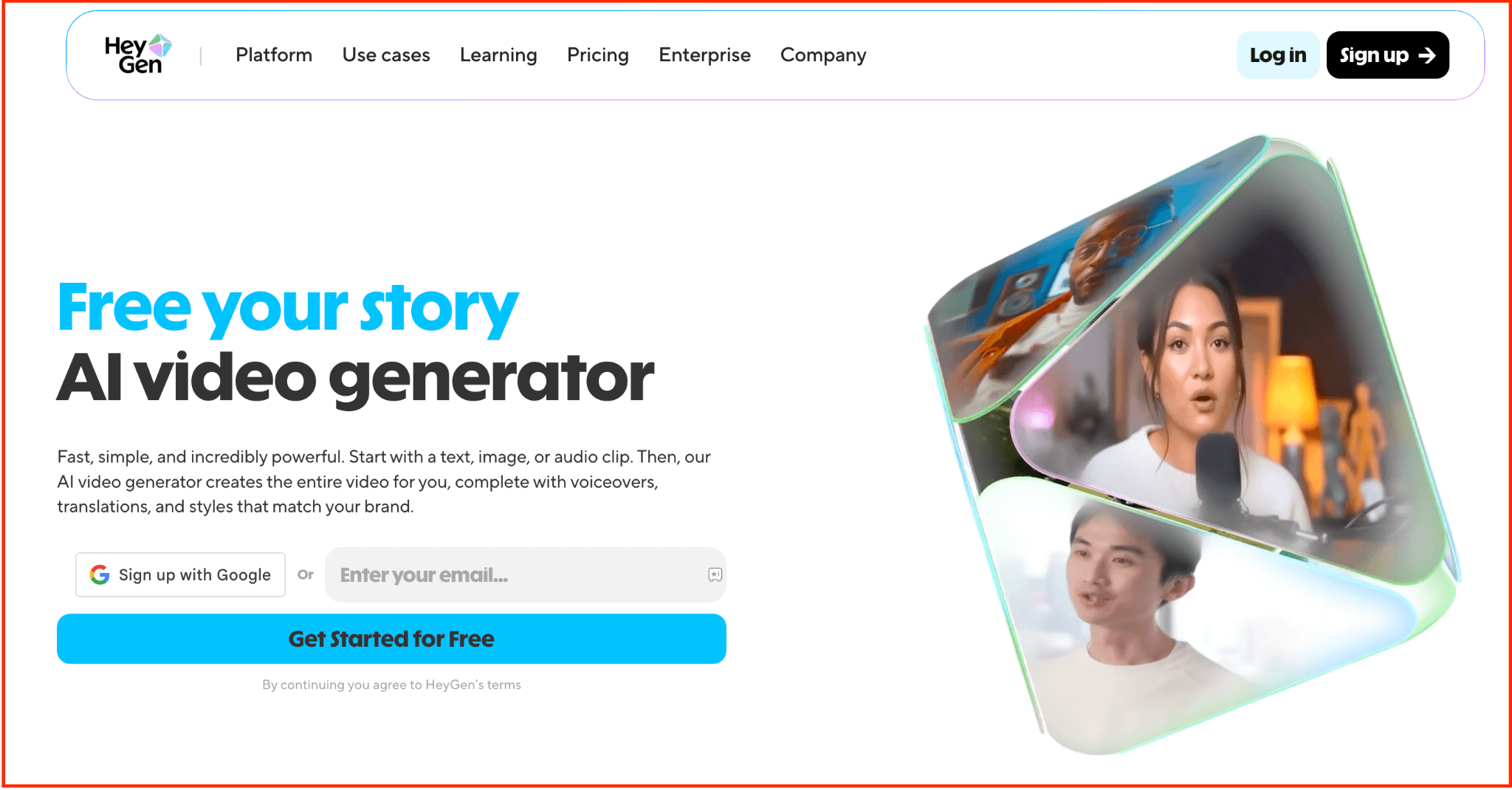
HeyGen is an AI tool for social media teams that want to create video content without filming, editing timelines, or production setups.
As an AI video creation platform, it allows marketers to generate presenter-style videos using AI avatars and voice synthesis, making it easier to produce consistent video content at scale. Rather than focusing on post-production, HeyGen’s core value is to replace the filming process entirely.
Within the broader category of AI social media marketing tools, HeyGen operates at the content-generation layer, specifically for video. Social teams use it to produce explainers, announcements, product walkthroughs, and thought-leadership clips without needing cameras or on-screen talent. If your goal is to scale video output efficiently using AI tools for social media content creation, HeyGen fills a very specific gap that design, editing, or scheduling tools do not.
Best for: Marketing and social media teams that need AI-generated talking-head or presenter-style videos for social platforms without filming.
Not for: Teams looking for AI video editing, short-form montage creation, or social media scheduling—HeyGen generates videos but does not edit existing footage or manage publishing.
Key Features
-
AI avatar video generation: Create presenter-style videos using pre-built or custom avatars.
-
Text-to-video workflow: Convert scripts into finished videos without cameras or microphones.
-
Multi-language voice and localisation support: Generate videos in different languages for global audiences.
-
Custom avatar creation: Build brand-specific or personal avatars for consistent video presence.
-
Template-based video formats: Accelerate production for common social video use cases, such as explainers or updates.
Pros
-
Strong fit for AI tools for social media video creation
-
Eliminates the need for filming or on-camera talent
-
Consistent video output at scale
-
Useful for educational and announcement-style content
-
Reduces production time for social video workflows
Cons
-
Limited flexibility for creative or cinematic video styles
-
Not suitable for editing or enhancing existing video clips
-
AI avatars may feel generic for highly personal brand storytelling
5. CapCut — AI-Assisted Short-Form Video Editing
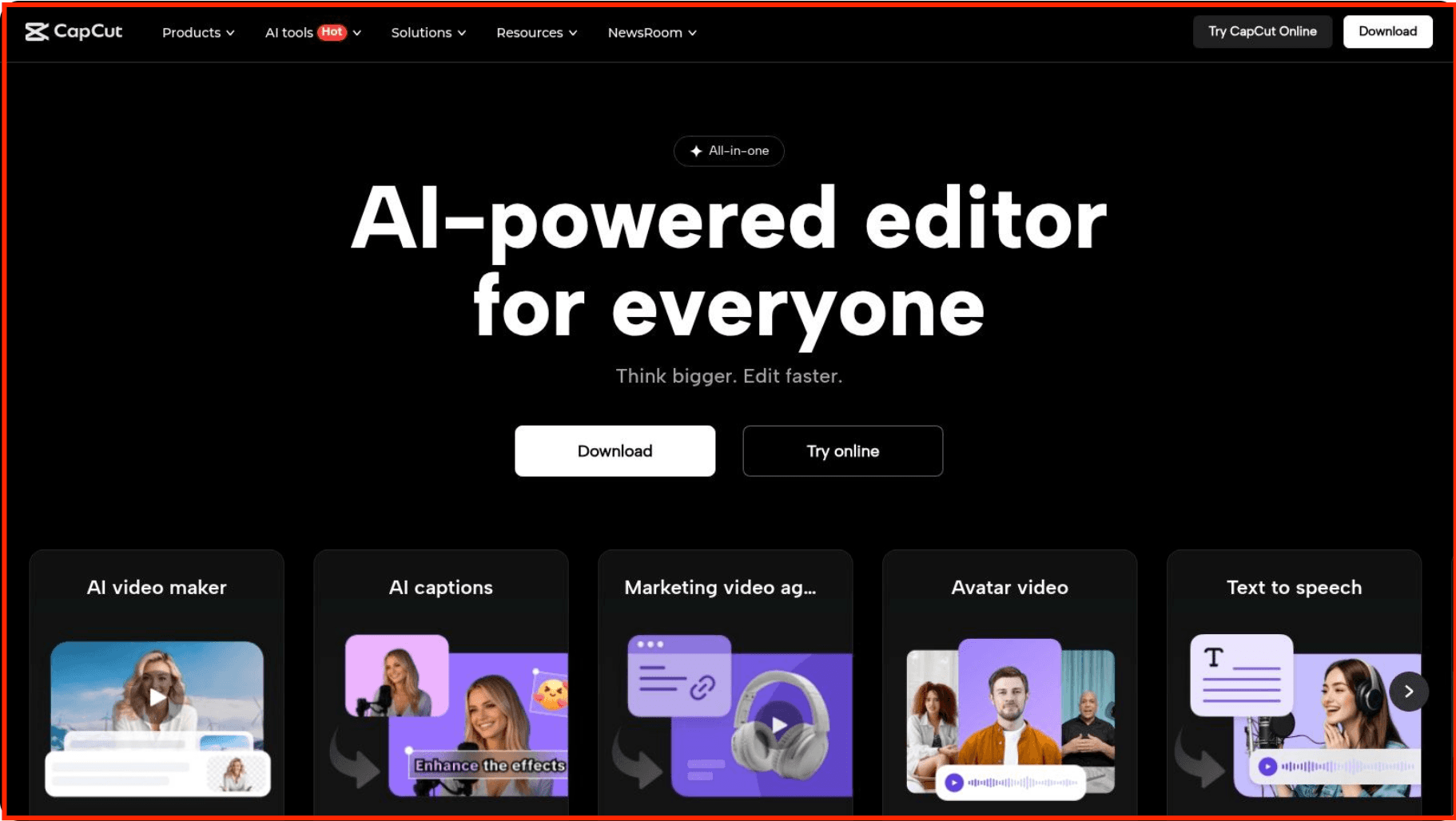
CapCut is an AI tool for social media teams that already have video footage and need to edit it quickly for platform-specific formats.
As an AI-powered video editing tool, CapCut automates time-consuming post-production tasks, including captioning, trimming, transitions, and aspect-ratio optimisation for short-form content. Its value lies in speeding up editing workflows rather than generating videos from scratch.
Within the broader ecosystem of AI social media marketing tools, CapCut operates at the post-production layer. Social media managers and creators use it to turn raw clips into polished, scroll-ready videos optimised for platforms like Instagram Reels, TikTok, and LinkedIn video. If you are evaluating AI tools for social media content creation specifically for editing and optimisation, CapCut fills that role without overlapping with AI video generators or schedulers.
Best for: Creators and social media teams that need AI-assisted editing for short-form social videos at speed.
Not for: Teams looking for AI video generation, avatar-based content, or AI social media scheduling—CapCut edits footage but does not create or distribute content.
Key Features
-
AI auto-captions and subtitles: Generate captions automatically with timing aligned to spoken audio.
-
Smart video trimming and scene detection: Remove pauses and cut clips efficiently using AI assistance.
-
Platform-optimised video formats: Resize and adapt videos for different social media aspect ratios.
-
Built-in effects and transitions: Apply effects suited for short-form social content without manual editing.
-
Template-driven short-form edits: Speed up repetitive editing tasks for social video workflows.
Pros
-
Strong fit for AI tools for social media video editing
-
Reduces manual editing time significantly
-
Easy to use for non-professional editors
-
Well-optimised for short-form social platforms
-
AI captions improve accessibility and engagement
Cons
-
Limited control for advanced or cinematic editing workflows
-
Not suitable for AI-generated or avatar-based video creation
-
Less effective for long-form or multi-layer video projects
6. Buffer AI — AI Scheduling & Multi-Platform Distribution
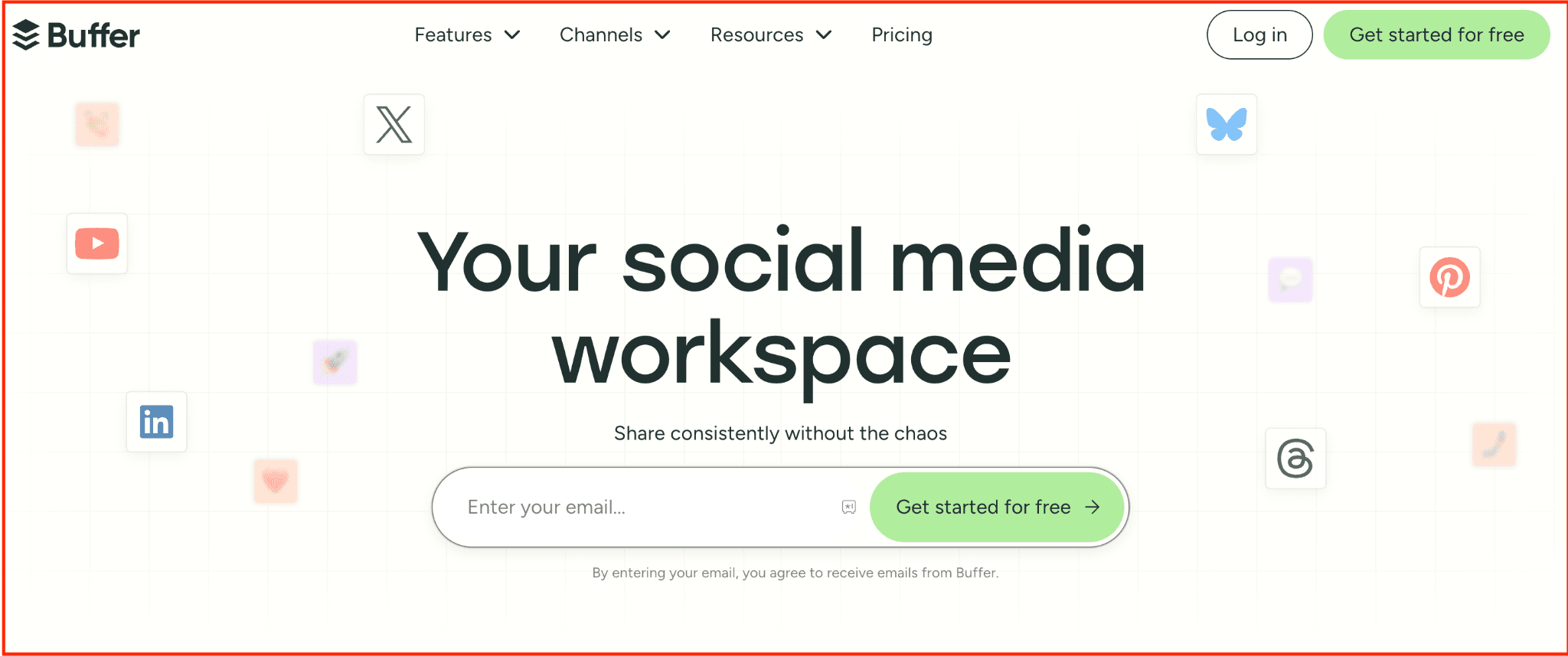
Buffer AI is an AI tool for social media teams whose primary challenge is publishing content consistently across multiple platforms.
As an AI social media scheduler, it helps marketers plan, queue, and distribute posts while using AI assistance to optimise captions and posting cadence. The tool is designed to reduce the operational friction of managing several social channels at once, not to replace platform-specific content workflows.
Within the broader category of AI social media management tools, Buffer AI sits firmly at the distribution layer. Social media managers use it after content is finalised to ensure reliable publishing across platforms like LinkedIn, X, Instagram, and Facebook. If you are evaluating AI tools for social media marketing focused on scheduling and execution—rather than creation or analytics—Buffer AI fills that role cleanly.
Best for: Teams managing multiple social platforms that need AI-assisted scheduling and content distribution from a single dashboard.
Not for: Teams looking for deep AI content creation, social listening, or platform-specific workflows—Buffer AI focuses on publishing, not ideation or insight.
Key Features
-
AI-assisted caption suggestions: Improve clarity and tone of social captions before scheduling.
-
Multi-platform scheduling and queues: Publish posts across several social networks from one calendar.
-
Best-time posting recommendations: Use AI-informed timing suggestions to improve reach and consistency.
-
Content calendar and queue management: Maintain a predictable publishing cadence across platforms.
-
Team collaboration and approval workflows: Enable review and approval before posts go live.
Pros
-
Strong fit for AI social media scheduling use cases
-
Simple, reliable multi-platform publishing
-
Reduces manual effort in managing posting calendars
-
Easy onboarding for small and mid-sized teams
-
AI assistance improves speed of distribution workflows
Cons
-
Limited depth in AI social media analytics
-
Not suitable for platform-specific content optimisation
-
AI features are supportive, not deeply customisable
7. FeedHive — AI Tools for Content Repurposing & Post Variations
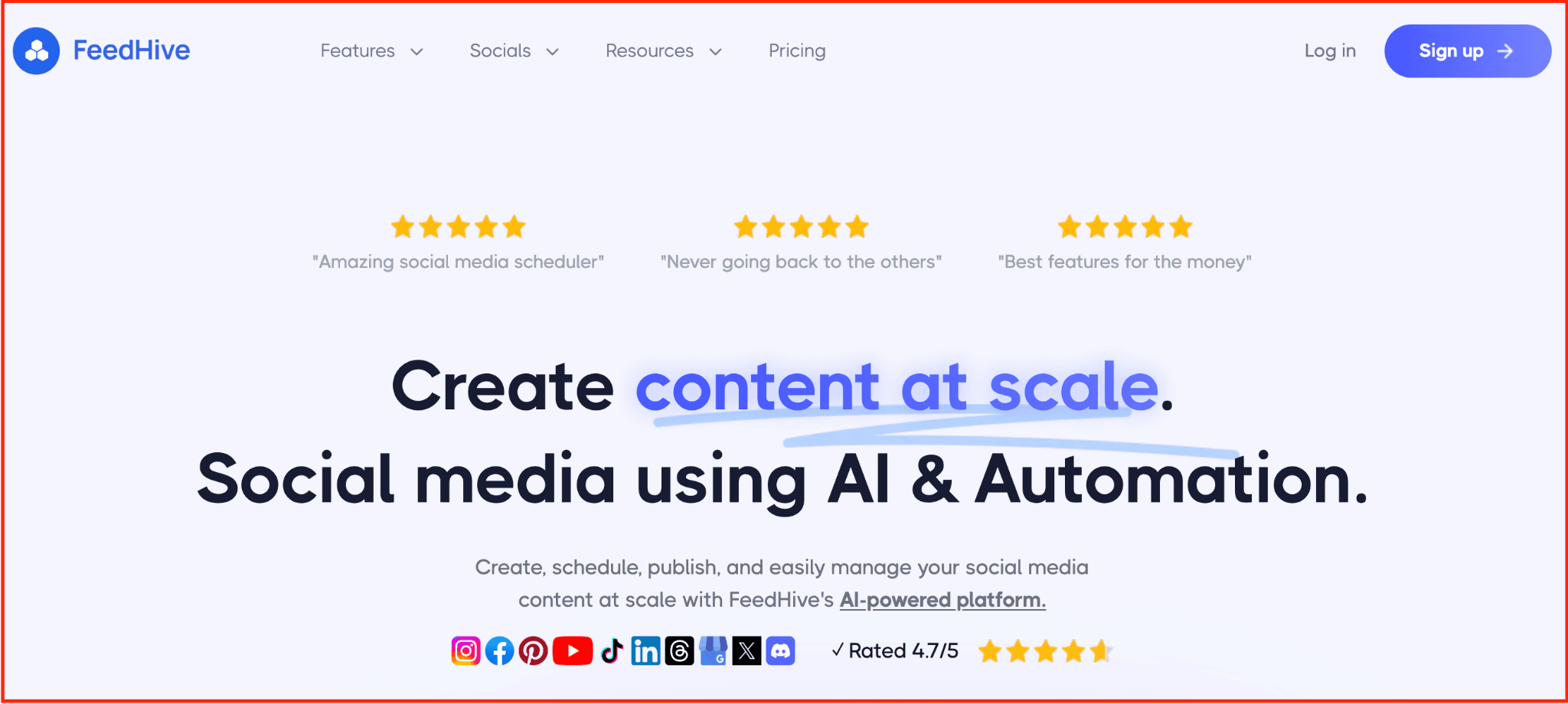
FeedHive is an AI tool for social media teams that already have content but want to extend its reach across platforms and formats.
As one of the AI tools for social media content creation focused specifically on repurposing, FeedHive uses AI to turn a single post, idea, or asset into multiple platform-ready variations. Instead of helping you create an original strategy or manage publishing at scale, it focuses on multiplying output from existing content.
Within the broader landscape of AI social media marketing tools, FeedHive operates at the reuse and optimisation layer. Social media managers use it to adapt posts for different platforms, experiment with alternative hooks, and maintain posting frequency without manually rewriting content. If your goal is to scale distribution efficiency using social media AI tools—without changing your core workflow—FeedHive fills that role cleanly.
Best for: Teams and creators who want to repurpose existing content into multiple social-ready variations using AI.
Not for: Teams looking for AI social media scheduling, analytics, or platform-specific content systems—FeedHive focuses on variation, not publishing or insights.
Key Features
-
AI-powered post variations: Generate multiple captions and format variations from a single input.
-
Platform-aware content adaptation: Tailor messaging for different social platforms without manual rewriting.
-
Hashtag and hook suggestions: Improve discoverability and engagement through AI-assisted enhancements.
-
Content recycling workflows: Reuse high-performing posts over time without duplication fatigue.
-
Light scheduling support: Optional scheduling for repurposed content (not a full scheduling system).
Pros
-
Strong fit for AI tools for social media repurposing
-
Reduces time spent rewriting similar posts
-
Helps maintain posting consistency across platforms
-
Useful for testing multiple angles from one idea
-
Complements existing creation and scheduling tools well
Cons
-
Not designed for original content strategy or ideation
-
Scheduling features are limited compared to dedicated tools
-
Less effective without an existing content library
Conclusion: Choosing the Right AI Tools for Social Media
Choosing the right AI tools for social media is less about adopting more software and more about fixing the parts of your workflow that break most often. The tools covered in this list are intentionally scoped to specific outcomes—insights, creation, editing, scheduling, and execution—so you can build a stack that supports consistency rather than complexity.
As you evaluate AI social media marketing tools, focus on how well they fit your current process and growth goals. The most effective setups are built by combining specialised tools where needed and relying on purpose-built systems when a channel, like LinkedIn, becomes critical to your strategy.
👉 Start your free trial of Supergrow and see how much easier LinkedIn can be.