
If you’re serious about growing on LinkedIn in 2026, you can’t rely on guesswork anymore. The algorithm rewards consistency, relevance, and audience resonance. But you only understand those if you’re measuring the right metrics.
That’s where most creators, consultants, and B2B marketers hit a wall: LinkedIn’s native analytics are too shallow to show why a post worked, who engaged, or what actually drives growth.
To make that easier, I’ve curated an updated 2026 list of the best LinkedIn analytics tools for individual creators, consultants, B2B marketers, and agencies managing multiple client accounts. These tools go beyond vanity metrics, helping you understand your audience, improve content performance, and turn insights into predictable growth.
Let’s break down the tools that actually help you grow.
TL;DR: Best LinkedIn Analytics Tools at a Glance
-
AuthoredUp – Ideal for post-level performance and writing improvements
-
Keyhole – Best for brands and agencies needing LinkedIn reporting and AI-backed analytics
-
Supergrow – Best all-in-one tool for personal branding + analytics
-
Taplio – For creators and solopreneurs looking to grow faster using data + AI
-
SocialChamp – Easy-to-use tool with multi-platform scheduling + analytics
-
SocialPilot – Affordable analytics for small teams managing multiple clients
-
Hootsuite – Legacy platform with powerful scheduling and team workflows
-
Social Insider – Best for competitive benchmarking and content audit
-
Rival IQ – Best for deep competitor tracking and cross-platform analytics
-
LinkedIn Native Analytics – Free built-in insights for beginners or casual users
10 Top LinkedIn Analytics Tools for 2026 — with Actionable Insights
Here’s a breakdown of the top LinkedIn analytics tools that actually help you improve your performance — not just report on it.
Each tool on this list is chosen for the clarity, insight, and action it gives you so you can make smarter content and growth decisions.
1. AuthoredUp
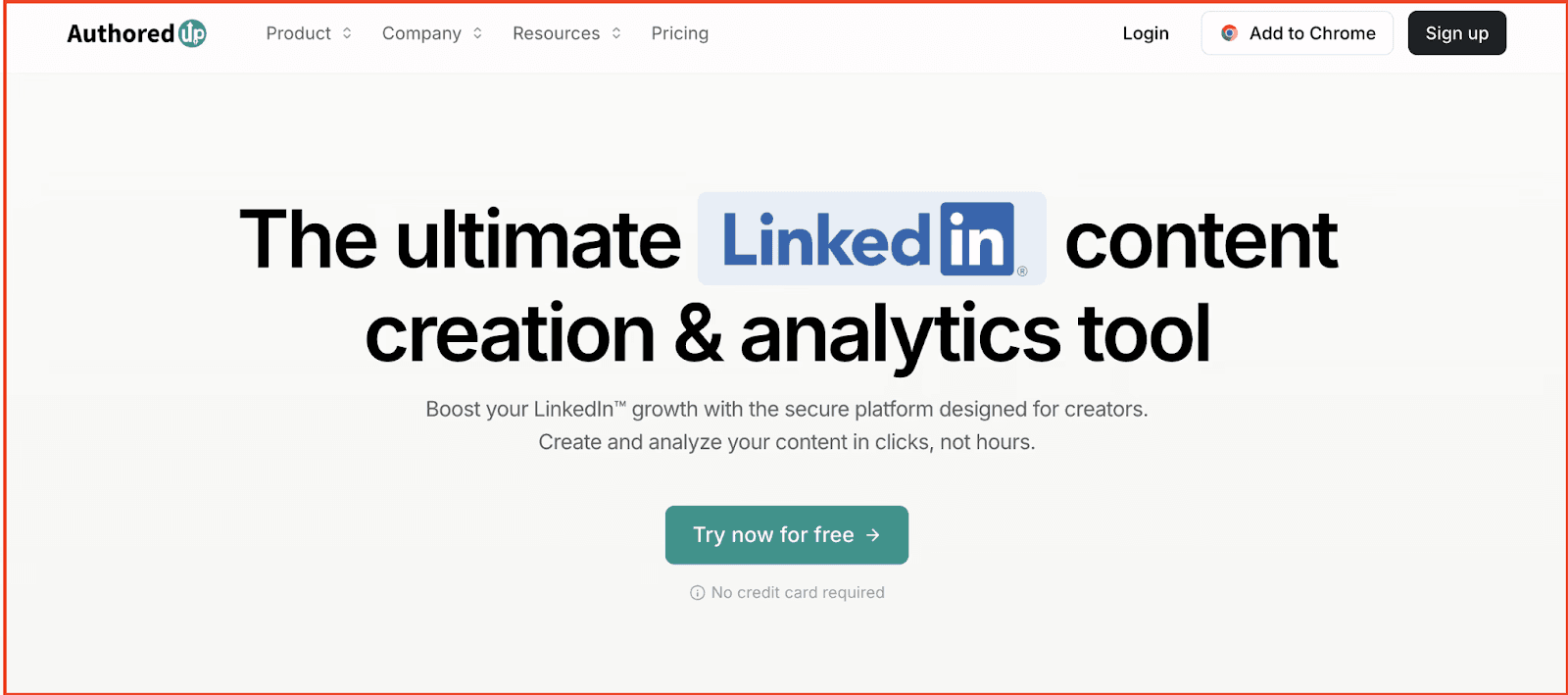
AuthoredUp is a powerful LinkedIn-native tool built for content creators looking to improve post quality and performance. While it’s known for its writing and formatting features, it also offers detailed analytics that go beyond what LinkedIn natively provides — helping you understand exactly what resonates with your audience.
It surfaces granular metrics like average scroll depth, time spent on post, and hook performance — making it easier to connect the dots between writing style and engagement. Whether you’re testing different formats or tracking audience preferences, AuthoredUp lets you evaluate content performance with clarity and precision.
Key Features of AuthoredUp:
-
Tracks performance across multiple content types: posts, carousels, polls, articles
-
Identifies high-performing post openers, formats, and CTA structures
-
Shows performance trends over time, including average views, comments, and reactions
-
Breaks down metrics by hook strength, post length, structure, and readability
-
Stores past post data in one dashboard — ideal for repurposing or analysis
-
Also includes formatting, writing, and idea-saving features
Pros
-
Excellent visibility into post structure vs. performance
-
Clean, distraction-free interface tailored to LinkedIn
-
Great for creators iterating on hooks and formats
-
No platform switching — works as a browser extension
Cons
-
Limited account-level analytics (e.g., follower growth, demographics)
-
No multi-account or team support
Pricing: AuthoredUp pricing starts at $19.95/month for individual creators, with a Business plan at $14.95/user/month for teams.
2.Keyhole
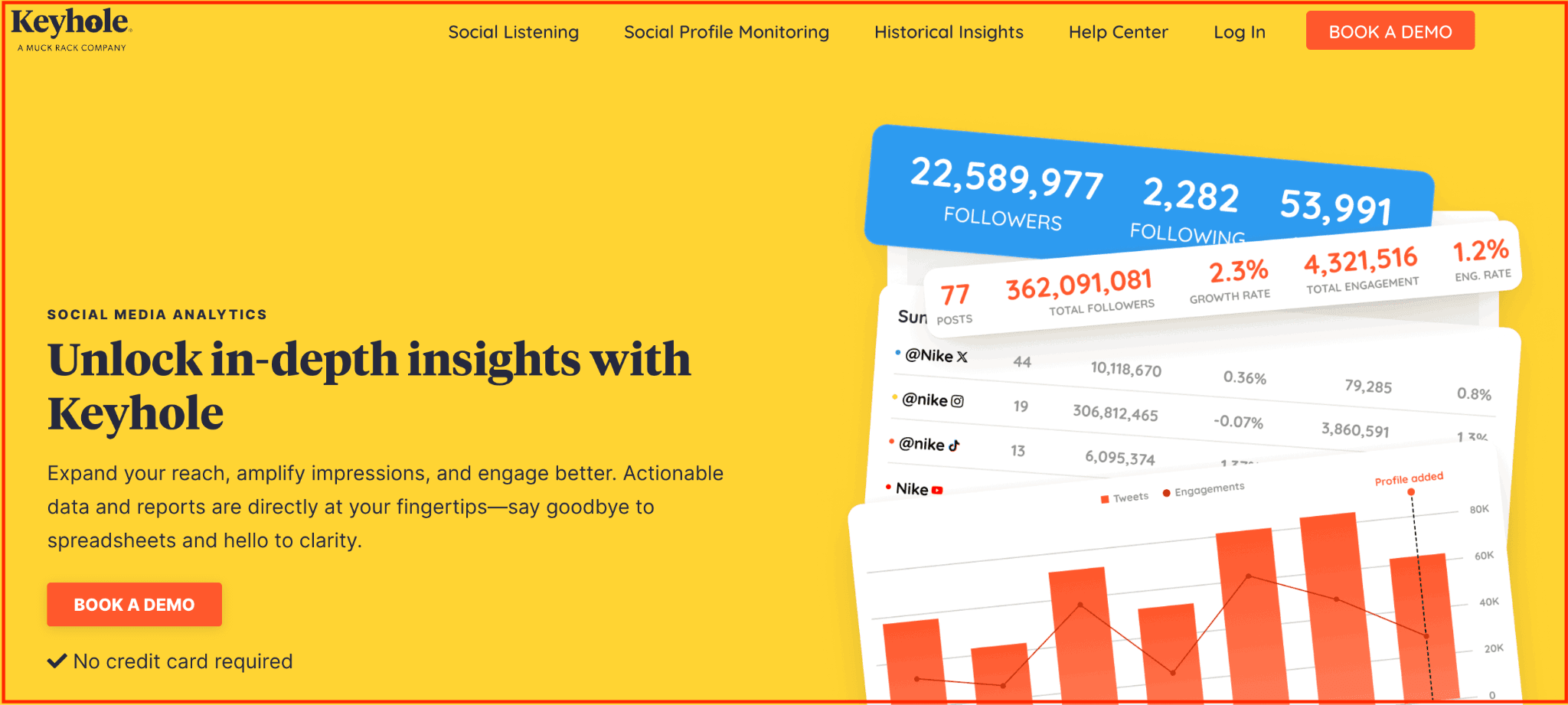
Keyhole is a social media analytics and listening platform built to help marketers, creators, and agencies gain a deeper understanding of their LinkedIn performance — beyond surface-level vanity metrics. It combines real-time data on content engagement, hashtag trends, competitor benchmarks, and sentiment tracking into a single dashboard.
Where most tools give you “what happened,” Keyhole tells you why it happened. You can monitor how your LinkedIn content performs against industry peers, uncover audience sentiment, and track branded or campaign hashtags in real time. Whether you manage a personal brand, a company page, or client accounts — Keyhole gives you strategic clarity to optimize what’s working and adjust what’s not.
Key Features of Keyhole
-
Track performance with real-time LinkedIn analytics across profiles and pages
-
Monitor branded hashtags and keywords to measure campaign traction
-
Benchmark your LinkedIn growth against competitors and industry averages
-
Access AI-powered sentiment analysis and social listening insights
-
Create and export custom LinkedIn reports for clients or internal teams
-
Collaborate with your team to streamline approval workflows and reporting
Pros
-
In-depth analytics for LinkedIn profiles and pages
-
Real-time campaign and hashtag tracking
-
Powerful competitive benchmarking
-
Excellent for multi-account and agency use
-
Social listening helps track brand perception
Cons
-
Not focused exclusively on LinkedIn (broader social data can feel noisy)
-
High cost for full feature access, especially for solopreneurs
Pricing: Keyhole pricing starts at $179/month for the Professional plan, $539/month for the Corporate plan, and $999/month for the Enterprise plan, with customized solutions available for larger teams.
3. Supergrow
Supergrow is built for professionals, creators, and teams who treat LinkedIn as a growth channel—not just a place to post once in a while.
From writing to scheduling posts and tracking your performance, Supergrow brings everything into one LinkedIn-first workspace. It’s perfect for freelancers and founders building personal brands and B2B teams managing an employee advocacy program.
While it’s not a heavy-duty analytics platform, Supergrow gives you clean, focused insights into what’s working: your top-performing posts, follower growth trends, and engagement activity. That’s exactly what you need to stay consistent, tweak your strategy, and grow intentionally.
Key Features of Supergrow:
-
AI Post Generator – Write posts from scratch or repurpose YouTube videos, blogs, or PDFs—trained on your voice, tone, and writing style.
-
Content Calendar & Kanban Board – Plan, schedule, and manage your post pipeline with clean calendar views and drag‑and‑drop status boards.
-
Carousel Maker – Turn ideas into swipeable, branded carousels without using external design tools or breaking your visual consistency.
-
First-Comment Scheduler – Schedule your CTA, hashtags, or added value content as a follow-up comment to boost visibility and early traction.
-
Voice-to-Post – Say your thoughts out loud and turn them into publish-ready LinkedIn content with the AI voice transcription tool.
-
Creator Analytics – Track follower growth, best-performing content, and audience engagement trends that help refine your content strategy.
Pros:
-
Everything you need for LinkedIn content creation in one workspace
-
First-comment scheduling + AI comment assistant to boost reach
-
Built-in carousel maker and voice-to-post feature
-
Post scheduling calendar streamlines the creator workflow
Cons:
-
Analytics are not as deep as competitor benchmarking tools
-
No support for platforms outside LinkedIn
Pricing:
Starter — $19/month (billed yearly): For solo creators getting started — includes Content DNA, PostCast AI interviews.
- Pro — $39/month (billed yearly): For creators and execs serious about visibility — everything in Starter, plus unlimited PostCast AI interviews, carousel maker, infographic generator, Supergrow MCP, profile analytics, and weekly report.
All plans include a 7-day free trial. Annual billing is available at a 20% discount.
👉Skip the chaos of scattered tools. Create, engage, and grow on LinkedIn with a system built for personal brand success—start your free trial of Supergrow today.
4.Taplio
Taplio is a LinkedIn-first platform designed to help professionals grow their presence, create better content, and track what’s working — all in one place. While best known for its AI writing assistant, it also offers robust analytics tailored for personal branding and audience growth.
It’s particularly useful for individual creators, founders, and consultants who want to measure content performance, track follower growth, and fine-tune their strategy using data that LinkedIn’s native tools often miss.
Key Features of Taplio:
-
Tracks post performance trends to identify top formats and hooks
-
Follower growth analytics with engagement breakdown
-
AI content assistant that learns from your past post data
-
Personal dashboard with weekly and monthly performance summaries
-
Lead tracking and engagement tools to connect content with conversions
-
Exportable analytics reports for content reviews and client updates
Pros
-
Combines analytics and content creation in a seamless workflow
-
Helps identify what content drives growth
-
Built for LinkedIn only — no distractions from other platforms
Cons
-
Limited multi-account management
-
High pricing for creators just starting out
Pricing: Taplio offers three pricing plans: Starter at $39/month, Standard at $65/month, and Pro at $199/month, depending on the level of features and growth support you need.
5.SocialPilot
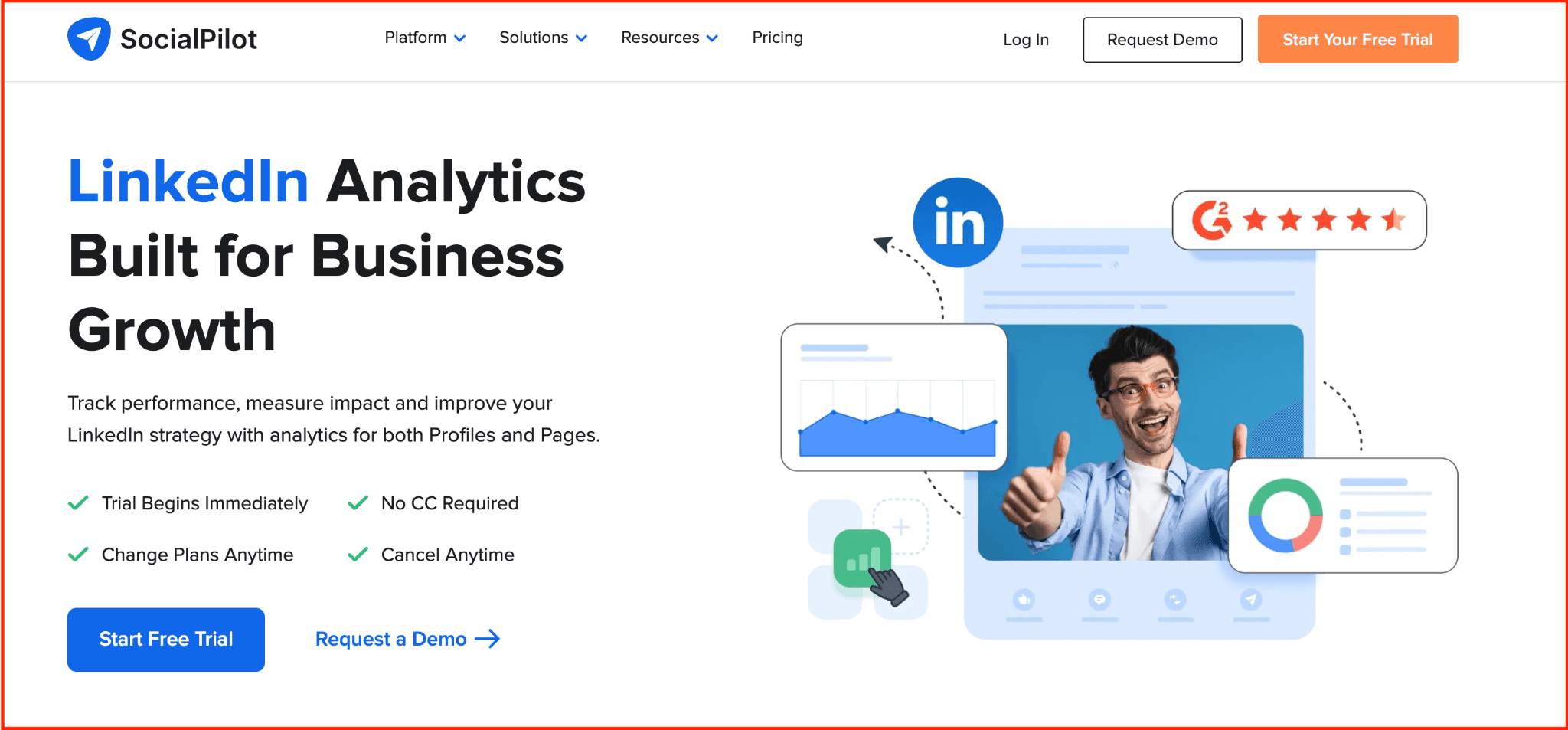
SocialPilot is a full-scale social media management platform with strong LinkedIn analytics capabilities built in. While it supports multi-channel planning, its LinkedIn features are especially useful for B2B marketers and agencies looking to manage publishing, monitor performance, and report on results — all in one place.
What sets it apart is how seamlessly it blends scheduling, analytics, and client collaboration. You not only get insights into what content is working on LinkedIn, but also the tools to act on it — whether you’re handling a solo brand or 30 client accounts.
Key Features of SocialPilot:
-
LinkedIn-specific analytics across pages and personal profiles
-
Tracks clicks, shares, impressions, and engagement trends
-
Exportable, branded reports — ideal for agency client reporting
-
Post scheduling and queueing for consistent publishing
-
Collaborate with team members using built-in approval workflows
-
White-label dashboards for resellers or client-facing teams
Pros
-
Covers both content management and analytics in one tool
-
Powerful reporting system for LinkedIn Pages and Profiles
-
Smooth client/team collaboration features
-
Scales well for agencies and large teams
Cons
-
Higher pricing tier needed to unlock advanced reporting
-
Overkill for individual creators focused only on analytics
-
The interface can feel cluttered with non-LinkedIn features
Pricing: SocialPilot offers four plans: Professional at $30/month, Small Team at $50/month, Agency at $100/month, and Agency+ at $200/month, catering to teams of different sizes and agency needs.
6. SocialChamp
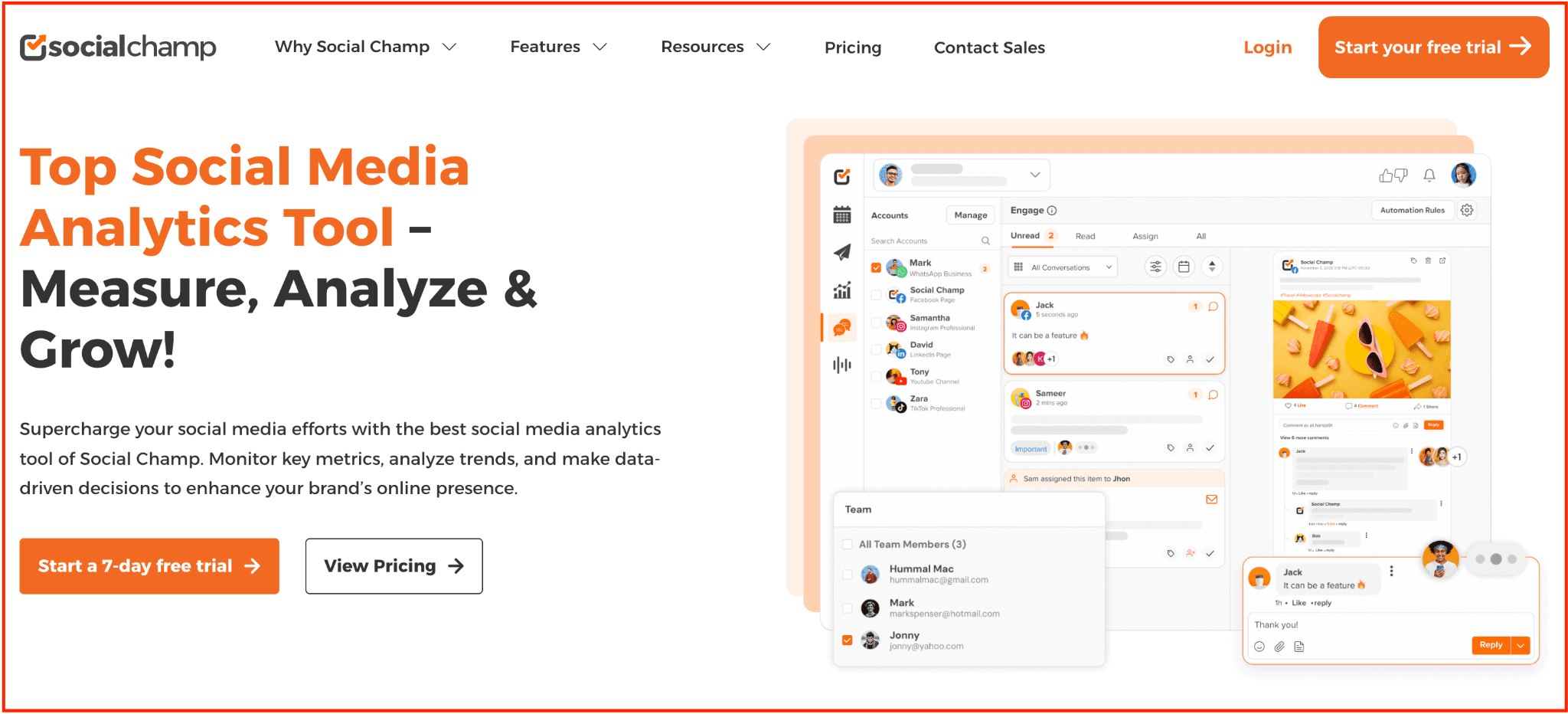
SocialChamp is a user-friendly social media management tool built for creators and teams looking to maintain a consistent presence across platforms — including LinkedIn. Its clean dashboard allows you to schedule content, track performance, and manage engagement from a single view, saving you time and effort.
What stands out for LinkedIn users is its built-in analytics dashboard and social inbox. You can monitor post engagement, track growth trends, and reply to comments or messages without logging into LinkedIn directly — a major plus for busy professionals.
Key Features of SocialChamp:
-
Schedule LinkedIn posts and carousels in advance
-
View performance metrics like clicks, shares, and reach
-
Use social inbox to reply to DMs and comments across platforms
-
Content recycling and AI tools to refresh top-performing posts
-
Team roles and approval workflows for smooth collaboration
-
LinkedIn analytics dashboard to identify top posts and timings
Pros
-
Great UI and easy onboarding
-
Supports all major social platforms, including LinkedIn
-
Social inbox simplifies engagement management
Cons
-
No support for LinkedIn lead gen or creator analytics
-
Fewer in-depth insights than dedicated LinkedIn-only tools
Pricing: SocialChamp offers four plans: Champion at $29/month, Business at $99/month, Agency at $299/month, and an Enterprise plan with custom pricing for larger teams or specific needs.
7.Hootsuite
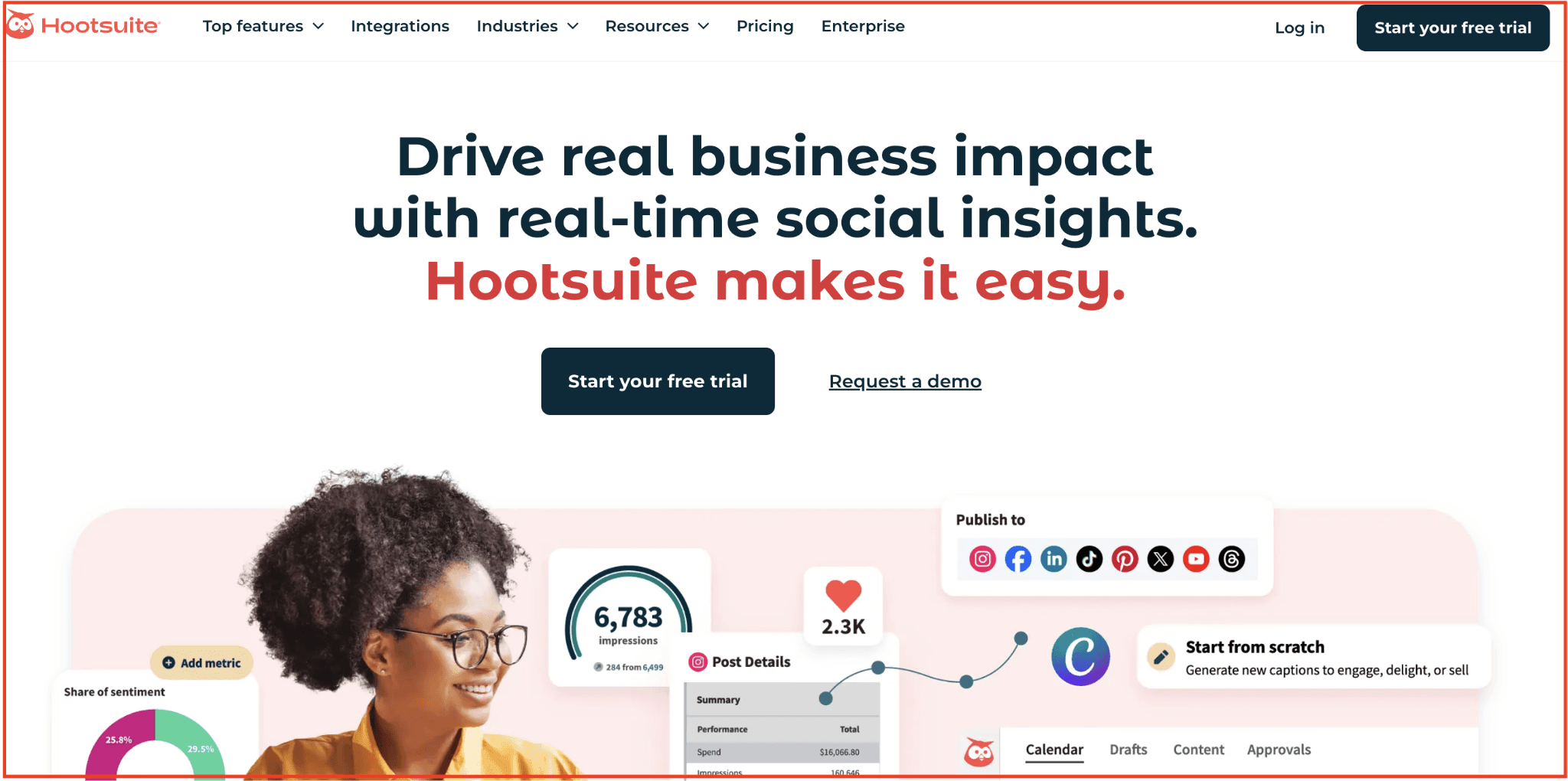
Hootsuite is a robust social media management platform designed for teams and enterprises juggling multiple accounts — including LinkedIn. From scheduling and publishing to analytics and social listening, it offers an end-to-end toolkit for managing your online presence at scale.
While Hootsuite is not LinkedIn-exclusive, its native integration allows you to monitor post engagement, track performance across multiple profiles, and collaborate with team members — all from a central dashboard. The added advantage? Powerful reporting templates that can help you prove ROI on LinkedIn efforts with exportable charts and metrics.
Key Features of Hootsuite:
-
Schedule and publish posts directly to LinkedIn
-
Track performance with in-depth LinkedIn analytics
-
AI-powered content suggestions to improve post quality
-
Social inbox for managing comments and mentions
-
Create and export custom LinkedIn reports for clients/stakeholders
-
Collaborate with your team on post approvals and workflows
Pros
-
Unified dashboard for multi-platform management
-
Strong analytics and reporting for LinkedIn
-
Employee advocacy feature for wider reach
Cons
-
Pricey compared to other tools on this list
-
Less specialised for LinkedIn creators or solopreneurs
Pricing: Hootsuite offers three pricing plans: Professional at $99/month, Team at $249/month, and an Enterprise plan with custom pricing for larger organisations with advanced needs.
8.Social Insider
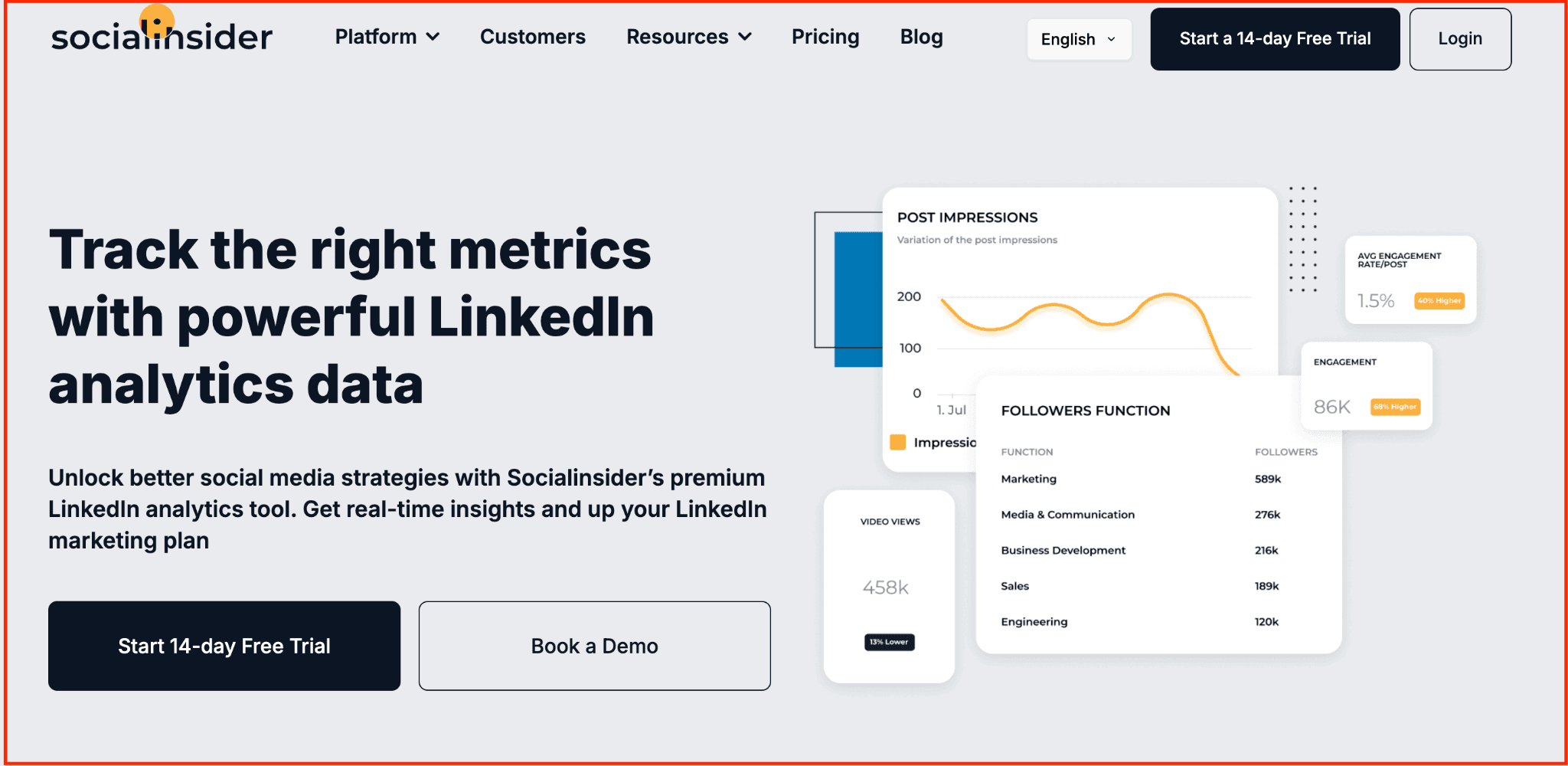
Social Insider is a powerful analytics platform trusted by agencies and enterprise teams to unlock deeper performance insights across social media — including LinkedIn. What makes it stand out is its LinkedIn benchmarking capability. You can compare your page’s performance against industry peers, understand how your engagement stacks up, and pinpoint what content gaps to close.
Beyond your own analytics, it offers competitive intelligence — from post types to engagement trends — helping you build a content strategy grounded in data, not assumptions. For LinkedIn-first teams and brands seeking to lead their niche, Social Insider offers the granular depth others often miss.
Key Features of Social Insider:
-
Compare your LinkedIn page against competitors
-
Analyse engagement, reach, impressions, and growth trends
-
Benchmark content formats and timing strategies
-
Custom reporting for stakeholders and clients
-
Export charts and KPIs for LinkedIn campaigns
Pros
-
Exceptional competitive benchmarking on LinkedIn
-
Ideal for industry and campaign-level insights
-
Supports automated, custom LinkedIn reports
Cons
-
Steeper learning curve for beginners
-
Pricing is better suited to teams than solo users
Pricing: Social Insider offers four plans: Adapt at $99/month, Optimize at $149/month, Predict at $239/month, and an Enterprise plan with custom pricing for larger teams and advanced requirements.
9.Rival IQ
Rival IQ is a robust analytics platform built for marketers who want to go beyond surface-level data and uncover how their LinkedIn strategy stacks up against the competition. What sets it apart is its competitive benchmarking—you can compare your LinkedIn page’s engagement, follower growth, and post frequency with any number of rivals in your industry.
It’s especially useful if you’re managing brand performance across multiple channels and want a bird’s-eye view of what’s working — not just for you, but across your entire niche. With automated reporting, trend detection, and detailed post-level insights, Rival IQ arms teams with the clarity needed to make smarter, faster LinkedIn content decisions.
Key Features of Rival IQ:
-
LinkedIn-specific benchmarking across industry competitors
-
Analyse engagement rate, follower growth, and posting cadence
-
Identify top-performing LinkedIn posts and formats
-
Automated scheduled reports for internal or client use
-
Historical tracking to monitor shifts in performance over time
Pros
-
Exceptional cross-brand LinkedIn insights
-
Time-saving reports ideal for agency and internal reviews
-
Strong competitive intelligence tools
Cons
-
Premium pricing may not suit smaller teams
-
Limited advanced reporting options on lower-tier plans
Pricing: Rival IQ offers three pricing plans: Drive at $239/month, Engage at $349/month, and Engage Pro at $559/month, each designed for varying levels of competitive analysis and reporting depth.
10.LinkedIn Native Analytics
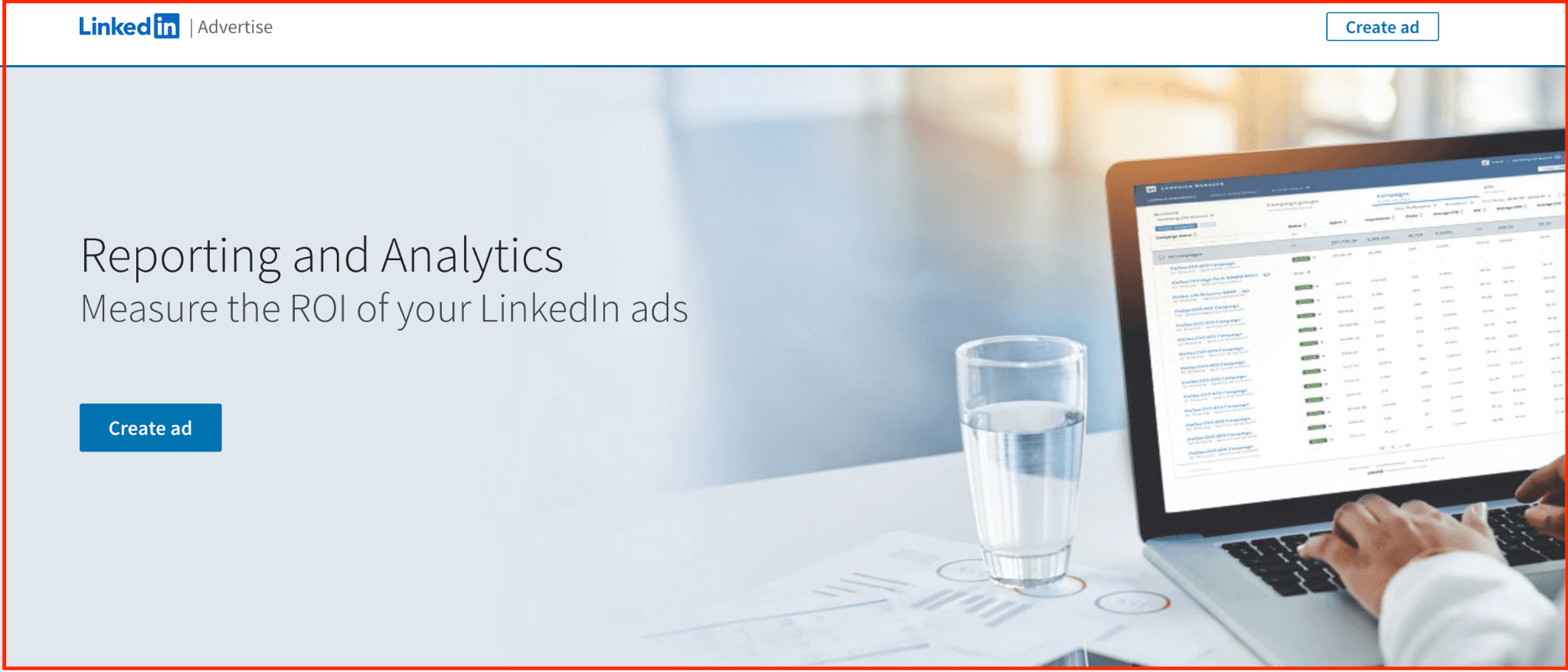
LinkedIn Native Analytics is the platform’s built-in toolset for tracking your content, profile, and company page performance — without needing any third-party integration. Whether you’re a solo creator, recruiter, founder, or managing a brand page, it gives you real-time visibility into how your posts are performing, who’s viewing your profile, and what types of audiences you’re attracting.
For individuals, it helps fine-tune personal branding by surfacing job titles, companies, and regions of your viewers. For businesses, it’s a no-cost way to understand follower growth, content engagement, and audience demographics — directly from the source.
While limited in customisation and benchmarking, LinkedIn Native Analytics is an essential baseline tool for anyone growing on LinkedIn.
Key Features of LinkedIn Native Analytics:
-
Profile insights showing who’s viewed you (by role, company, industry)
-
Post-level metrics: impressions, reactions, comments, shares
-
Follower analytics with demographics and growth trends
-
Company page engagement insights (for admins)
-
Integrated directly into your LinkedIn profile/page
Pros
-
100% free and built-in
-
Great for real-time audience insights
-
No setup or integrations needed
Cons
-
No competitor benchmarking
-
Lacks automated reporting or deep filtering options
Pricing: LinkedIn Native Analytics is available through LinkedIn Premium plans, which include: $24.95/month for general users, $49.95/month for recruiters, $19.95/month for job seekers, and $19.95/month for sales professionals.
A note on Shield
Shield was for years the best known dedicated LinkedIn analytics tool, so it is worth saying plainly: it is winding down. Its own site now says "Shield is winding down. Both Google and LinkedIn made it clear that we could not continue operating Shield as it was built."
If you were a Shield user, the practical question is where your reporting goes next. We wrote up the options on our Shield alternative page.
Frequently asked questions
What is the best LinkedIn analytics tool?
It depends on what you are measuring. For your own posts and profile, a LinkedIn-first tool like Supergrow or AuthoredUp gives you deeper post-level detail than the native dashboard. For several brand accounts across networks, a broad social suite like Hootsuite or Social Insider fits better.
Does LinkedIn have its own analytics?
Yes, and it is free. LinkedIn shows impressions, engagement, followers and profile views for personal profiles and company pages. The limits are history and depth: it does not compare a post against your own average, and it does not explain why something worked.
Are LinkedIn analytics tools safe to use?
Use tools that connect through LinkedIn's official API and an OAuth connection you authorize. Browser extensions that scrape the page on your behalf carry more risk to your account than partners working through the official API.
How much do LinkedIn analytics tools cost?
Most sit between roughly $15 and $50 a month for an individual. Broad social suites and enterprise platforms are quoted per seat and run considerably higher. Supergrow starts at $19 a month, with Teams at $139 a month for four accounts.
Can I export LinkedIn analytics into a report?
Most paid tools export to CSV or PDF. If you report to a client or a leadership team, check that before you commit, because the native LinkedIn export is limited and awkward to reformat.
Choose Tools That Actually Move Your LinkedIn Growth Forward
At this stage of your journey, you’re not looking for vanity metrics — you’re looking for analytics tools that help you improve your content, tighten your strategy, and understand what actually moves your LinkedIn growth forward.
The 10 tools in this list were curated to do exactly that: remove the guesswork, surface the right signals, and help you make confident decisions about what to publish next.
Want to grow faster on LinkedIn?
Try Supergrow — create better posts, show up consistently, and track your progress with clean, built-in analytics. Start your free trial today.