
When I speak with people who’ve switched from MagicPost, the pattern is hard to ignore.
They didn’t leave because AI writing stopped working. They left because writing alone wasn’t enough anymore. Most started with MagicPost to speed up post creation, but eventually ran into the same limits: no real workflow, shallow performance insights, and no way to turn LinkedIn into a consistent, outcome-driven channel.
As LinkedIn becomes more competitive, creators and teams want more than drafts. They want integrated planning, visibility into what’s actually working, and tools built for LinkedIn’s decision-maker audience—not generic AI assistance.
That’s why people searching for MagicPost alternatives are really asking a deeper question: what supports serious LinkedIn growth, end-to-end?
As of December 17, 2025, I’ve shortlisted the 5 most reliable MagicPost alternatives—based on why real users switched, and what they needed next—to help you make a confident decision.
5 Best MagicPost Alternatives to Level Up Your LinkedIn Content
If MagicPost feels limited to post generation without providing the workflows, analytics, or control you need for consistent LinkedIn growth, these 5 tools address exactly that. Below, I’ve highlighted the best MagicPost alternatives based on what real users switch to for stronger planning, deeper performance insights, and platforms built for serious LinkedIn visibility.
1. Supergrow
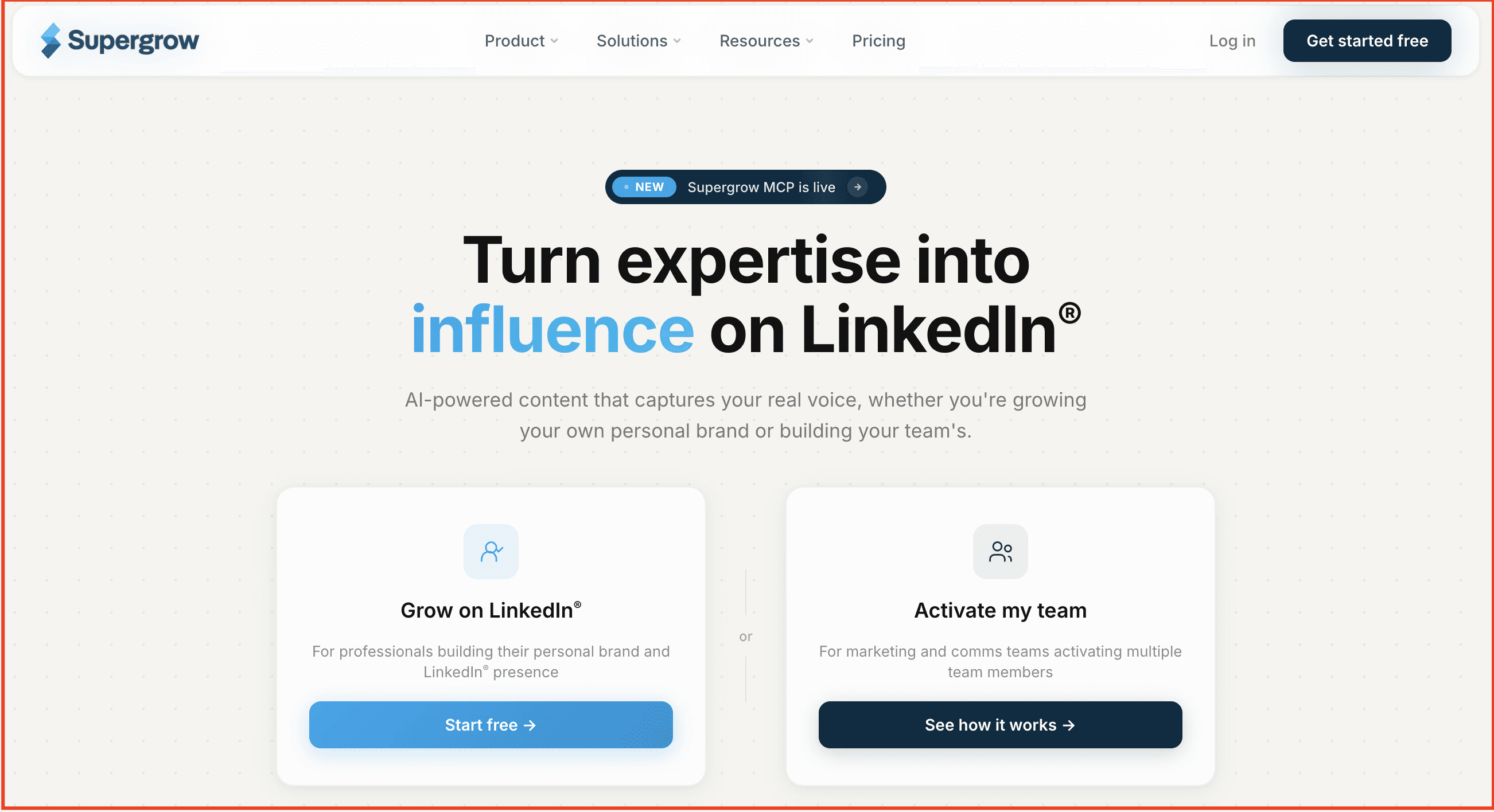
Supergrow is a LinkedIn-first personal branding platform built for creators, founders, marketers, and B2B teams who want a safe, authentic, and consistent way to grow on LinkedIn—without relying on risky automations or generic AI output.
At its core, Supergrow helps you sound like yourself. Its Personal AI adapts to your writing style, so the content you publish feels natural and credible, or over-optimized. Beyond writing, Supergrow brings together everything needed to run a LinkedIn content workflow—carousel creation, post scheduling with first comments, analytics, and a steady stream of content inspiration—all in one place.
Instead of jumping between tools or posting inconsistently, Supergrow gives you a structured workspace to ideate, write, repurpose, design, schedule, and analyze your LinkedIn content with intention. This makes it especially appealing for users looking at MagicPost alternatives who want more depth, control, and long-term visibility rather than quick, surface-level generation.
If you’re switching from MagicPost and looking for something more robust and data-backed, Supergrow gives you both the tools and the insights to grow faster on LinkedIn.
What you get with Supergrow:
-
AI Post Generator – Write posts from scratch or repurpose YouTube videos, blogs, or PDFs—trained on your voice, tone, and writing style.
-
Content Calendar & Kanban Board – Plan, schedule, and manage your post pipeline with clean calendar views and drag‑and‑drop status boards.
-
Carousel Maker – Turn ideas into swipeable, branded carousels without using external design tools or breaking your visual consistency.
-
First-Comment Scheduler – Schedule your CTA, hashtags, or added value content as a follow-up comment to boost visibility and early traction.
-
Voice-to-Post – Say your thoughts out loud and turn them into publish-ready LinkedIn content with the AI voice transcription tool.
-
Analytics – Track follower growth, best-performing content, and audience engagement trends that help refine your content strategy.
Pros:
-
AI trained on your authentic voice
-
Compliance-first (no account risk)
-
First-comment scheduling for better reach
-
Built-in carousel maker
-
Voice-to-post + rich repurposing tools
-
Clear calendar + Kanban workflow
-
Affordable pricing with no credit limits
Cons:
-
LinkedIn-only (no multi-platform scheduling)
-
No mobile app yet (web/desktop only)
Pricing
-
Pro — $39/month ($31 billed yearly): For one person building a presence on LinkedIn — Content DNA, unlimited PostCast AI interviews, post repurposing, scheduling, carousel maker, Engage, Supergrow MCP, profile analytics, and weekly report.
-
Teams — $199/month ($189 billed yearly): Five accounts, plus approvals, an organisation dashboard, team analytics, challenges, and Slack notifications.
All plans include a 7-day free trial, with savings of up to 20% on annual billing.
👉 Switch to Supergrow today and build your LinkedIn presence safely, consistently, and authentically.
2. Taplio
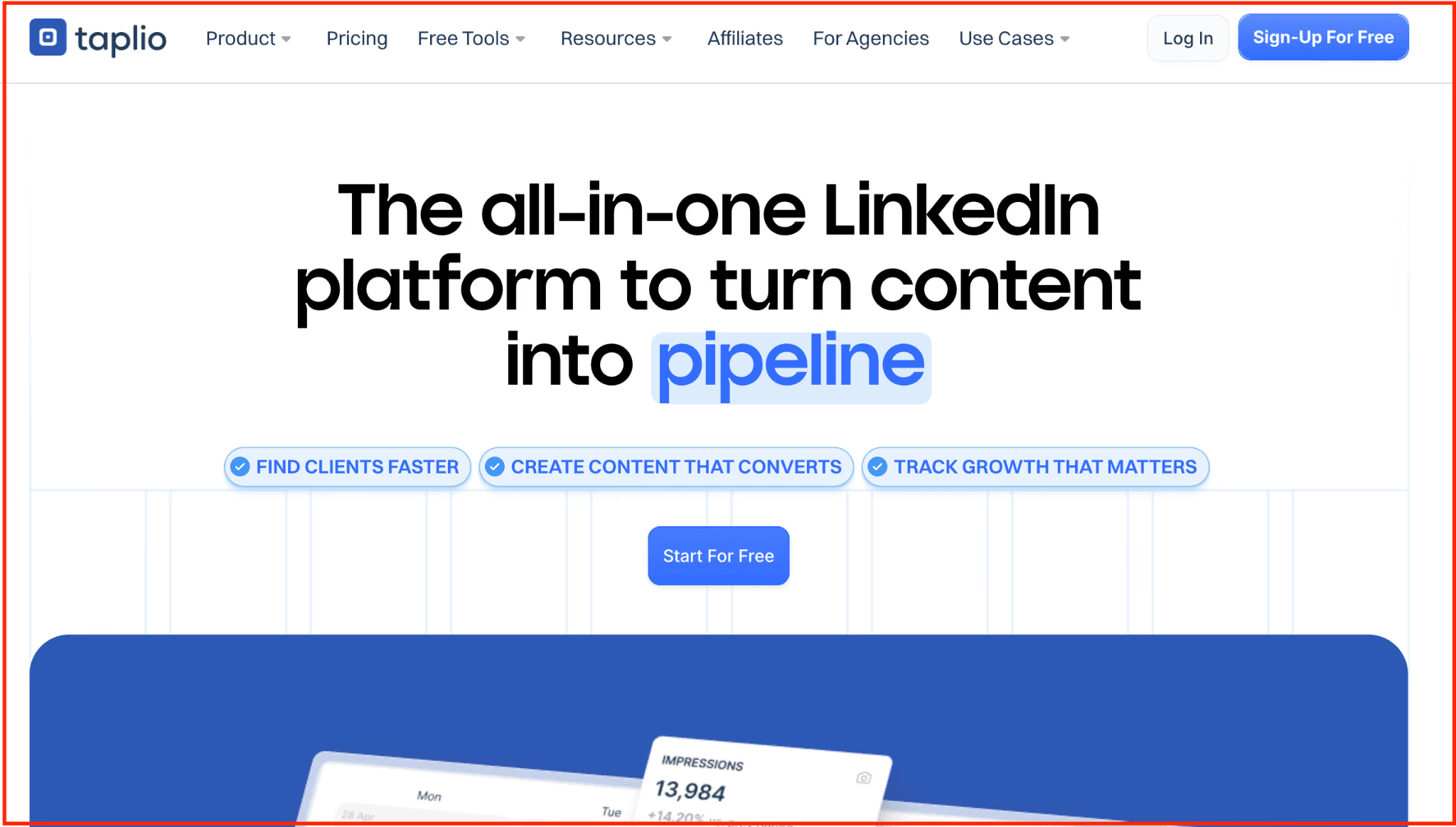
Taplio is an all‑in‑one LinkedIn growth platform built around content creation, scheduling, engagement, and analytics — only focused on LinkedIn. It provides an AI-powered post generator, a carousel, a media‑friendly post editor, and a scheduling queue that lets you plan posts for optimal reach. 
Beyond publishing, Taplio helps you manage relationships and network growth: you can build lead lists, track interactions, and monitor follower growth alongside post performance metrics.  It also provides visibility into which content formats—posts, carousels, etc.—perform best, helping you refine your content strategy based on real data. 
With its focused LinkedIn approach, Taplio serves creators, consultants, agencies, and businesses that want a single, unified tool for writing, scheduling, engagement, and analytics—reducing the need for multiple tools.
Key Features:
-
AI Content Generation: This feature uses GPT-4 to create high-quality LinkedIn posts tailored to your industry, audience, and writing style.
-
Smart Scheduling & Queue: The platform automatically schedules posts at optimal times based on your audience's activity patterns and engagement
-
Analytics Dashboard: Provides analytics on follower growth, engagement rates, post performance, and audience insights
-
Content Inspiration Library: offers a vast database of high-performing posts from various industries to inspire your own content creation.
-
Team Collaboration: Allows multiple team members to collaborate on content creation, scheduling, and account management with role-based permissions and approval workflows.
Pros
-
Powerful AI content creation features
-
Comprehensive LinkedIn analytics and insights
-
Smart automation for engagement and growth
-
Large content inspiration database
Cons
-
Higher learning curve for beginners
-
More expensive than basic scheduling tools
-
LinkedIn-only platform (no multi-platform support)
Pricing:
-
Starter: $39 per month
-
Standard: $65 per month
-
Pro: $199 per month
3. AuthoredUp
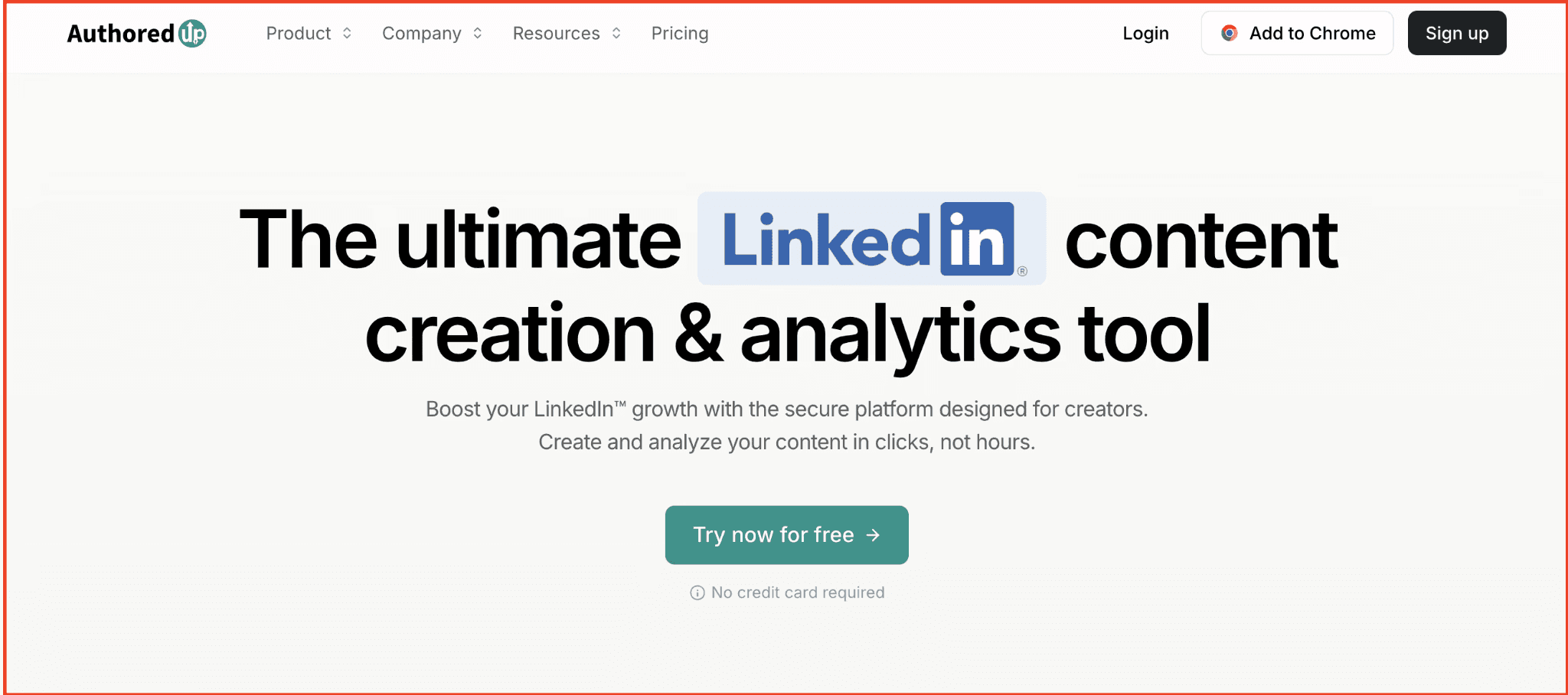
AuthoredUp is a Chrome extension + web platform built to streamline the entire LinkedIn content workflow from drafting and formatting to scheduling and performance tracking. Its editor offers rich formatting (bold/italic, lists, emojis), readability scoring, and device‑specific previews, so your posts look clean and compelling before you hit publish. 
Beyond post creation, AuthoredUp captures and aggregates your LinkedIn post history so you can review what’s worked (or not), identify top-performing formats or hooks, and reuse successful posts when needed. That makes it easier to refine your content strategy over time without relying solely on memory or manual tracking.
Key Features:
-
Advanced Post Formatting: Provides comprehensive text formatting options, including line breaks, spacing, and special characters to create visually appealing LinkedIn posts
-
Real-Time Post Preview: You can see exactly how your LinkedIn post will appear on both desktop and mobile before scheduling, ensuring perfect formatting across all devices.
-
Content Planning Calendar: Provides a visual content calendar for planning and organizing your LinkedIn posting schedule weeks or months in advance.
-
Post Performance Tracking: Detailed analytics on LinkedIn post performance, including engagement rates, reach, and click-through rates to optimize content strategy.
-
Content Templates: Create and save custom post templates for different content types, ensuring consistent formatting and branding across LinkedIn posts.
-
Optimal Posting Times: The platform analyzes audience activity patterns and suggests the best times to schedule your LinkedIn posts for maximum engagement.
Pros:
-
Templates that actually save time
-
Polishes your writing instead of generating it
-
Real-time preview
-
Great layout preview to avoid broken formatting on LinkedIn
-
Ideal for those who want to stay authentic, not automated
Cons:
-
No integrations
-
Can't engage with posts
Pricing:
-
Individual Plan: $19.95 per month (1 profile)
-
Business Plan: $14.95 per month (3+ profile)
4. EasyGen
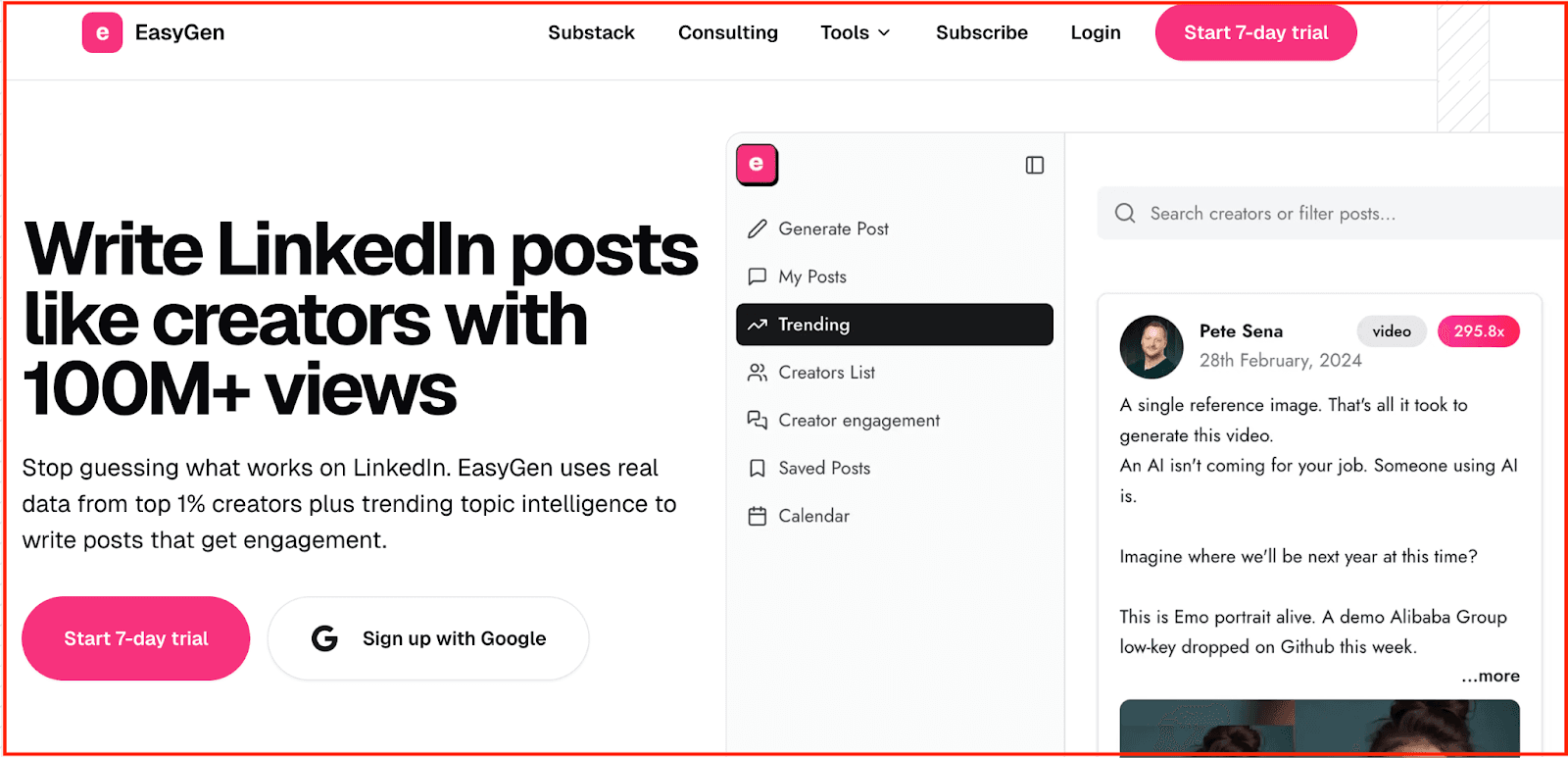
EasyGen is a lightweight LinkedIn post generator designed for creators who want to write faster, not fuss over formatting. It uses AI trained on top-performing LinkedIn posts and real-time trend signals to generate high-engagement content in seconds. Whether you’re starting from scratch or riffing on a headline, the tool gives you a first draft that’s ready to tweak, saving time and helping overcome creative blocks.
Unlike more complex scheduling or analytics platforms, EasyGen focuses entirely on one job: helping you publish more often with less effort. It’s especially helpful for busy creators who know what they want to say but need help saying it quickly, or who want to ride LinkedIn trends without spending hours researching. While it won’t replace your full content stack, it’s a solid sidekick for speed, structure, and volume.
Key Features:
-
AI‑Powered Post Generation — Trained on high-performing LinkedIn posts to help you generate engaging content quickly.
-
Topic & Idea Generator — Surfaces relevant ideas using data from Google, Reddit, Twitter, and more.
-
Style Customization — Adjust tone and structure to suit your personal voice or brand.
-
Content Calendar & Drafts — Organize ideas, track drafts, and plan future posts in one place.
-
Browser Extension — Write and save content right from your browser, without switching tools.
Pros:
-
Very fast and beginner-friendly
-
Great for trend-based content and post volume
-
Minimal learning curve
-
Clean draft management system
Cons:
-
Output often needs manual editing to feel personal
-
No built-in analytics
Pricing: starts at $59.99/ month.
5. Kleo
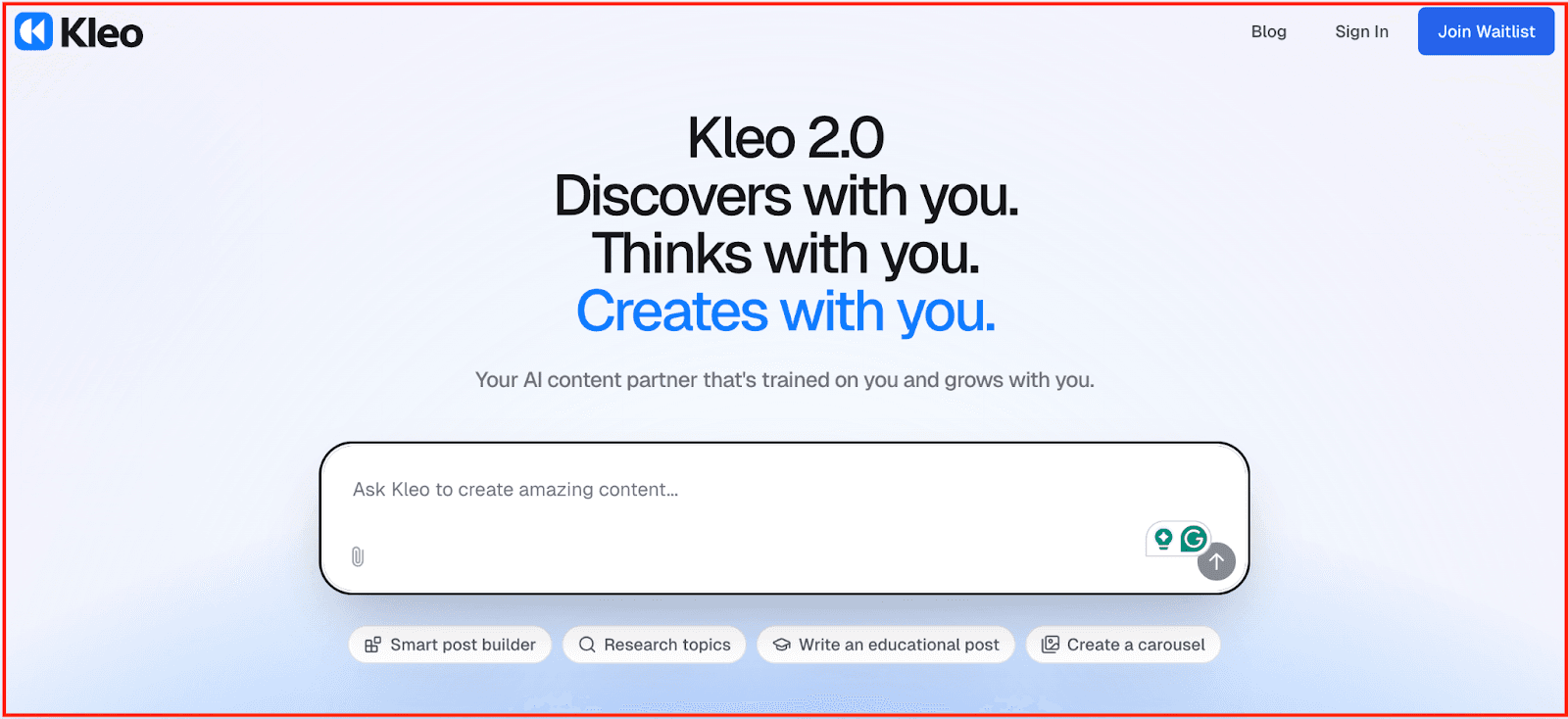
Kleo is an AI writing assistant for LinkedIn creators who want their posts to sound more like their own voices. Rather than just helping you churn out content, Kleo learns your tone, language, and writing patterns so your posts feel personal and consistent—even when AI is doing the heavy lifting. It’s a strong fit for founders, consultants, or creators who want to speed up content creation while maintaining their unique voice.
Kleo also removes the friction of starting from scratch. You can prompt ideas, repurpose content from tweets or posts, and even rewrite drafts to match your tone better—all inside a clean, distraction-free editor.
Key Features:
-
Tone Training Engine: Feed Kleo 10+ posts or connect your LinkedIn to auto-train it on your voice and style.
-
Prompt to Post: Turn quick prompts, tweets, or ideas into fully fleshed-out LinkedIn posts.
-
Rewriting Assistant: Improve or rework drafts to match tone, improve structure, or boost clarity.
-
Simple, Clean Editor: Focused writing space with no clutter—just write, refine, and publish.
-
Browser Extension: Access Kleo across LinkedIn and other platforms to repurpose and rewrite on the fly.
Pros:
-
Learns your writing voice for authentic, consistent output
-
Great for refining existing drafts and improving post clarity
-
Lightweight interface, fast onboarding, minimal distractions
-
Easy repurposing of X (Twitter) content into LinkedIn posts
Cons:
-
Doesn’t support visuals or scheduling—writing only
-
No analytics or performance tracking
-
Not built for team workflows or agency use
-
Limited post history unless you save externally
Pricing: Paid plans start at $19/month
Choose a Tool That Supports Your Growth Long-Term
The MagicPost alternatives we covered give you a clearer, safer, and more capable path to building your presence on LinkedIn with tools that match how creators actually work in 2026.
If you want a platform that brings ideation, writing, scheduling, engagement, carousels, and analytics together in one clean, LinkedIn-first workflow, Supergrow is the most reliable next step. It helps you show up consistently, protect your account, elevate your voice, and grow your brand with confidence—without depending on browser extensions or limited feature sets.
👉 Switch to Supergrow today — the safest, most complete MagicPost alternative built for creators who want to grow on LinkedIn with clarity and control.