
Meet the Supergrow MCP
Connect your client, call our tools. Draft LinkedIn® posts, pull analytics, and manage your team's pipeline without leaving your AI client.
Start free trialTry for 7 days | Cancel anytime
What Supergrow's MCP unlocks
What Supergrow's MCP unlocks
Connect instantly
One URL is all it takes. Paste it into Claude, ChatGPT, or any MCP-compatible client and Supergrow's full toolkit appears immediately.
Turn data into action
Ask questions, generate posts, pull performance reports, and build workflows powered by your real Supergrow data. Faster decisions, stronger LinkedIn® presence.
Use cases
Here is what you can do right now
“Draft a post about our product launch in my Content DNA voice and queue it for the best time.”
“Extract this YouTube video transcript and turn it into 3 LinkedIn® posts.”
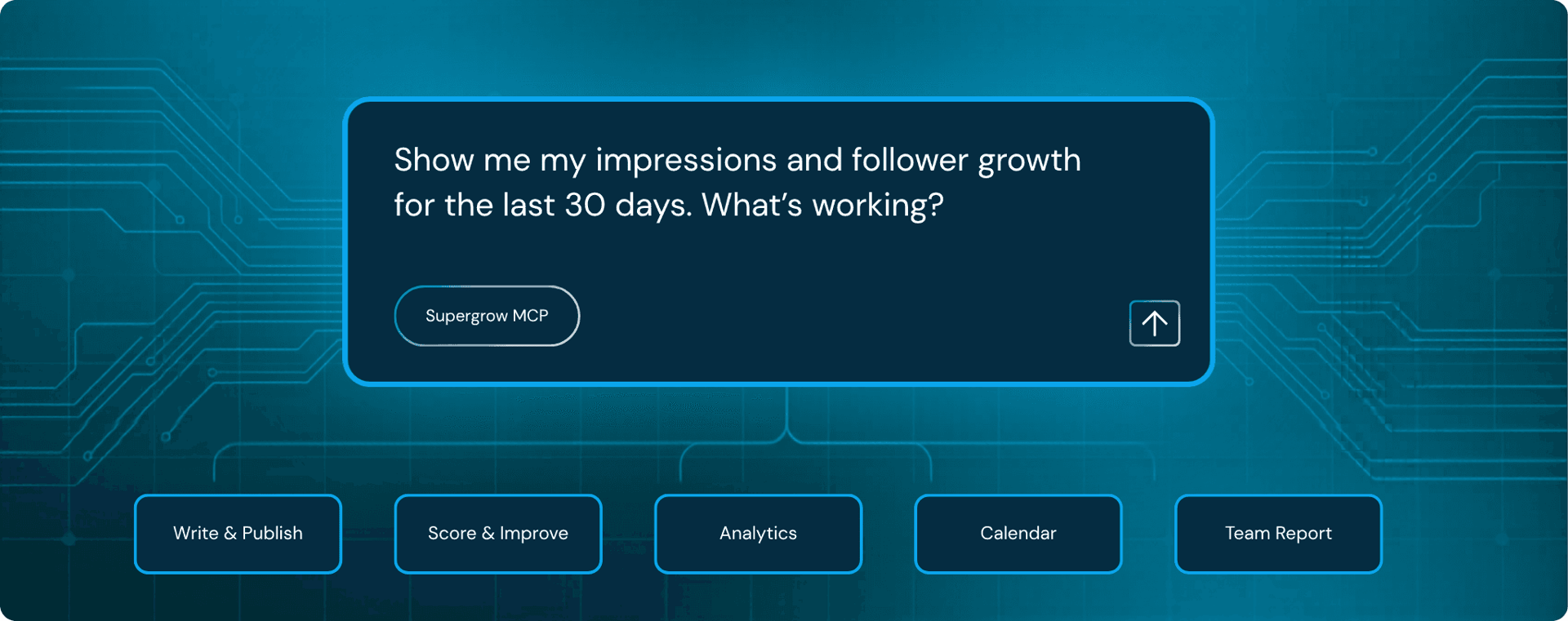
“Show me my impressions and follower growth for the last 30 days. What's working?”
“Score this draft on hook quality, clarity, and CTA. Then rewrite the weak parts.”
“Save this article to my knowledge base and find related insights for my next post.”
“Show my schedule for next week and fill empty slots with posts from my approved drafts.”
“How are all my team members performing this week? Who needs a nudge?”
“Which members have empty pipelines? Who has drafts stuck in review?”
“Draft 3 posts for Sofia using her Content DNA and queue them for next week.”
“Compare follower growth across all workspaces this month vs last month.”
“Show all posts waiting for approval, score them, and flag anything below a 7.”
“Generate a Monday morning digest: top posts, inactive members, and what to focus on.”
From our own team
How we killed the Monday morning spreadsheet
Every Monday, our team manually visited each team member's Supergrow workspace, one by one, and copy-pasted analytics into a shared spreadsheet.
It was tedious, error-prone, and took nearly two hours.
Now it takes one prompt.
“Pull this week's analytics for all team members across all workspaces and give me a summary.”
Here is this week's summary across all workspaces:
Bhuvana leads this week. Shashank needs more posts scheduled.
FAQ
Common questions
Everything you need to know before getting started.
Not at all. Setup takes under 5 minutes and requires no coding. You copy a URL from Supergrow settings and paste it into your AI client. That's it.
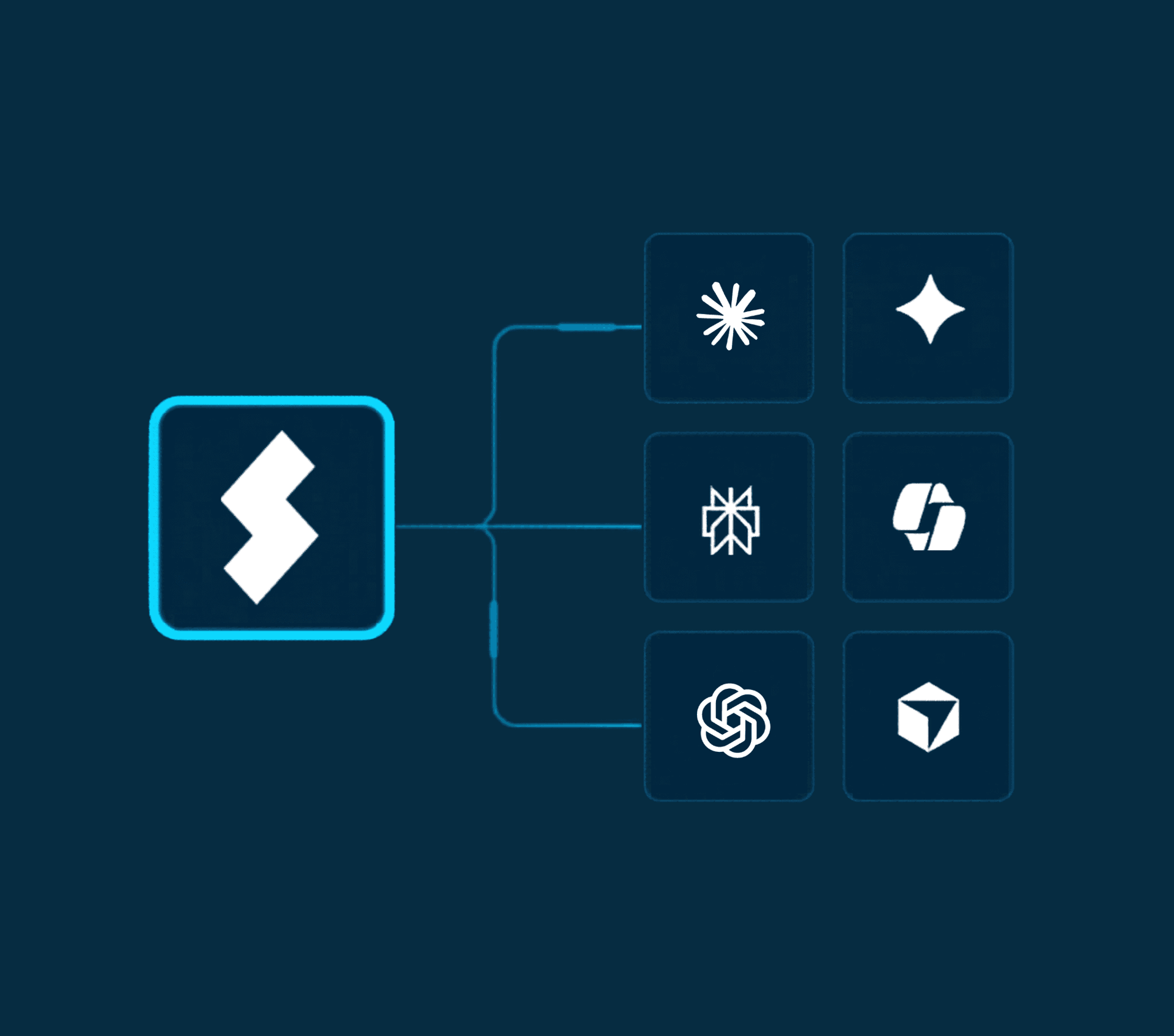
It works with Claude, ChatGPT, Cursor, Windsurf, and any AI client that supports MCP. If you already use one of these tools daily, you can connect Supergrow to it right now.
No. Supergrow MCP can draft, schedule, and queue content, but nothing goes live without your approval. You stay in full control of what gets published.
Yes. MCP is available on all paid Supergrow plans at no extra cost. If you are already a subscriber, you can connect today.
Both. Every team member can connect their own AI client to Supergrow. Admins can also pull analytics and manage content across all members in a single prompt.
Supergrow MCP
Run your LinkedIn workflow from your AI client.
Connect Claude or ChatGPT to Supergrow and draft posts, pull analytics, and manage your team without leaving the chat.
Try for 7 days | Cancel anytime