
LinkedIn AI tools can help you write posts, improve your profile, turn long videos into clips, find prospects, and manage outreach. The right choice depends on the job you want to make easier.
For most people building a consistent LinkedIn presence, Supergrow is the strongest all-round content option. Taplio suits creators who want inspiration and publishing in one place. Teal is useful for job seekers, while Clay and WarmDogo focus on prospect research and buying signals.
This guide compares 14 options by use case, workflow, price, and trade-offs.
Best AI Tools for LinkedIn at a Glance
| Tool | Best for | Starting price |
|---|---|---|
| Supergrow | Creating and managing LinkedIn content | $39/month |
| Taplio | Content inspiration and publishing | $39/month |
| OpusClip | Turning long videos into short clips | Free plan; paid from $15/month |
| Descript | Editing video and audio from a transcript | Free plan; paid from $24/month |
| Engage AI | Coordinated peer engagement | $50/month |
| Valley | Managed AI prospecting | $500/month for the first seat |
| HeyReach | Multichannel LinkedIn outreach | $79 per sender/month |
| Linked Helper | Configurable LinkedIn automation | $15/month base price |
| Salesforge | LinkedIn and email prospecting | $40/month billed annually |
| Clay | Building enriched prospecting workflows | Free plan; Launch from $185/month |
| WarmDogo | Finding prospects from buying signals | First 50 leads free; paid from $99/month |
| PhantomBuster | Flexible cloud-based automations | Limited free trial; paid from $56/month annually |
| LinkedIn Profile Writing Assistance | Improving Premium profile copy | Included with eligible Premium plans |
| Teal | Optimizing profiles for a job search | Free plan; paid from $13 for 7 days |
How We Chose These Tools
We grouped the tools by the work they help you complete: content creation, profile improvement, prospect research, or outreach. Each option was assessed on four practical questions:
- Does it solve a clear LinkedIn workflow?
- Can a user reach a useful result without a complicated setup?
- Is the current pricing understandable?
- Are the limitations clear enough to make a sensible choice?
This is not a ranking from best to worst. A strong writing tool will not replace a prospecting database, and an outreach platform will not build your personal voice.
Does LinkedIn Have Its Own AI Tools?
Yes, but the native options are limited. LinkedIn's Profile Writing Assistance can suggest changes to the Headline and About sections for eligible Premium subscribers. It can also proofread Experience descriptions that contain at least 20 words.
LinkedIn previously offered an AI post-writing feature, but its help page now says the tool is no longer available. That makes third-party tools more useful when you need repeatable content creation, repurposing or scheduling.
The 14 Best AI Tools for LinkedIn in 2026: One for Every Use Case
Each tool below is designed for a different LinkedIn job. Compare the use case, LinkedIn-specific features, trade-off and price before choosing.
1. Supergrow
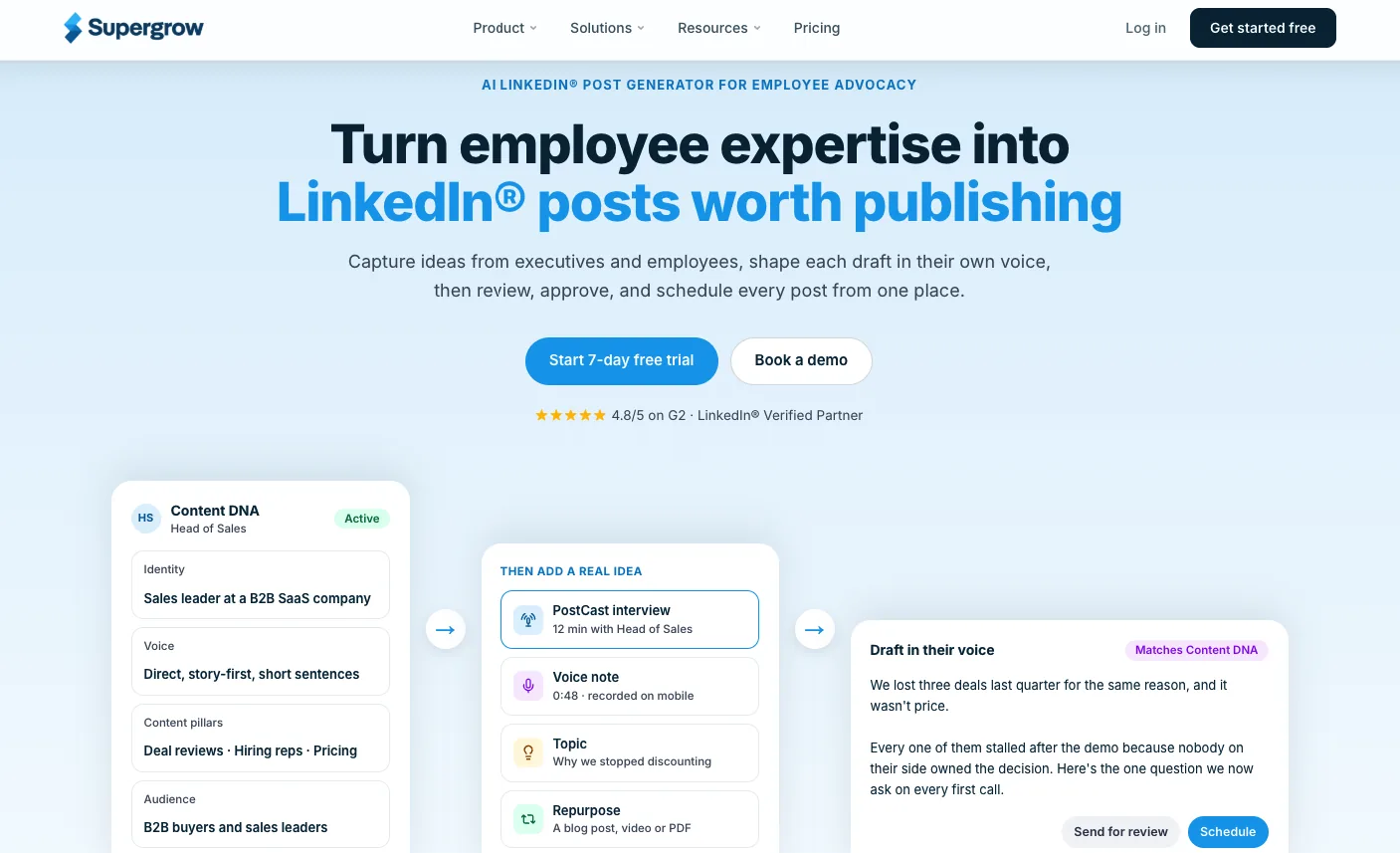
Supergrow is built specifically for LinkedIn content. It helps individuals and teams turn their expertise into posts, organize the publishing workflow and learn from performance.
Most professionals already have useful ideas in client conversations, presentations, voice notes and existing content. Supergrow captures those ideas and turns them into drafts that reflect the author's point of view instead of producing generic posts.
Content DNA shapes drafts around each person's voice, audience and positioning. PostCast draws ideas out through a guided conversation. Teams can route drafts through reviews, manage several voices and track participation from one workspace.
LinkedIn-specific features:
- AI LinkedIn post generator for articles, PDFs, videos, transcripts and ideas
- Content DNA for voice, audience and positioning
- PostCast for turning conversations into post drafts
- Drafting, review, scheduling and analytics in one workflow
- Team approvals, reporting, challenges and employee advocacy
- Supergrow MCP for drafting and managing content from supported AI clients
Best for: Founders, B2B marketers, creators and marketing teams that want to publish expertise-led LinkedIn content consistently.
Honest trade-off: Supergrow is focused on LinkedIn. It is not a multi-network publishing platform or an automated prospecting tool.
Pricing:
- Pro: $39 per month for one account
- Teams: $199 per month for five accounts
- Enterprise: Custom pricing
- Seven-day free trial
2. OpusClip
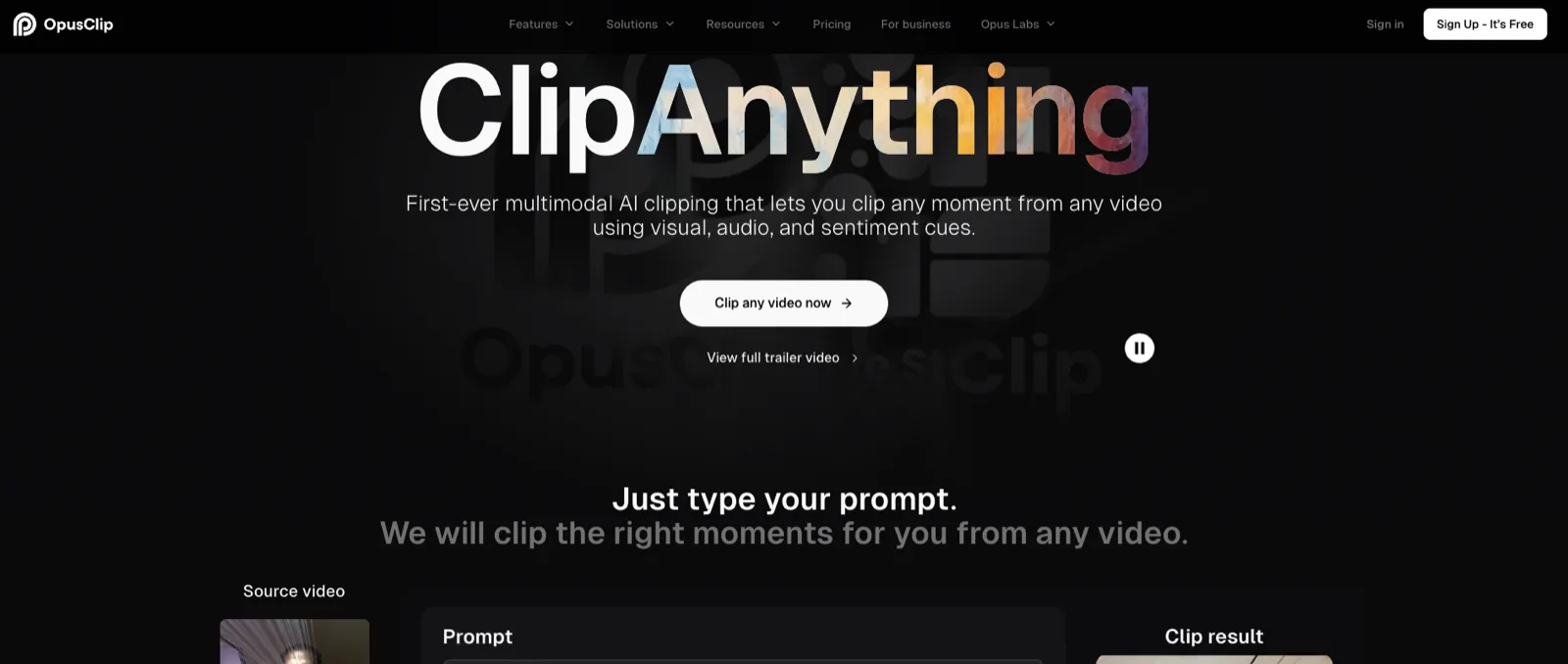
OpusClip turns long videos into short clips. It scans webinars, interviews and podcasts for useful moments, reframes the footage and adds captions.
The tool is useful when the raw material already exists but finding and editing each clip takes too long. Its first cut still needs a human review. A strong moment in a full interview may lose context when separated from the surrounding conversation.
LinkedIn-specific features:
- AI clip selection from long recordings
- Automatic reframing for vertical video
- Captions and word-level highlighting
- Speaker detection
- Brand kits for consistent exports
Best for: Podcasters, consultants, founders and marketers repurposing long-form video for LinkedIn.
Honest trade-off: OpusClip needs existing footage. It is a repurposing tool, not a content strategy or writing platform. LinkedIn is not listed as a direct publishing destination on the current pricing page.
Pricing:
- Free: 60 processing credits per month, watermark and export limits
- Starter: $15 per month
- Pro: $29 per month or $174 per year
- Business: Custom pricing
3. Engage AI
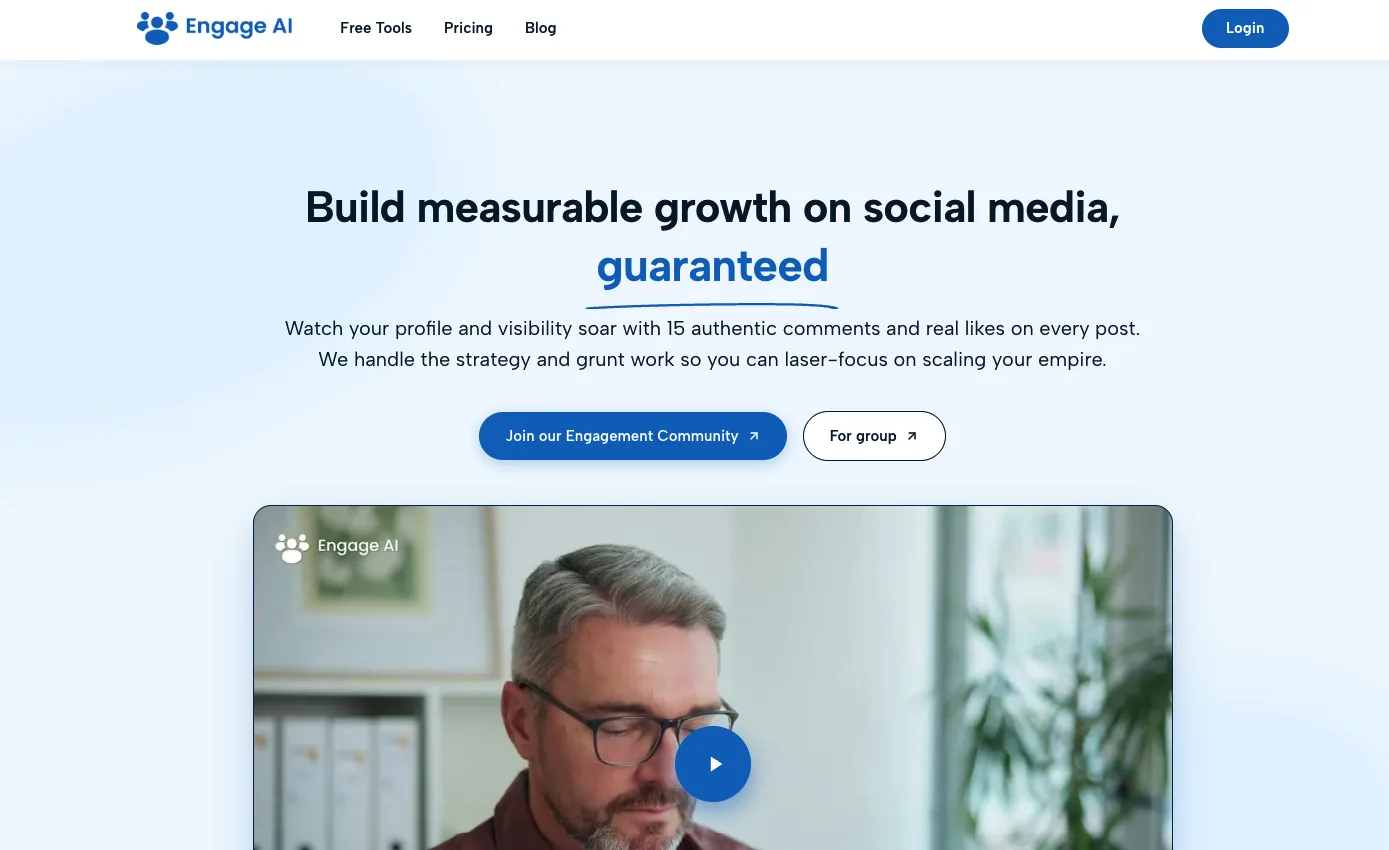
Engage AI now operates as a LinkedIn engagement community. Members submit posts, and the platform assigns those posts to other members for manual comments.
That is different from a conventional AI comment generator. The value comes from creating a repeatable peer-engagement process, but the comments still need to be relevant and genuine. Coordinated engagement that adds little substance can weaken trust.
LinkedIn-specific features:
- Post submission workflow
- Community assignments
- Manual commenting by members
- Individual and group memberships
Best for: People evaluating a community-based approach to early engagement on LinkedIn posts.
Honest trade-off: Engage AI does not replace content creation, scheduling or analytics. Buyers should also decide whether assigned engagement fits LinkedIn's rules and their own standards.
Pricing:
- Individual: $50 per month
- Group: $250 per month with unlimited clients
- No community trial
4. HeyReach
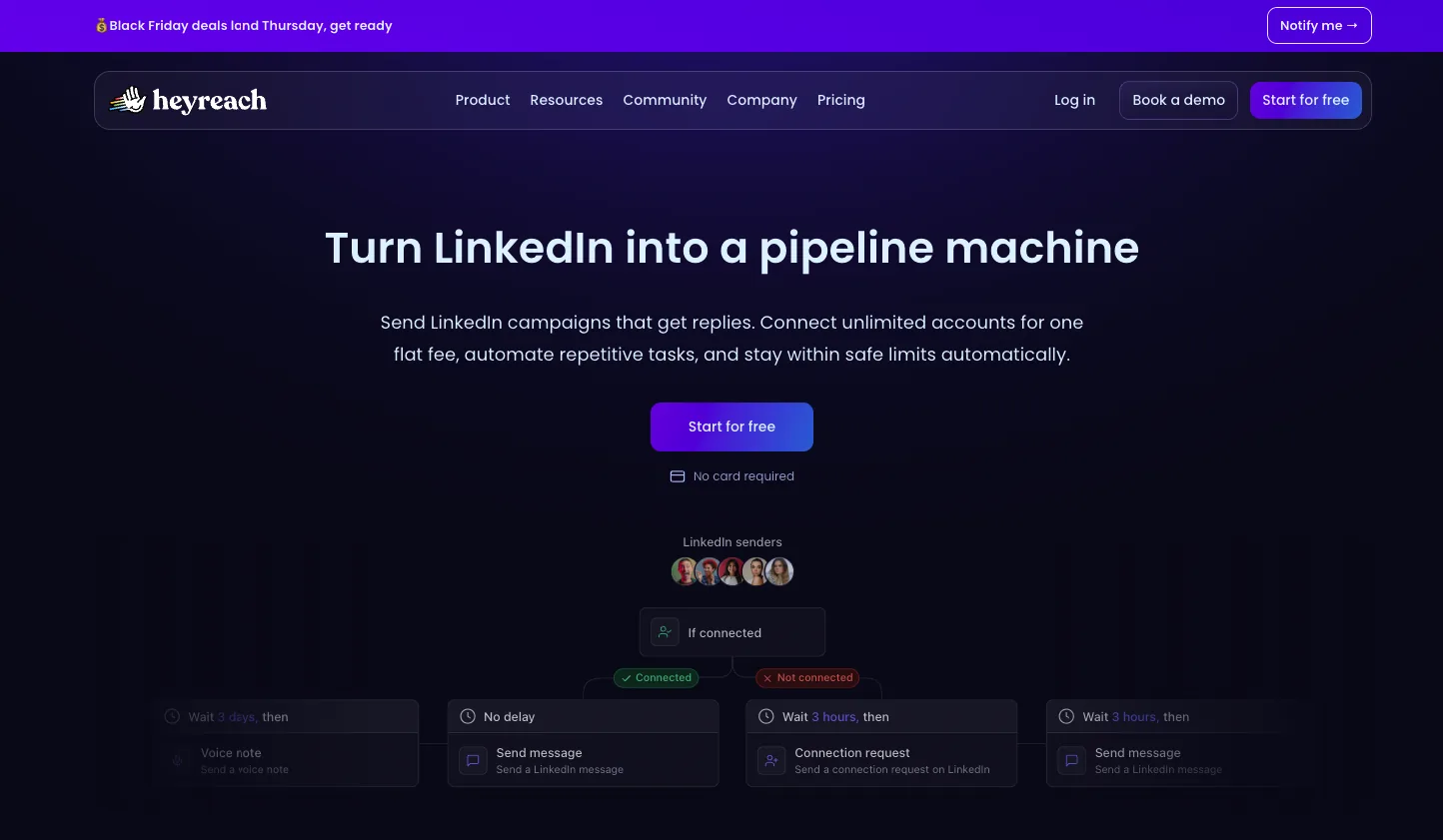
HeyReach runs LinkedIn outreach across multiple sender accounts and brings replies into one inbox. It is designed for agencies and sales teams that need to coordinate several campaigns without managing each account separately.
Sequences can combine connection requests, messages, follow-ups, voice notes and profile views. Integrations connect prospect data and campaign activity with the wider sales stack.
LinkedIn-specific features:
- Multi-account outreach
- Conditional campaign sequences
- Unified inbox
- Sender and agency management
- API, integrations and MCP access
Best for: Agencies, SDR teams and growth teams running LinkedIn outreach across several senders.
Honest trade-off: Automated LinkedIn actions create policy and account risk. A vendor's safety controls do not make those actions authorized by LinkedIn.
Pricing:
- Growth: $79 per sender per month
- Agency: $999 per month for 25 senders
- Quarterly and annual discounts available
5. Salesforge
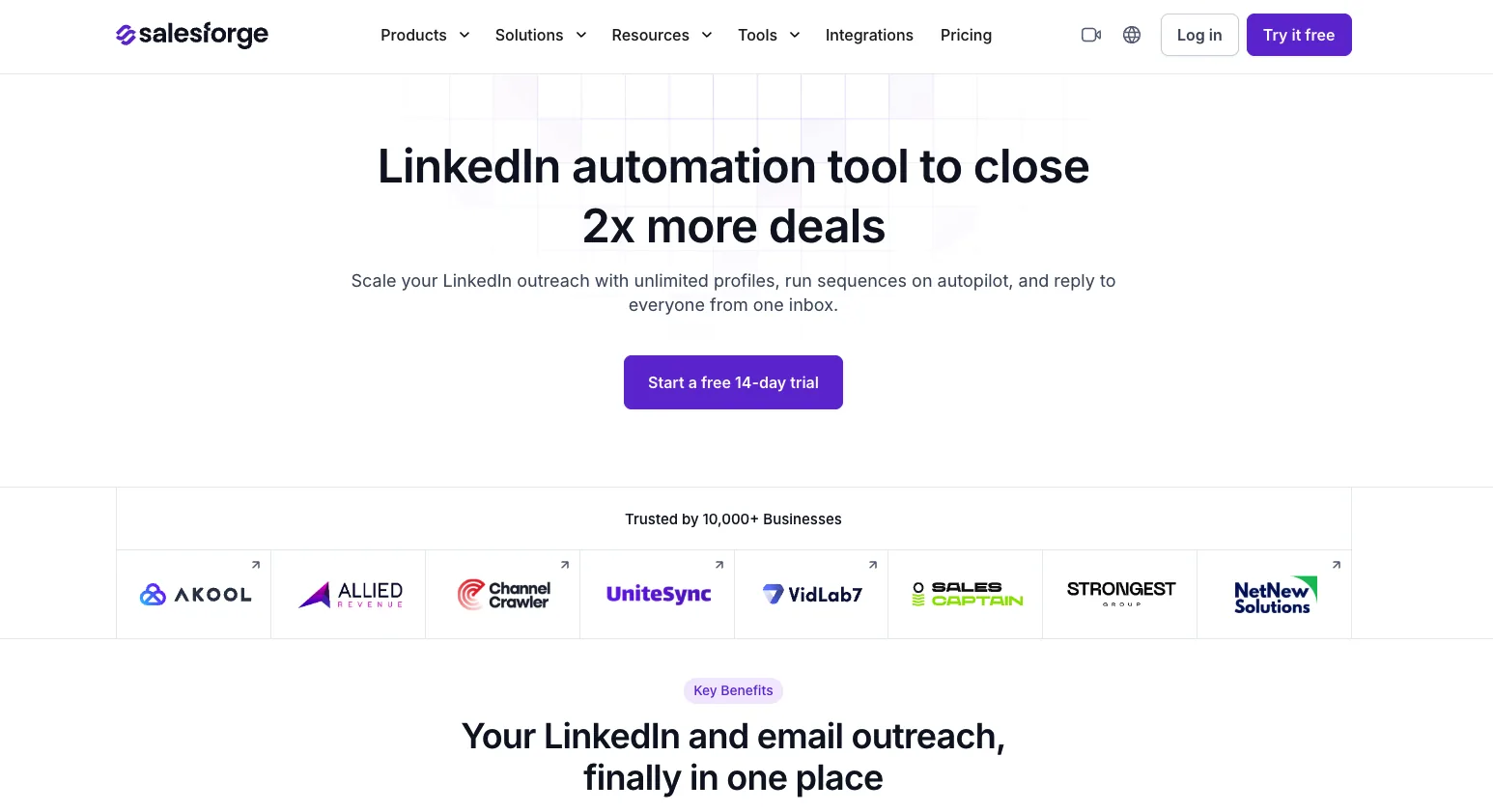
Salesforge combines LinkedIn outreach and email sequencing in one campaign workflow. It suits teams that want both channels coordinated instead of splitting context between separate systems.
Its personalization tools use prospect data to prepare first lines and follow-ups. Plans also include LinkedIn senders and social-action credits, so the number of connected accounts and the number of actions are separate limits.
LinkedIn-specific features:
- LinkedIn and email steps in one sequence
- AI-assisted message personalization
- LinkedIn sender management
- Social-action credits
- Unified campaign workflow
Best for: B2B sales teams and agencies running LinkedIn and email outreach together.
Honest trade-off: Setup and credit management make it less suitable for a person running occasional outreach. LinkedIn automation remains subject to platform policy.
Pricing:
- Pro: $40 per month billed annually, with one LinkedIn sender
- Growth: $80 per month billed annually, with unlimited senders
- Fourteen-day trial
6. Valley
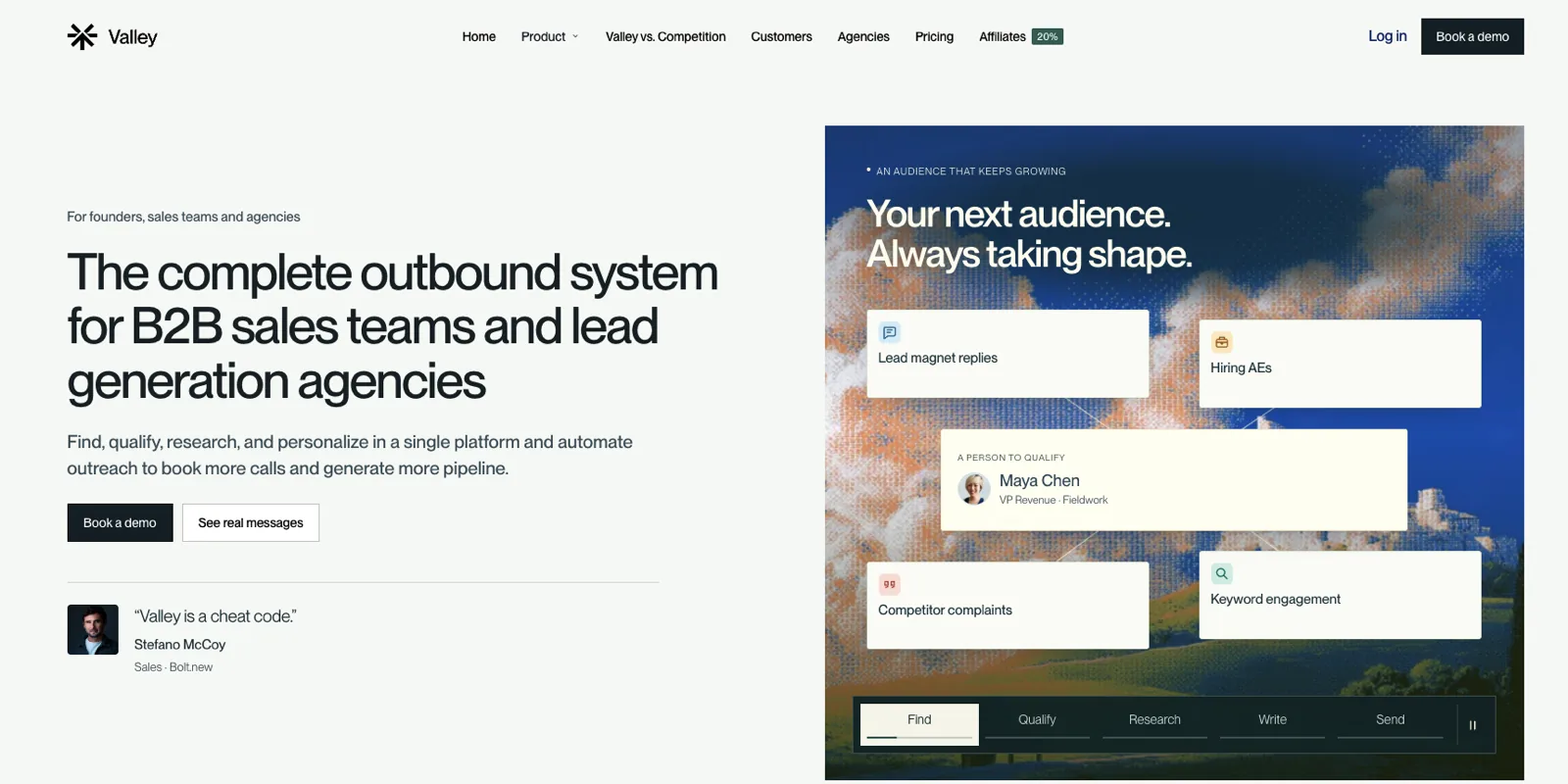
Valley finds prospects, qualifies them against an ideal customer profile and prepares personalized outreach across LinkedIn and email.
Most outbound lists start with titles and company filters. Valley adds timing by using signals such as profile activity and engagement, then researches the prospect before preparing a message.
Valley is an AI outbound platform that combines research, qualification, campaigns, follow-ups and reply handling. Teams can review messages before they are sent.
LinkedIn-specific features:
- Buying-signal capture
- Ideal-customer-profile qualification
- Prospect research
- LinkedIn and email messaging
- Message approval controls
- Guided onboarding
Best for: Founders and sales teams that want signal-led outbound across LinkedIn and email.
Honest trade-off: Valley is a larger financial commitment than lightweight self-serve tools. It also runs LinkedIn campaigns, so teams must review the automated actions and account-policy implications.
Pricing:
- First seat: $500 per month, including 1,000 credits
- Additional seats: $200 per month each
- Done-for-you service: $1,499 per month
- Agency pricing: Custom
7. Clay
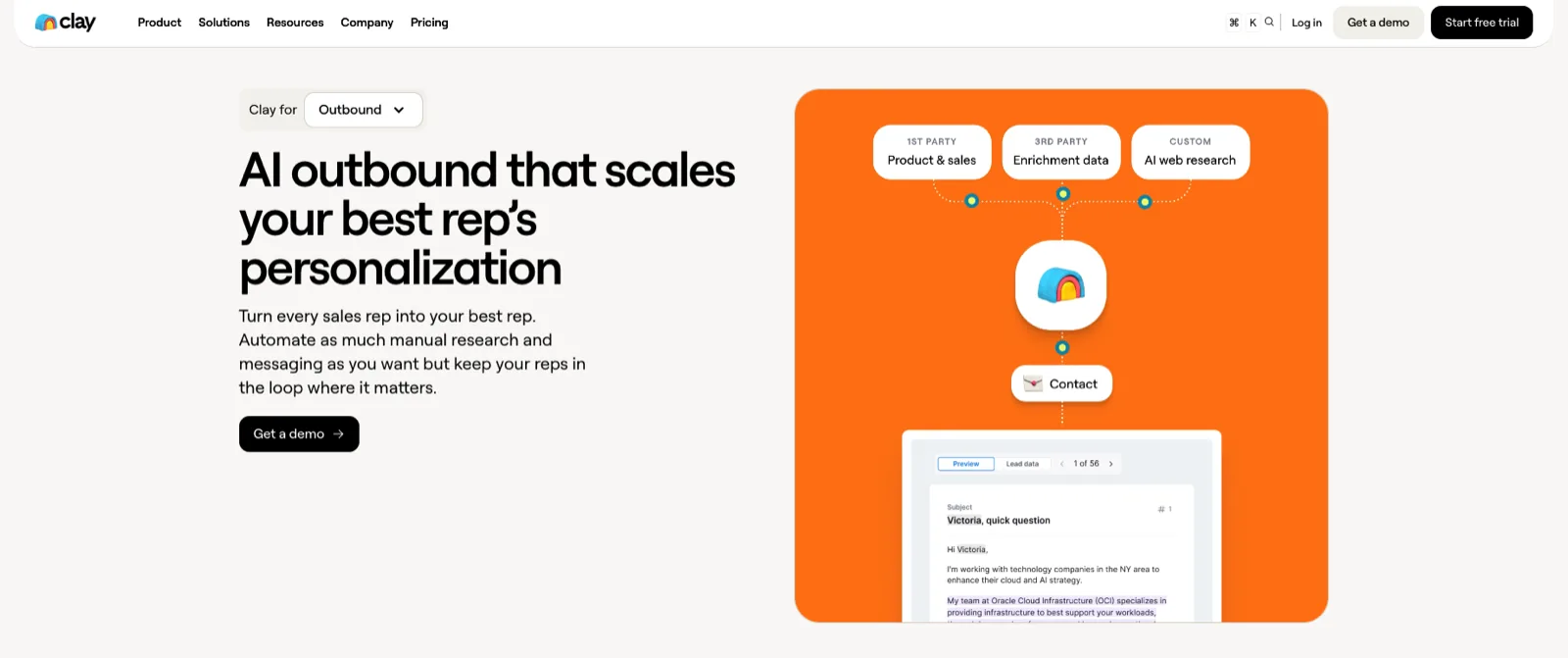
Clay builds the research and enrichment layer behind targeted outreach. It combines data providers, buying signals and AI research through Claygent.
Teams can use Clay to find missing information, assess fit and prepare useful context before a prospect enters a campaign. The output can then move to a CRM, email sequencer or LinkedIn outreach tool.
LinkedIn-specific features:
- Prospect and company enrichment
- Multi-provider data waterfalls
- Claygent research
- Job-change and company signals
- CRM and sequencing integrations
Best for: Data-driven sales and growth teams researching and qualifying prospects before outreach.
Honest trade-off: Clay is not a standalone LinkedIn sender. Its flexibility comes with a learning curve, credit management and ongoing workflow maintenance.
Pricing:
- Free: 100 data credits and 500 actions per month
- Launch: From $185 per month
- Growth: Higher-volume pricing
- Enterprise: Custom pricing
8. Linked Helper
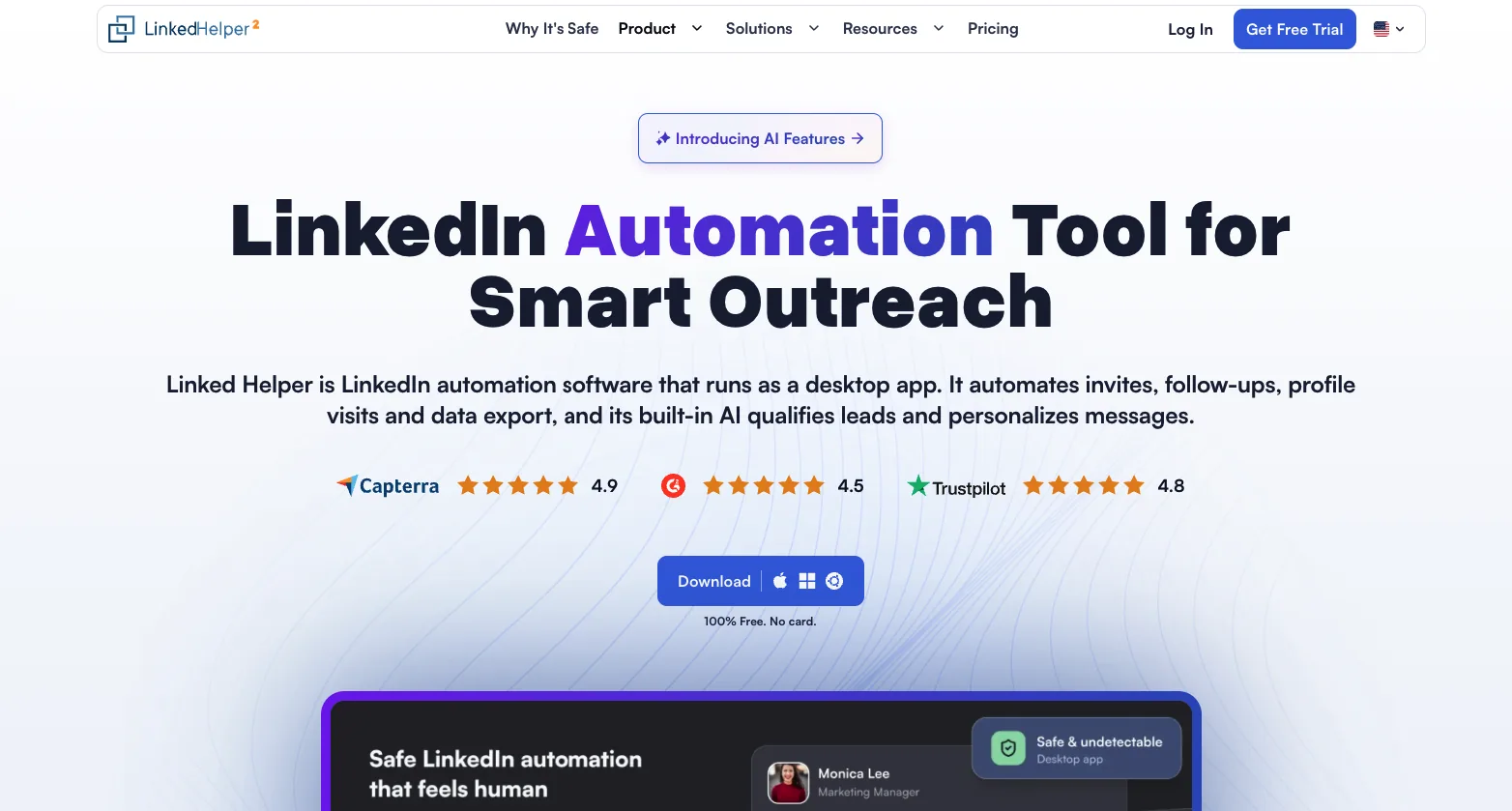
Linked Helper is a configurable automation tool for LinkedIn campaigns and contact management. It can run sequences, organize prospects in its built-in CRM and connect data with other systems.
Users can choose local or cloud workspaces depending on how campaigns should run. That flexibility suits operators who want detailed control over steps and account setup.
LinkedIn-specific features:
- Campaign actions and sequences
- Built-in contact management
- Smart reply detection
- Integrations and CRM sync
- Local and cloud workspaces
Best for: Users who want detailed control over LinkedIn outreach automation.
Honest trade-off: The setup takes time, and running software locally does not remove LinkedIn's restrictions on unauthorized automation. Check which AI features are included in the selected plan.
Pricing:
- Local Standard: Base price of $15 per month
- Discounts for longer subscriptions
- Free option advertised without a payment card
9. WarmDogo
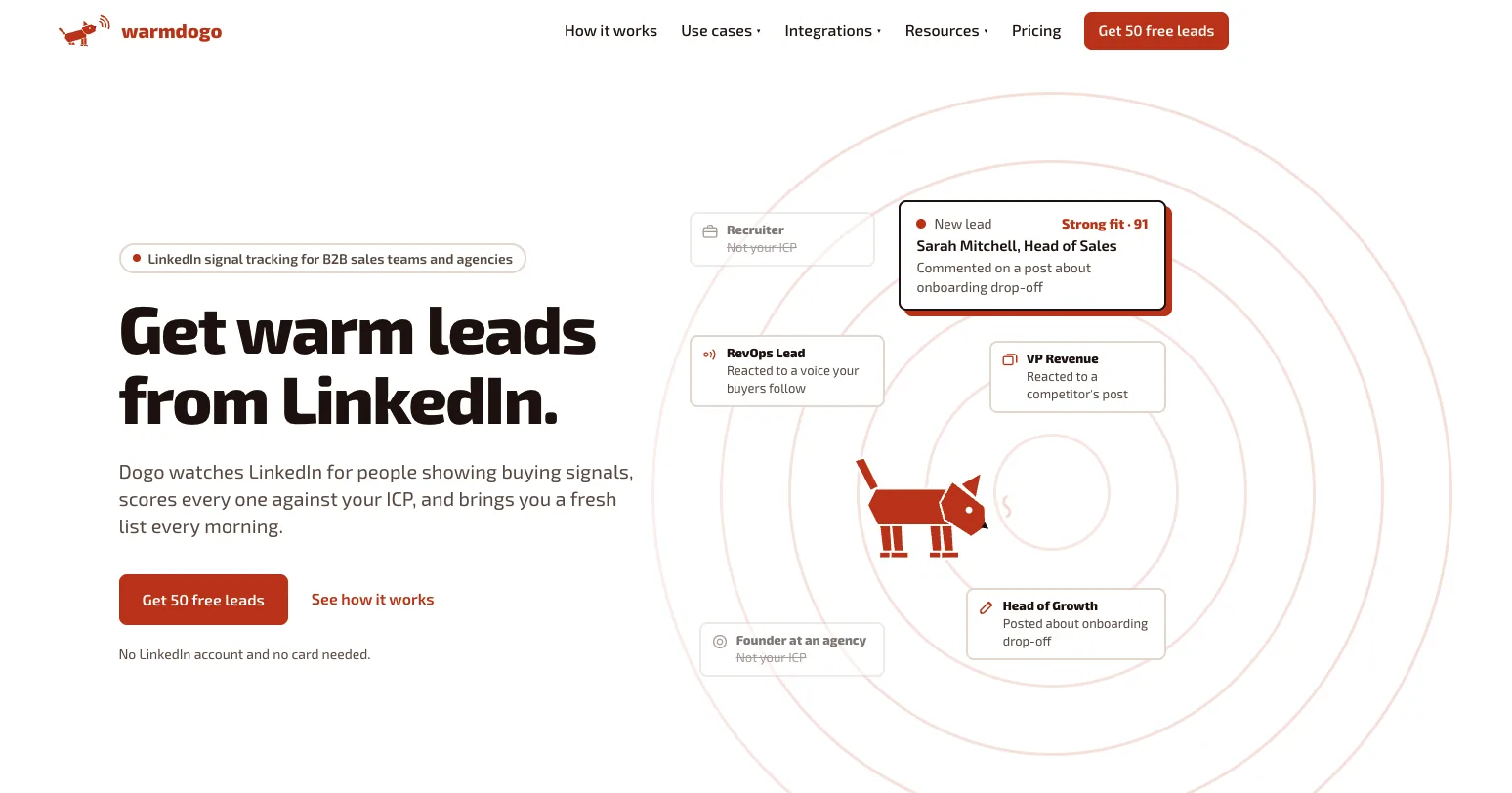
WarmDogo finds prospects from public LinkedIn buying signals and scores them against an ideal customer profile.
Instead of returning everyone who matches a job title, it looks for activity that suggests interest or timing. Each lead includes the reason it surfaced, so the user can keep or skip it before any outreach happens.
LinkedIn-specific features:
- Public-signal monitoring
- Ideal-customer-profile scoring
- Evidence attached to each lead
- Keep, skip and CSV export workflow
- No LinkedIn account connection required
Best for: Founders, sales teams and agencies that want qualified prospects before they start outreach.
Honest trade-off: WarmDogo does not send connection requests, messages or sequences. It needs another tool for outreach, and quiet markets may produce fewer useful signals.
Pricing:
- First 50 leads free
- Sniff: $99 per month for 10 signals
- Hunt: $249 per month for 30 signals
10. PhantomBuster
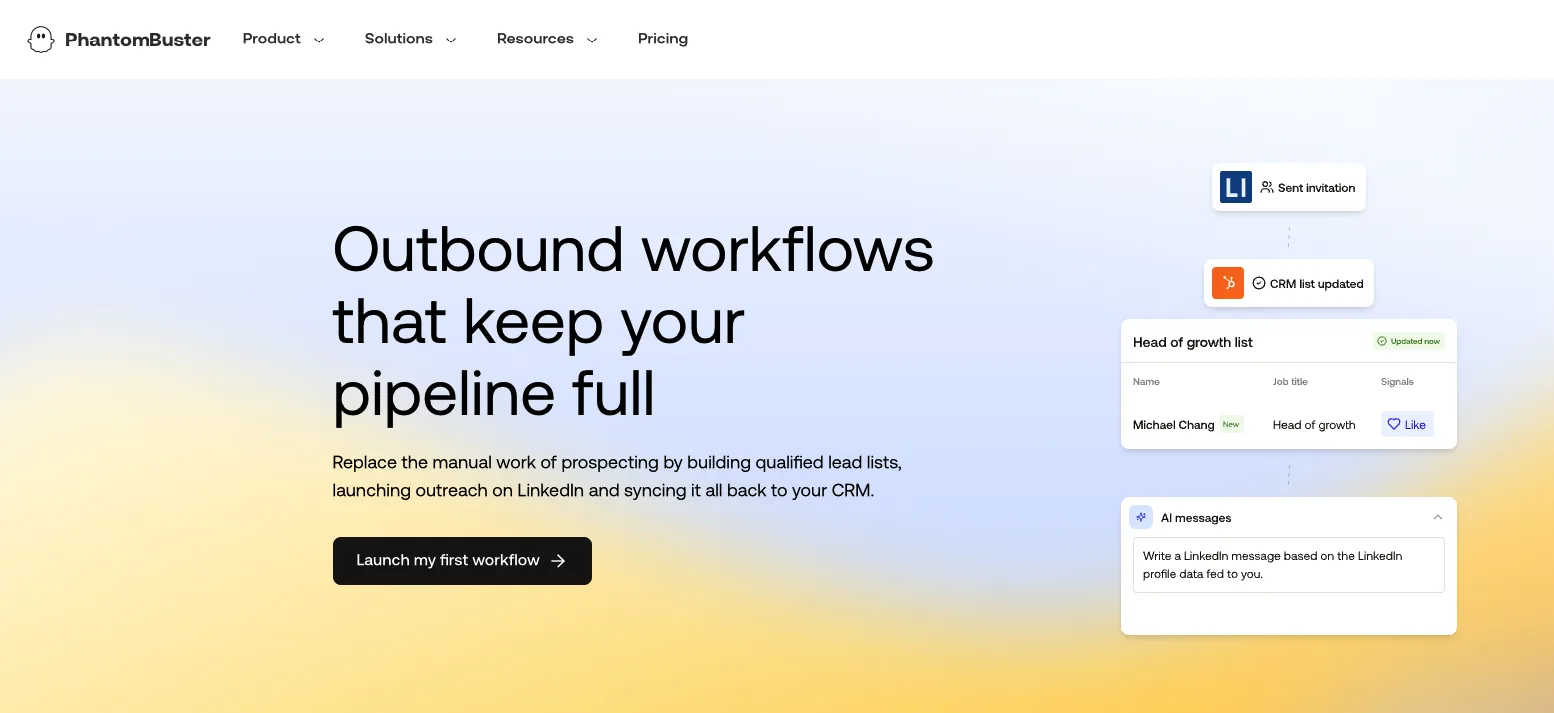
PhantomBuster provides cloud automations for sourcing leads, enriching records and moving data between tools.
Its library of ready-made workflows can reduce manual research and data handling. Because the product covers many jobs, users need to understand each automation, its data source and the maintenance it requires.
LinkedIn-specific features:
- Cloud-based automations
- Lead sourcing and enrichment
- Search and profile workflows
- Data exports and integrations
- MCP access
Best for: Growth teams and operators building flexible data and outbound workflows.
Honest trade-off: LinkedIn-related scraping and automated actions can create policy and account risk. The flexibility also requires more setup than a single-purpose tool.
Pricing:
- Limited trial: Five automation slots, two execution hours and restricted exports
- Start: $56 per month billed annually
- Grow: $128 per month billed annually
- Scale: $352 per month billed annually
11. Descript
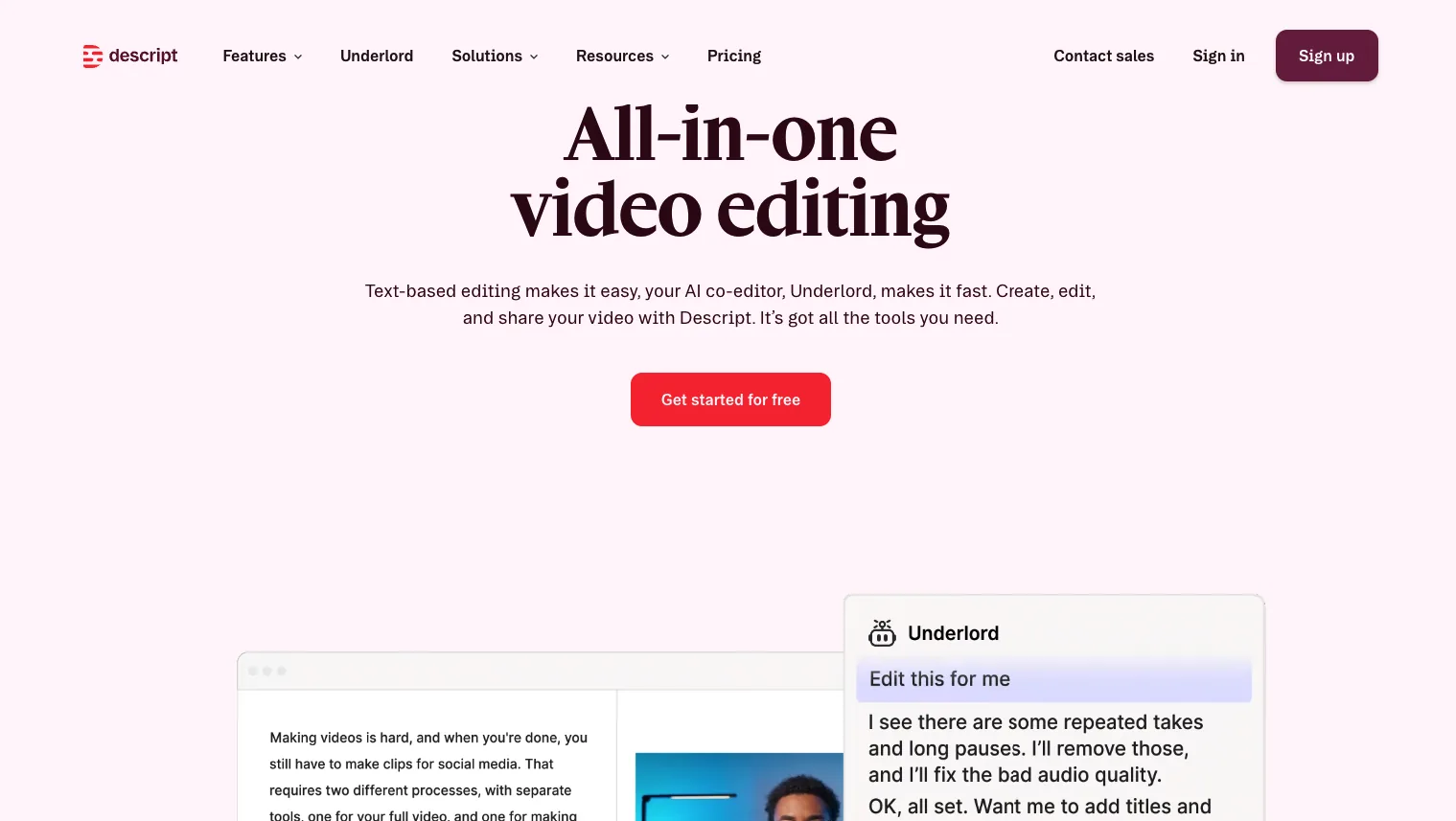
Descript lets users edit audio and video through a transcript. Delete a sentence from the text, and the corresponding section disappears from the recording.
That makes video editing easier for professionals who do not want to learn a traditional timeline. Studio Sound, filler-word removal, captions and clip creation help turn interviews or talking-head recordings into LinkedIn-ready videos.
LinkedIn-specific features:
- Transcript-based editing
- Studio Sound
- Automatic captions
- Filler-word removal
- Create Clips and AI editing assistance
Best for: Founders, consultants and marketers who want more control over LinkedIn video editing.
Honest trade-off: Descript is an editing tool, not a LinkedIn publishing or analytics platform. It also requires recorded footage to work from.
Pricing:
- Free plan available
- Hobbyist: $24 per person per month
- Creator: $35 per person per month
- Business: $65 per person per month
- Lower rates available with annual billing
12. Teal
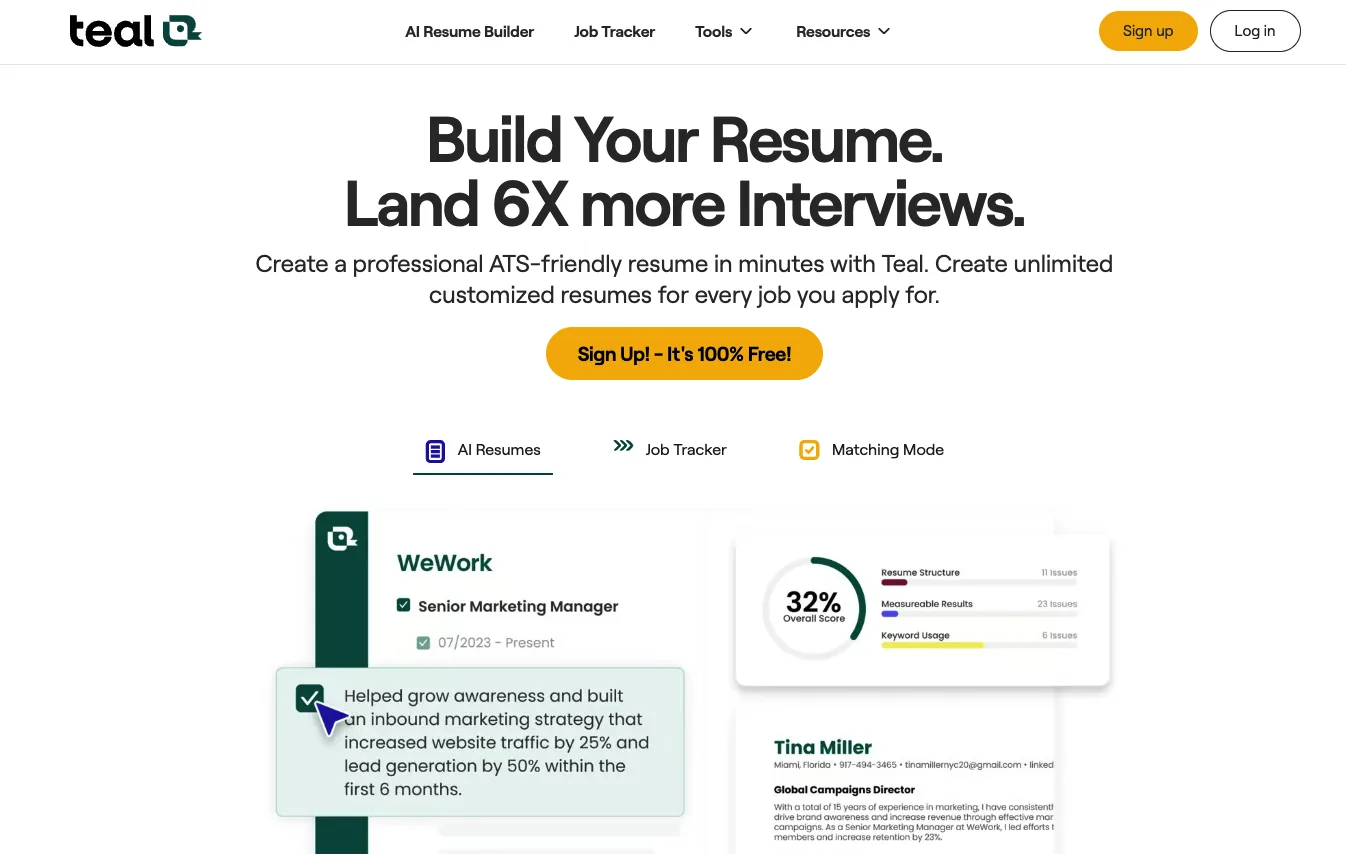
Teal reviews a LinkedIn profile as part of a wider job-search workflow. It provides recommendations alongside an AI resume builder and application tracker.
The combination helps candidates keep their profile and application materials aligned with the roles they are targeting. It is designed for career positioning rather than content creation or audience growth.
LinkedIn-specific features:
- LinkedIn Profile Review
- Personalized profile recommendations
- Resume and profile alignment
- AI resume builder
- Job application tracking
Best for: Job seekers and career changers improving their LinkedIn profile alongside resumes and applications.
Honest trade-off: Teal does not manage LinkedIn content or outreach. Its recommendations still need to be adapted to the user's real experience and achievements.
Pricing:
- Free plan available
- Teal+: $13 for seven days
- Teal+: $29 for 30 days
- Teal+: $79 for 90 days
Teal can identify gaps in your profile, but you still need to decide how to position your experience. Our guide to optimizing your LinkedIn profile walks through the headline, About section and experience changes to make next.
13. Taplio
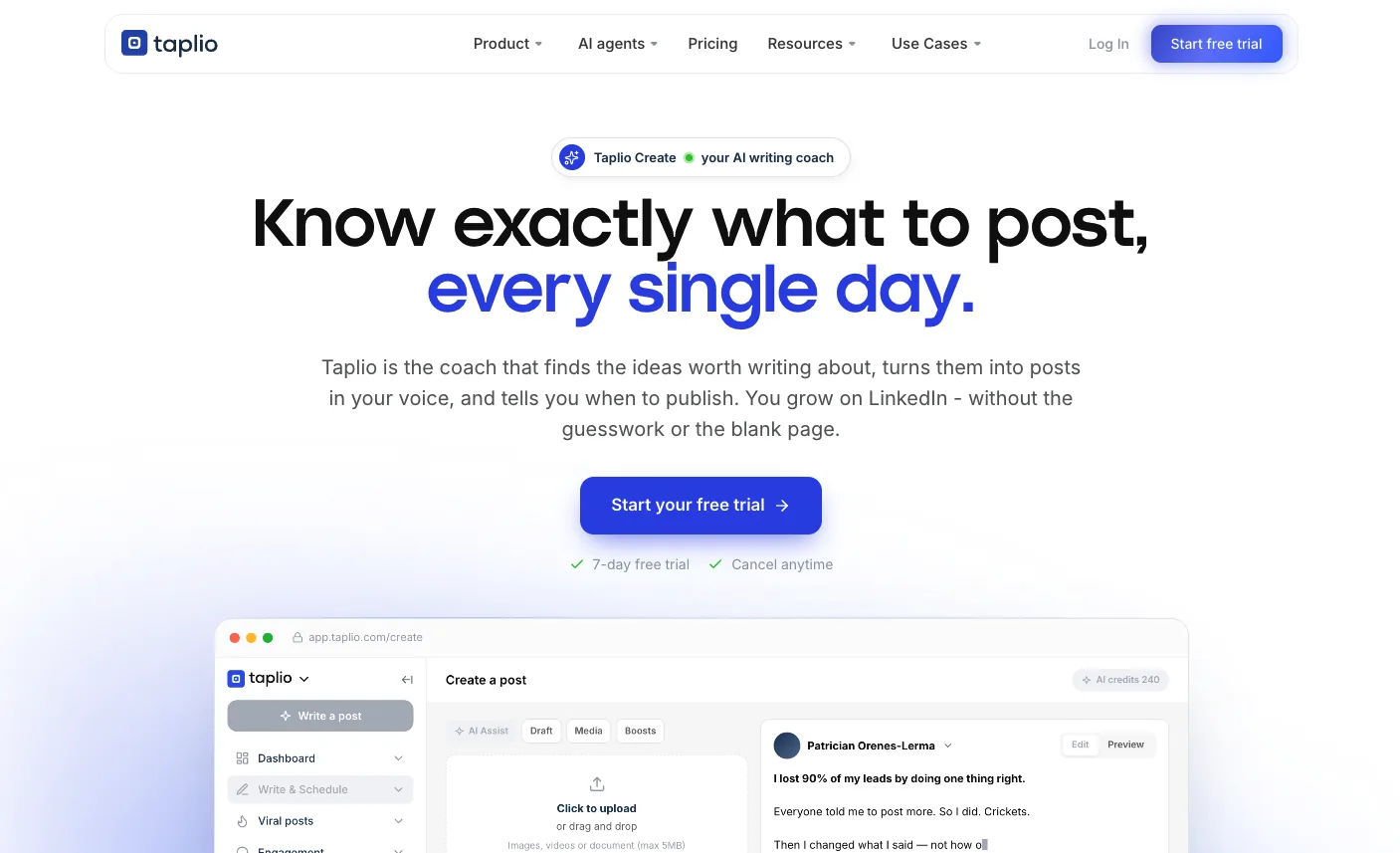
Taplio combines post inspiration, AI writing, scheduling and analytics in a creator-focused LinkedIn workspace.
Its inspiration library helps users find angles and openings when the subject is clear but the post is not. Drafts can move from the writing workspace into a publishing queue without switching tools.
LinkedIn-specific features:
- Post inspiration library
- AI post writing
- Scheduling
- Analytics
- Engagement tools
- Multi-account support
Best for: LinkedIn creators who want inspiration, writing and publishing in one product.
Honest trade-off: AI writing starts above the entry plan. The broader feature set may also be excessive for someone who posts occasionally.
Pricing:
- Starter: $39 per month
- Growth: $69 per month, including AI post writing
- Pro: $199 per month
- Seven-day Pro trial
14. LinkedIn Premium Profile Writing Assistance
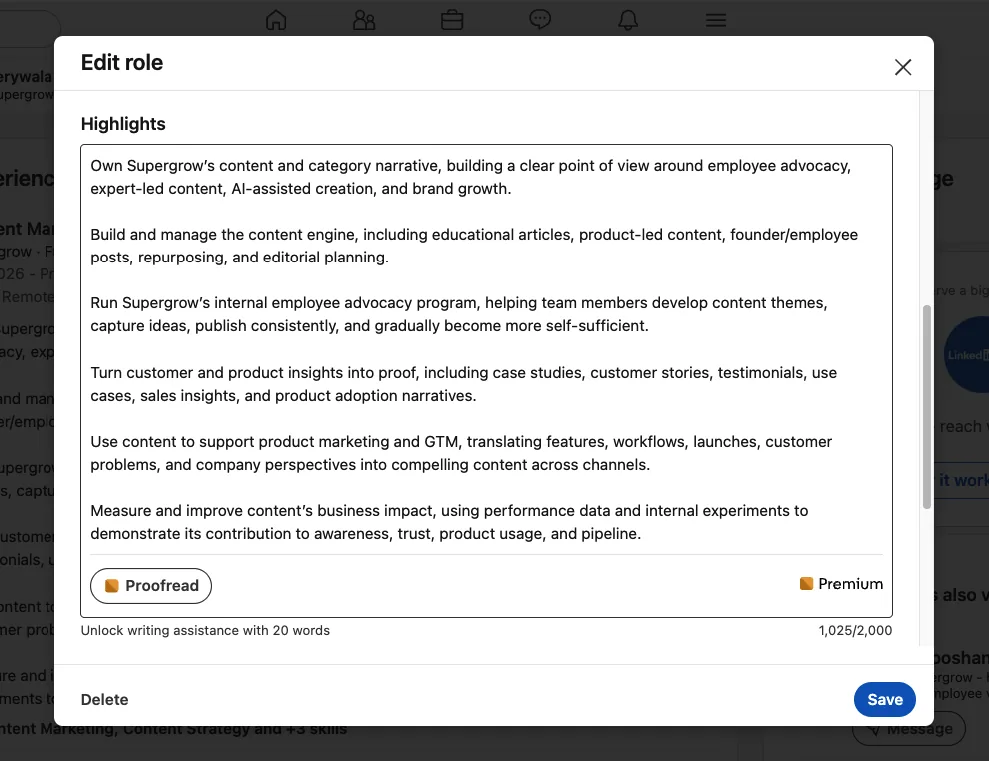
LinkedIn's native Profile Writing Assistance suggests changes to the Headline and About sections for eligible Premium subscribers.
It can also proofread Experience descriptions that contain at least 20 words. Suggestions appear inside the profile editor, where users can revise them before saving or return to the original version.
LinkedIn-specific features:
- Headline suggestions
- About-section suggestions
- Experience proofreading
- Editing before publication
- Reversion to the original version
Best for: Eligible Premium subscribers who want quick help improving their core profile sections.
Honest trade-off: LinkedIn limits the feature to a select group of Premium subscribers. A subscription does not guarantee access, and the suggestions still need specific achievements and personal detail.
Pricing:
- Included with eligible LinkedIn Premium subscriptions
- Available to some eligible trial users
- Premium price and trial terms vary by account
The Right LinkedIn AI Tool Is the One You Actually Use
Every tool here solves a specific LinkedIn problem. The right choice depends on whether you need help with content, video, engagement, prospect research, outreach or profile optimization.
Start with the task you repeatedly delay. Test one real piece of work, then keep the tool only if it makes that workflow easier.
If content creation and consistent LinkedIn visibility are your priorities, start your free trial and bring idea capture, writing, review, scheduling, and analytics into one focused workflow.