
Building a startup growth stack is not about buying more tools. It is about choosing the right startup growth tools for the stage you are actually at.
Most founders overspend early. They sign up for a dozen apps in a month and still miss the one function that compounds hardest.
Here is the stack by function. Product analytics: Mixpanel. CRM and pipeline: HubSpot. Outbound: Apollo. Email and lifecycle: Customer.io. Content and SEO: Semrush. Ops: Notion. Distribution through people: Supergrow. Each tool has one job, and each offers a free tier or startup program to help you decide when to adopt it.
The best startup tools are not a single business growth platform. They are a set of startup growth navigation tools you sequence by function and stage.
This article maps that stack the way you should build it, so you capture growth without buying ahead of your stage.
What Are Startup Growth Tools?
Startup growth tools are the software a company uses to find users, understand them, convert them, and keep the team aligned throughout the process. Each tool owns one job in the growth process.
They are not a single business growth platform you buy once. They are a stack you assemble function by function, swapping in the right tool as your needs change.
The distinction matters because it changes how you buy. You do not shop for impressive apps and sort out fit later. You start with the job that needs doing at your current stage, then pick the smallest tool that does it.
Done right, that means most startups lean on free tiers and startup programs long before they pay. The function comes first. The spend comes last.
Startup Growth Navigation Tools at a Glance for 2026
| Tool | Function | Best for | Starting price |
|---|---|---|---|
| Semrush | Content and SEO | Finding what buyers search and ranking for it | No free plan; paid from $117.33/mo |
| Supergrow | Distribution through people | Founder and team visibility on LinkedIn | 7-day free trial; from $39/mo |
| Apollo | Outbound acquisition | Finding and emailing target accounts | Free plan; paid from $49/user/mo |
| Clay | Acquisition and enrichment | Sharpening outbound with enriched data | Free plan; paid from $167/mo |
| Mixpanel | Product analytics | Seeing what users do in your product | Free up to 1M events; Growth from ~$140/mo |
| PostHog | Product analytics (all-in-one) | Analytics, replay, and flags in one tool | Free monthly tier; then usage-based |
| Customer.io | Email and lifecycle | Behavior-triggered lifecycle messaging | Free trial; from $100/mo |
| HubSpot | CRM and pipeline | Tracking leads and deals in one system | Free CRM; Starter from $20/seat/mo |
| Attio | CRM (flexible) | A fast, customizable CRM alternative | Free up to 3 users; from $35/user/mo |
| Notion | Ops and project management | Docs, wikis, and tasks in one workspace | Free tier; Plus from $10/member/mo |
| Linear | Ops (engineering) | Fast issue tracking for product teams | Free (250 issues); from $10/user/mo |
11 Startup Growth Tools to Build a Stack That Scales With You
Here are the eleven tools, grouped by the seven functions they serve. For each one, you get the job it does, who it fits, and when to adopt it. Start with the function you need now, not the full list.
1. Semrush
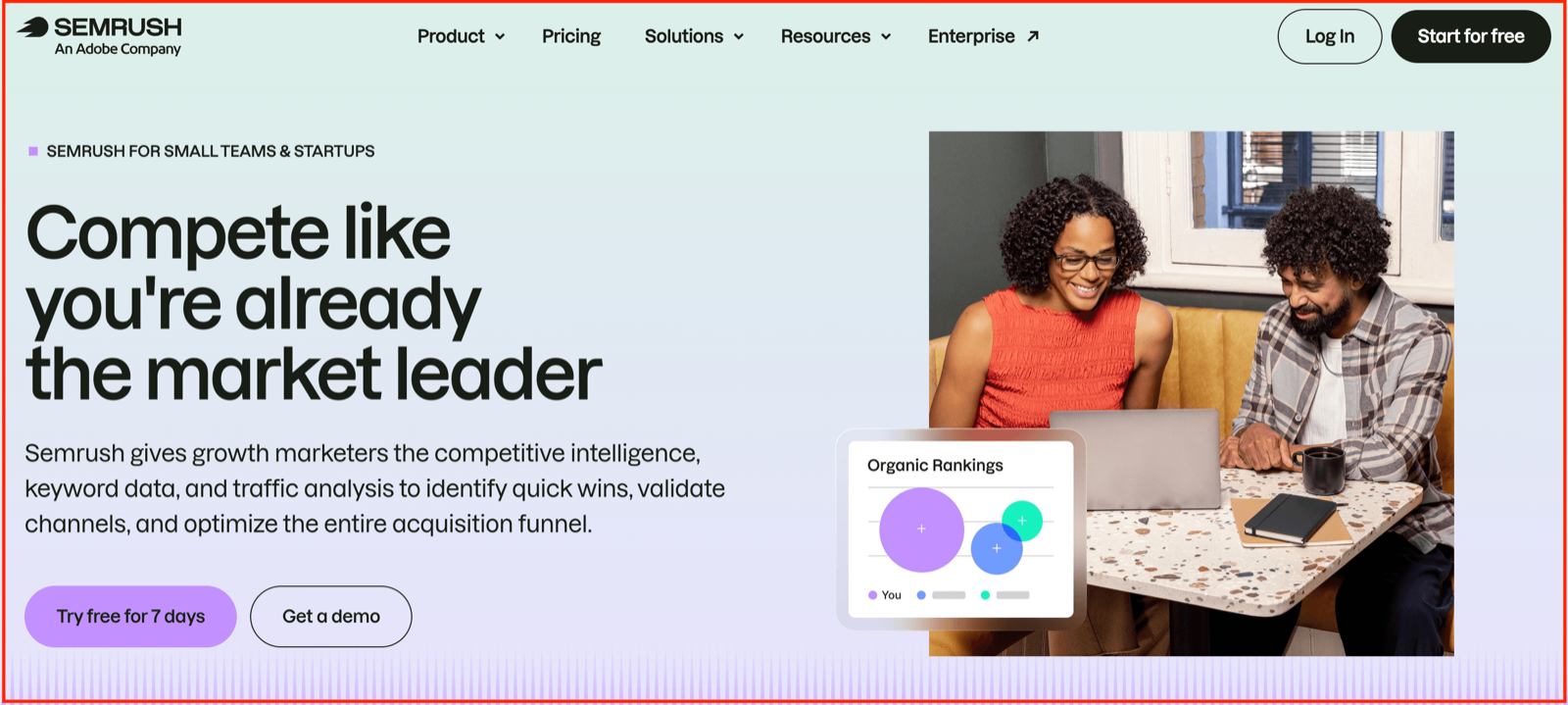
Semrush is how you find out what your buyers search for, then build the content that shows up when they do. For a first-time founder, it answers the most basic growth question there is: what are people typing into Google before they need what you sell.
It is the discovery layer of your stack. Everything else captures demand; this is where you learn what demand exists in the first place. You research keywords, track your rankings, study the competitors already winning those searches, and fix the technical issues holding your site back.
It fits you if content and search are going to be a channel, which for most B2B startups they should be. It is less urgent if you are pre-product or running purely on outbound and your network for now.
Key features:
- Keyword research to find the terms your buyers actually search for
- Position tracking to see where you rank and what is moving
- Competitor analysis to study the content already winning those searches
- Site audit to catch technical issues holding your rankings back
- AI visibility tracking to monitor how you show up in AI search and chat tools
Pricing: Semrush has no free plan, but you can start with a free trial. Paid plans begin at $117.33/mo for the SEO tier and $165.17/mo for Starter, both billed annually.
2. Supergrow
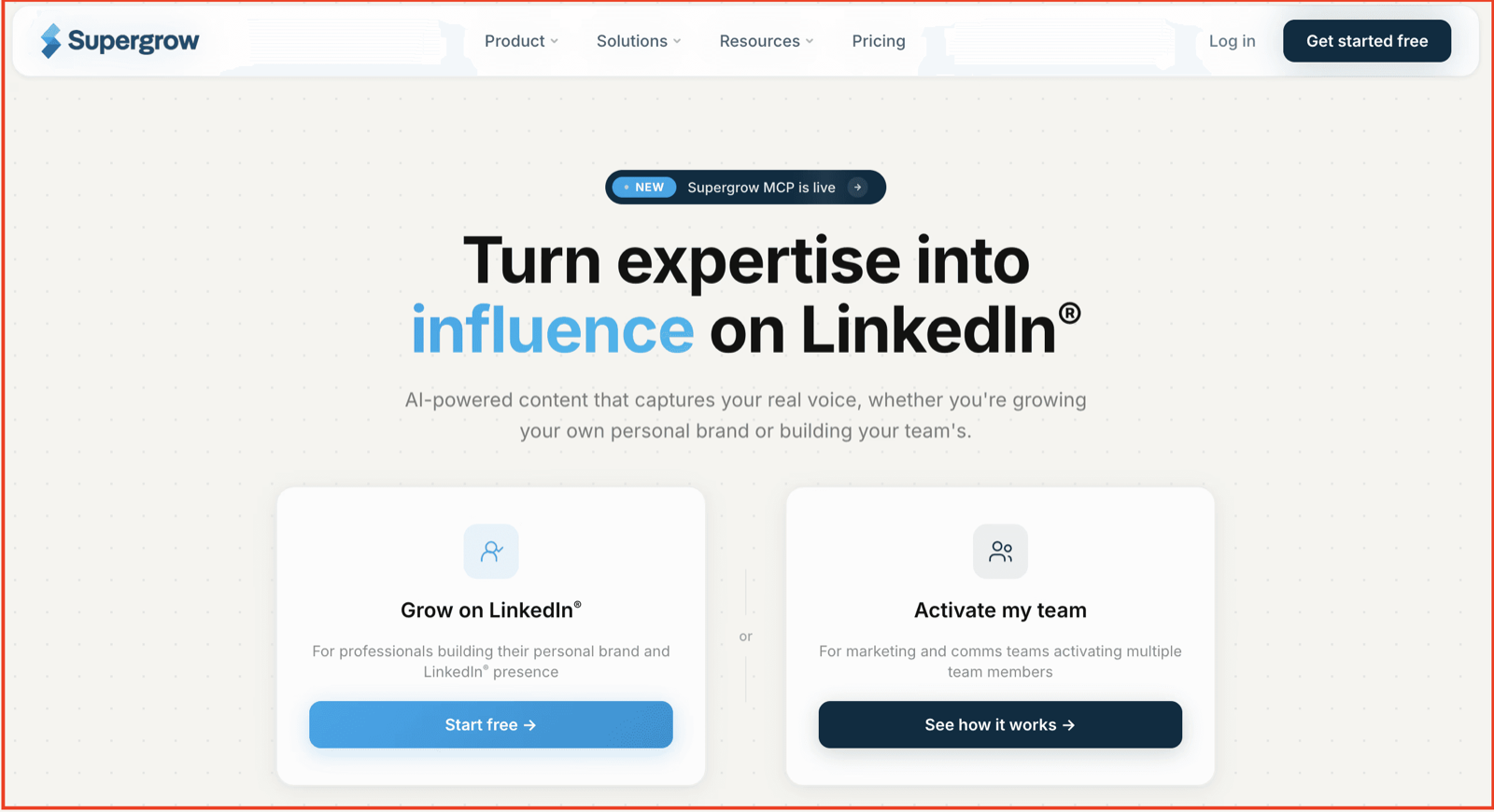
Most employee advocacy and personal-brand efforts fail for one reason, and it is not motivation. It is writing friction. Your team knows things buyers want to hear, but facing a blank LinkedIn box after a full day of work is where the intent quietly dies.
Supergrow removes that friction. It learns how you actually talk through short AI interviews, then turns a ten-minute conversation into a week of posts in your real voice. You review, approve, and schedule, so showing up no longer depends on willpower.
This is the distribution layer most growth stacks ignore. Buyers trust people before they trust logos, and your team's faces are a channel you already own. Done consistently, that visibility compounds into trust, and trust is what fills pipeline long before a demo gets booked.
It fits founders who want to build a presence without hiring a ghostwriter, and teams ready to activate executives at scale. It is less relevant if LinkedIn is not where your buyers spend their time.
Key features:
For founders and individual creators:
- Content DNA that captures your voice so posts sound like you, not a chatbot
- Postcast AI interviews that turn one short talk into multiple posts
- Scheduling with calendar, queue, and auto first-comment
- Engage mode to build presence without losing an hour to the feed
For teams activating executives:
- Feedback and approval workflows so leadership posts on-brand with zero rewriting
- Organization dashboard to manage every voice from one place
- Team-wide analytics and per-member reporting to see what is working
- Challenges and leaderboards to drive adoption without nagging
Pricing: Every plan includes a 7-day free trial. Pro is $39 ($31/mo billed annually) for a single creator or founder. Teams is $199/mo ($ 189/mo billed annually) and covers up to 5 accounts, built to activate a group of executives.
Start with a free trial to get your own posts flowing this week. 7 days free, no commitment, and your voice and content carry over when you scale up.
3. Apollo
Apollo is where you find the people worth selling to and reach them without buying three separate tools. For a startup doing outbound, it combines a contact database, email sequencing, and basic CRM features in one place, so you don't have to stitch together a prospecting stack before you have your first 10 customers.
You search a database of companies and contacts, filter down to your ideal buyer, then pull verified emails and phone numbers. From there, you build sequences that send and follow up automatically. It is the engine that fills the top of your funnel when you cannot wait for search or referrals to do it for you.
It fits founder-led sales and early outbound motions where you need volume and targeting on a budget. It is less useful if your growth is purely inbound or product-led for now.
Key features:
- A contact and company database to find your ideal buyers
- Verified email and phone data to reach them directly
- Email sequences with automated follow-ups
- Lead scoring to focus on the accounts most likely to convert
- A built-in CRM to track deals before you need a heavier system
Pricing: Apollo has a free plan with limited credits, which is enough to test it. Paid plans start at $49/mo per user for Basic and $79/mo per user for Professional, both billed annually.
4. Clay
Clay is where your outbound gets its intelligence. Where Apollo finds and emails people, Clay enriches them, pulling data from over 150 sources to tell you which prospects are actually worth reaching and why. For a startup, it turns a flat list of names into a targeted list, so your limited outreach reaches the right accounts.
You build tables of prospects, then layer on enrichment: job changes, funding signals, tech stack, and custom research run by AI agents. It plugs the result into your outreach, so every message can be personalized at scale instead of being blasted out generically. This is the difference between outbound that gets ignored and outbound that gets replies.
It fits teams who have found outbound works and want to sharpen targeting and personalization. It is more than you need if you are still validating whether outbound is a channel at all.
Key features:
- Data enrichment from 150+ providers in one place
- Waterfall enrichment that combines sources for the best coverage
- Claygent AI agents that research prospects automatically
- Buying signals like job changes, hiring, and company news
- A native sequencer to act on enriched data without exporting
Pricing: Clay has a free plan with 500 actions per month, enough to learn the tool. Paid plans start at $167/mo for Launch and $446/mo for Growth, with usage-based credits that scale as you grow.
5. Mixpanel
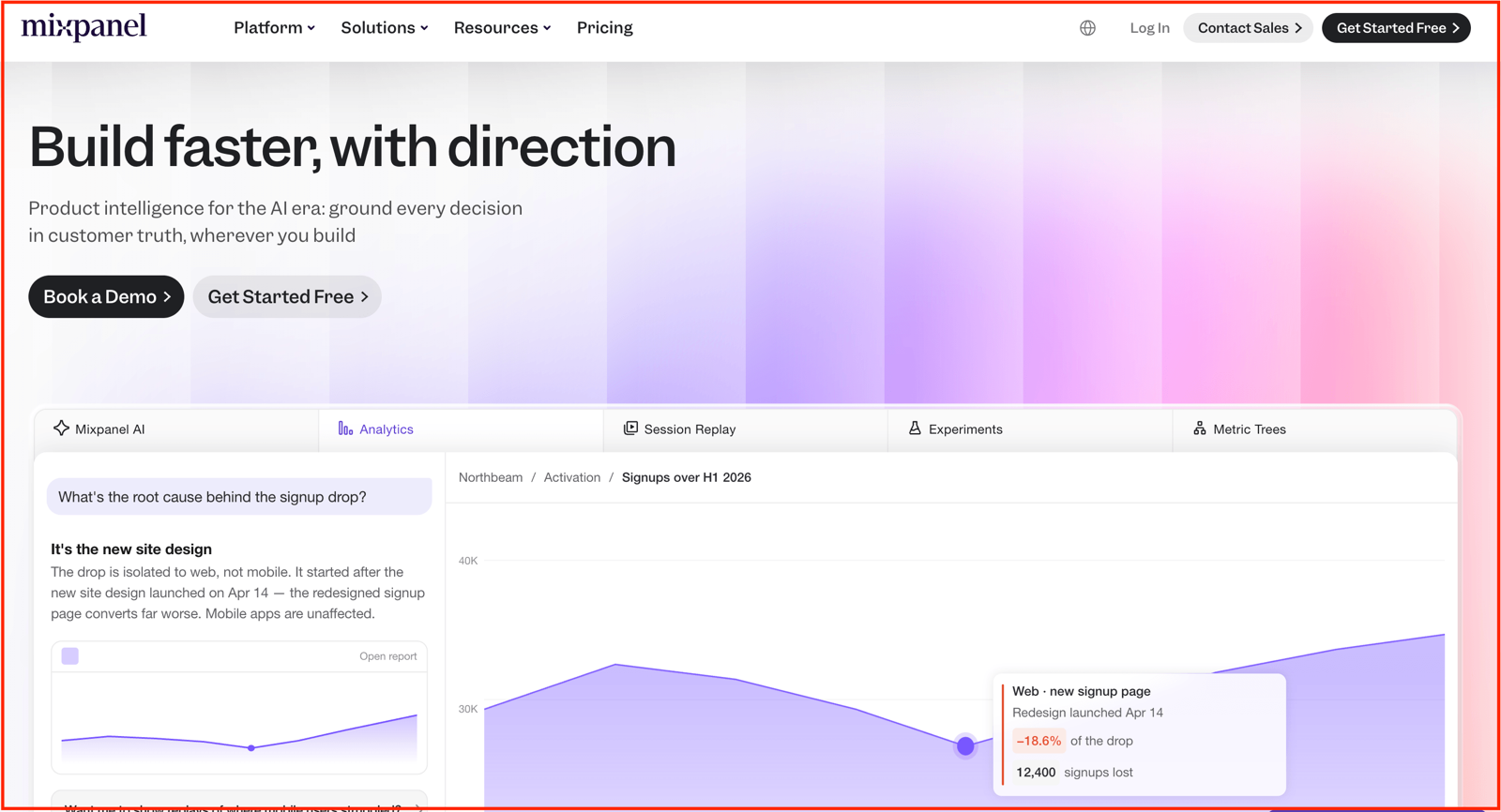
Mixpanel tells you what people actually do inside your product. Not pageviews, but the real actions: who signed up, who reached the aha moment, who dropped off and where. For a startup, it answers the question that decides whether you have product-market fit: are people coming back, and what did the ones who stayed do differently
You track key events, then build funnels, retention curves, and cohorts without writing SQL. It shows you where users drop off during onboarding, which features correlate with retention, and whether a change actually moved the numbers. This is how you stop guessing about your product and start reading it.
It fits any team with a live product and real usage to learn from. It is premature if you have not launched yet or have too few users to see patterns.
Key features:
- Event tracking to see the specific actions users take
- Funnel analysis to find exactly where people drop off
- Retention reports to see who comes back and who churns
- Cohorts to group users by behavior and compare them
- Session replay to watch real sessions when the numbers raise questions
Pricing: Mixpanel is free forever for up to 1 million events per month with unlimited seats, which covers most early startups. The Growth plan then scales with your event volume, starting around $140/mo billed monthly. Early-stage startups under five years old with up to $8M in funding can get their first year free through the startup program.
6. PostHog
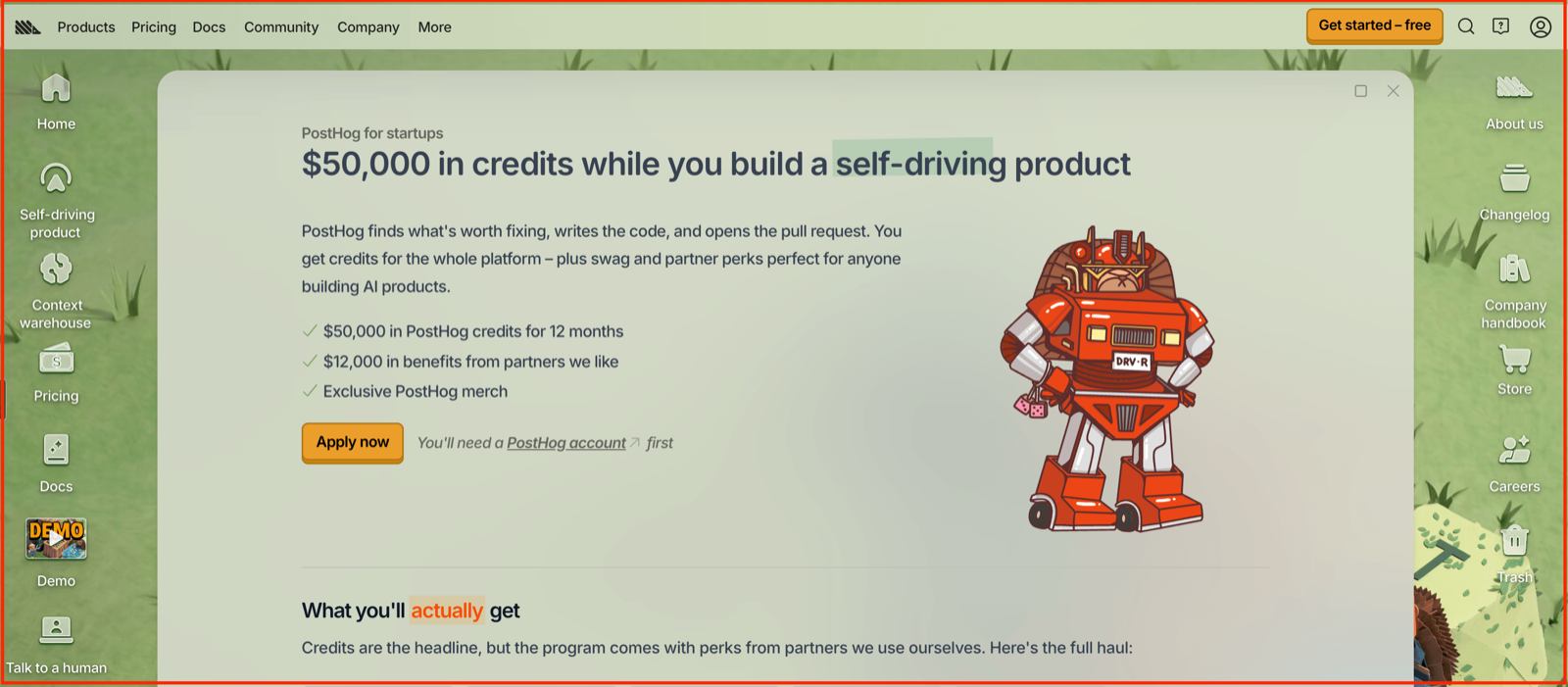
PostHog is the all-in-one alternative to running three separate tools. It combines product analytics, session replay, feature flags, and experiments in a single platform, so you can watch a funnel, replay the exact session where a user got stuck, and ship a fix behind a flag without leaving the tool. For a technical founder, that consolidation is the whole appeal.
Where Mixpanel focuses on sharp, fast product analytics, PostHog trades some of that polish for breadth. You get more of the product toolkit in one place, plus an open-source version if you want to self-host. It suits product-led teams who would rather manage one bill and one SDK than stitch together analytics, replay, and flags.
It fits engineering-led startups that value consolidation and control. Mixpanel is the cleaner pick if analytics depth is all you need.
Key features:
- Product analytics with funnels, retention, and user paths
- Session replay to watch exactly what users did
- Feature flags to roll out changes safely
- A/B testing and experiments built in
- An open-source edition you can self-host
Pricing: PostHog is free every month for up to 1 million events, 5,000 session replays, and 1 million feature-flag requests, with no credit card required. Beyond those limits, it is usage-based, so you only pay for what you use, and startup discounts are available.
7. Customer.io
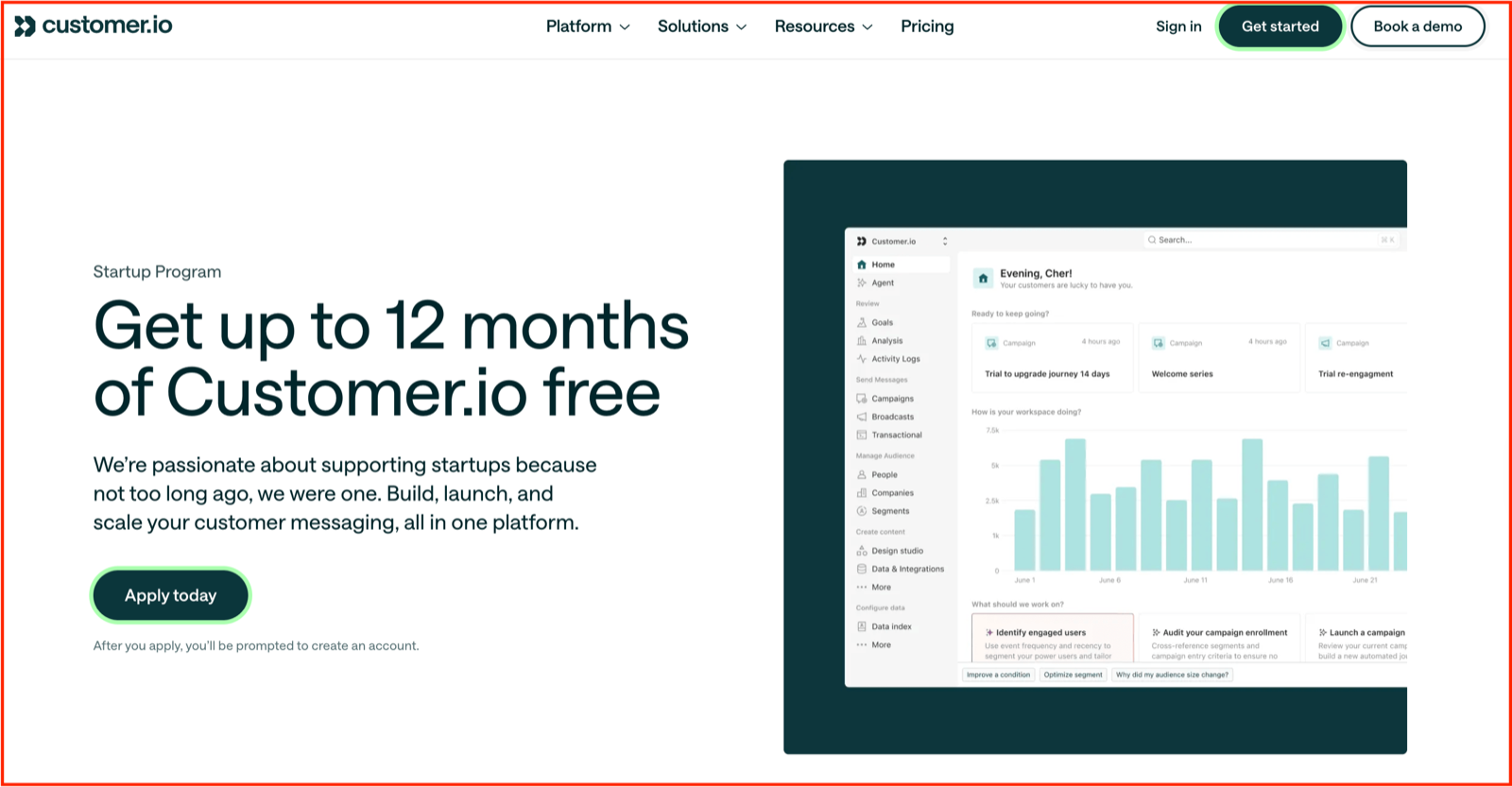
Customer.io is messaging driven by what people actually do in your product. Instead of blasting the same newsletter to everyone, it triggers emails, push notifications, SMS, and in-app messages based on real behavior: a stalled signup, a feature never tried, a trial about to expire. For a startup, that is how you turn raw product usage into lifecycle messaging that feels timed, not spammed.
You pipe in product events, then build journeys in a visual workflow builder that reacts to each user's actions. Because it reads the same behavioral data as your analytics, it fits naturally beside the product-analytics layer you already have. This is activation and retention done with precision rather than broadcast.
It fits product-led startups with event data to act on. It is more than you need if you only send occasional newsletters.
Key features:
- Behavioral triggers that send based on in-product actions
- A visual workflow builder for multi-step journeys
- Cross-channel messaging across email, push, SMS, and in-app
- Segmentation from live product and customer data
- A/B testing and conversion tracking to see what drives action
Pricing: Customer.io offers a free trial, then the Essentials plan starts at $100/mo for 5,000 profiles and up to 1 million emails. Early-stage companies that have raised under $10M can get a full year free through its startup program.
8. HubSpot
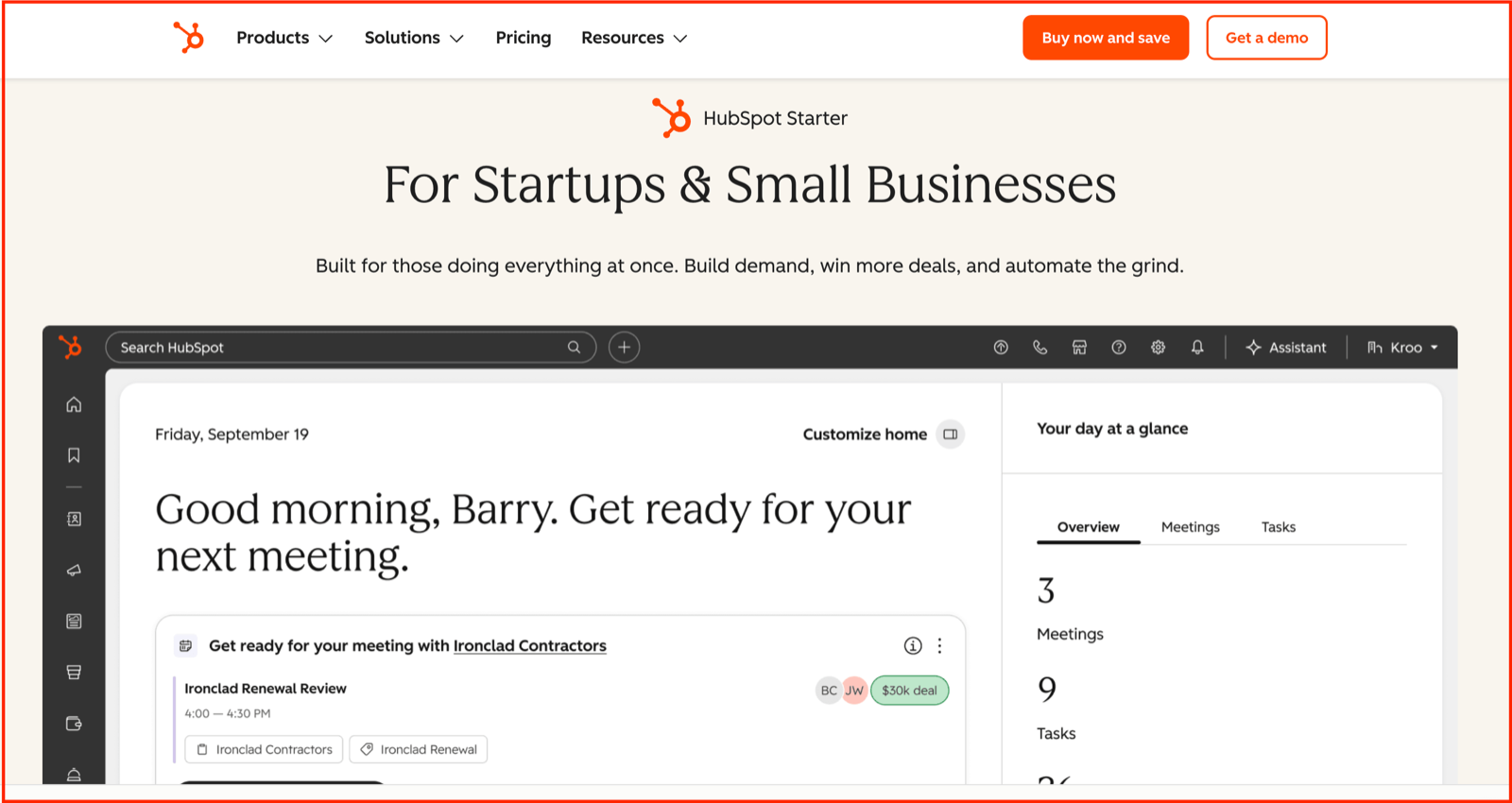
HubSpot is the system of record for everyone who interacts with your business. It is where a lead from a cold email, a form fill, or a demo request becomes a contact you can track through to a closed deal. For an early startup, the free CRM alone replaces the messy spreadsheet most founders start with, and it does not expire or cap your team size for the basics.
As you grow, the same platform adds email, forms, live chat, meeting scheduling, and pipeline automation. Starting with the CRM means your sales, marketing, and support data live in one place from day one, rather than having to untangle it later. That early consolidation is worth more than most founders expect.
It fits almost any startup that talks to leads and wants history in one place. It is overkill only if you have no sales motion at all yet.
Key features:
- A free CRM to track contacts, companies, and deals
- Deal pipelines with stages you can customize
- Email tracking, templates, and meeting scheduling
- Forms, live chat, and landing pages to capture leads
- Reporting dashboards to see pipeline and activity
Pricing: HubSpot's CRM is free forever for up to two users and 1,000 contacts. The Starter Customer Platform then starts at $20/mo per seat, and eligible startups can get significant discounts through the HubSpot for Startups program.
9. Attio
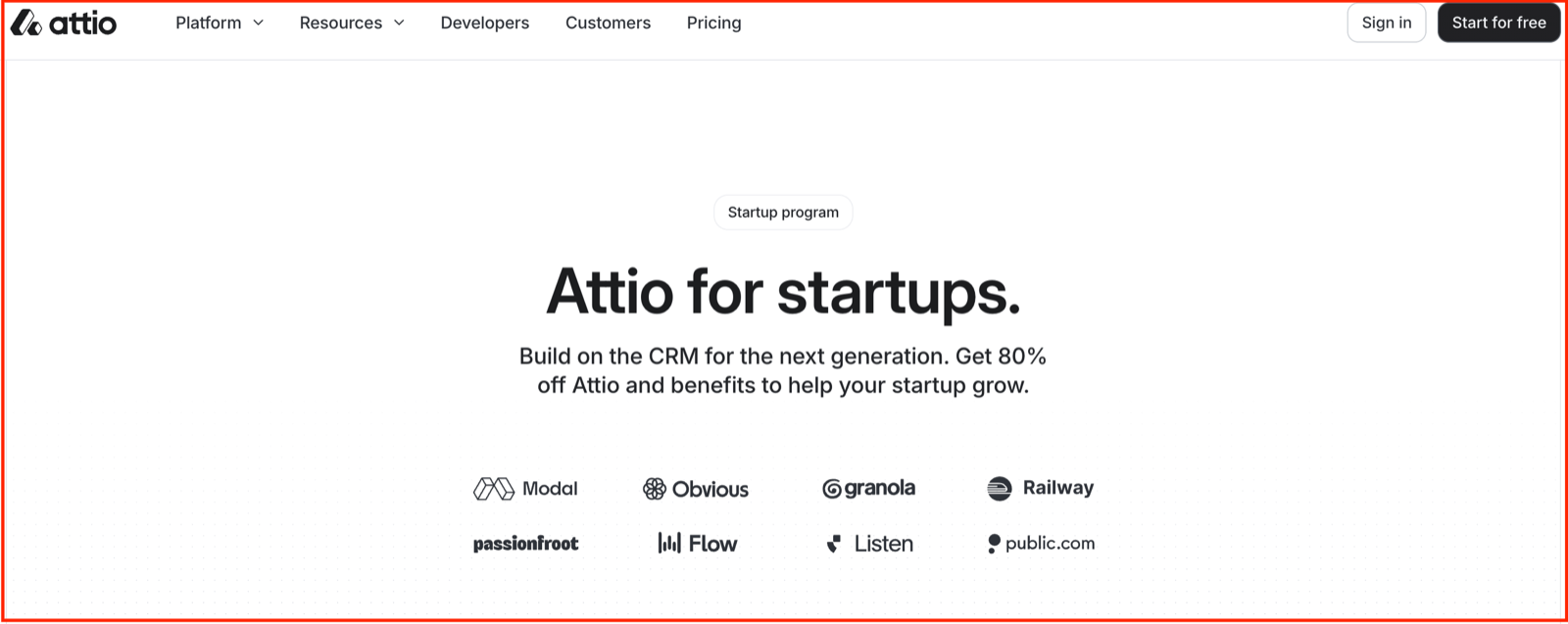
Attio is the modern take on CRM, built for startups that find legacy tools rigid and overbuilt. Where older systems force your process into their structure, Attio lets you shape the data model around how your business actually works, then layers AI and automation on top. For a founder who wants a CRM that feels fast and flexible rather than bureaucratic, it is the natural alternative to HubSpot.
It syncs your email and calendar the moment you connect them, building a live database of every contact and company you already talk to. From there, you customize objects, pipelines, and reports without admin overhead. This is CRM for teams who care about design and speed as much as function.
It fits startups that want flexibility and a clean interface over an all-in-one marketing suite. HubSpot is the better pick if you want free marketing and sales tools bundled in.
Key features:
- A fully customizable data model you shape to your workflow
- Automatic email and calendar sync that builds your contact database
- Data enrichment on companies and people
- Pipelines, sequences, and workflow automation
- Call intelligence and AI through Ask Attio
Pricing: Attio has a free plan for up to three users. Paid plans start at $35/user per month for Plus and $79/user per month for Pro, billed annually, and eligible startups can get up to 80% off through its startup program.
10. Notion
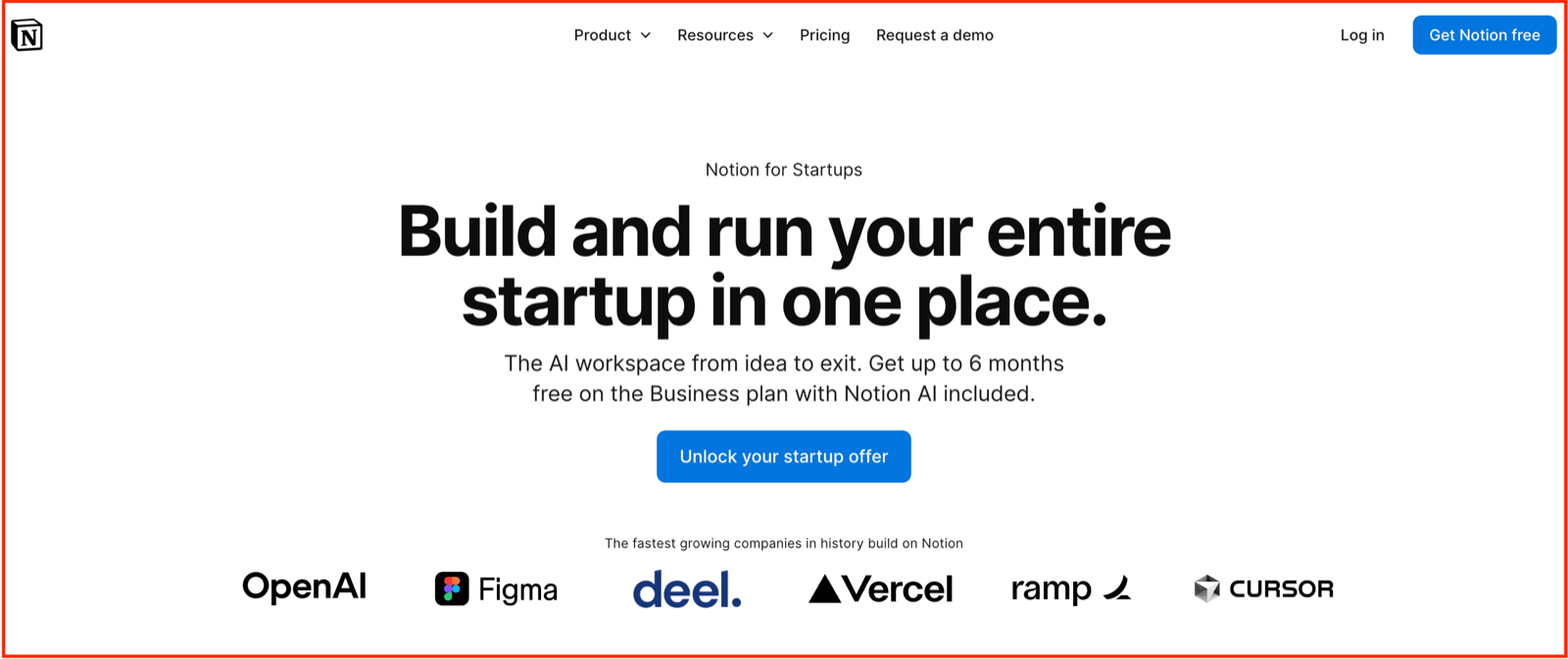
Notion is the flexible workspace where your startup's docs, wikis, tasks, and projects live together. Instead of paying for a separate doc tool, a knowledge base, and a project tracker, you build all three inside one app shaped to how your team works. For an early-stage company, that means your product specs, meeting notes, roadmap, and company wiki no longer have to be scattered across five tabs.
The appeal is that it bends to you. A page can be a simple doc, a database of tasks, a hiring pipeline, or a dashboard, all editable by anyone without training. As the team grows, it becomes the shared brain that new hires read to get up to speed, saving the repeated explanations that slow small teams down.
It fits almost any startup that wants docs and lightweight project management in one place. Dedicated engineering teams may still prefer a sharper issue tracker alongside it.
Key features:
- Docs and wikis for notes, specs, and company knowledge
- Flexible databases for tasks, projects, and pipelines
- Customizable pages anyone can build without code
- Templates to start fast on common workflows
- AI for drafting, summarizing, and searching across your workspace
Pricing: Notion is free for individuals and small teams to start. Paid plans are $10/member per month for Plus and $20/member per month for Business, and startups can get free credits through the Notion for Startups program.
11. Linear
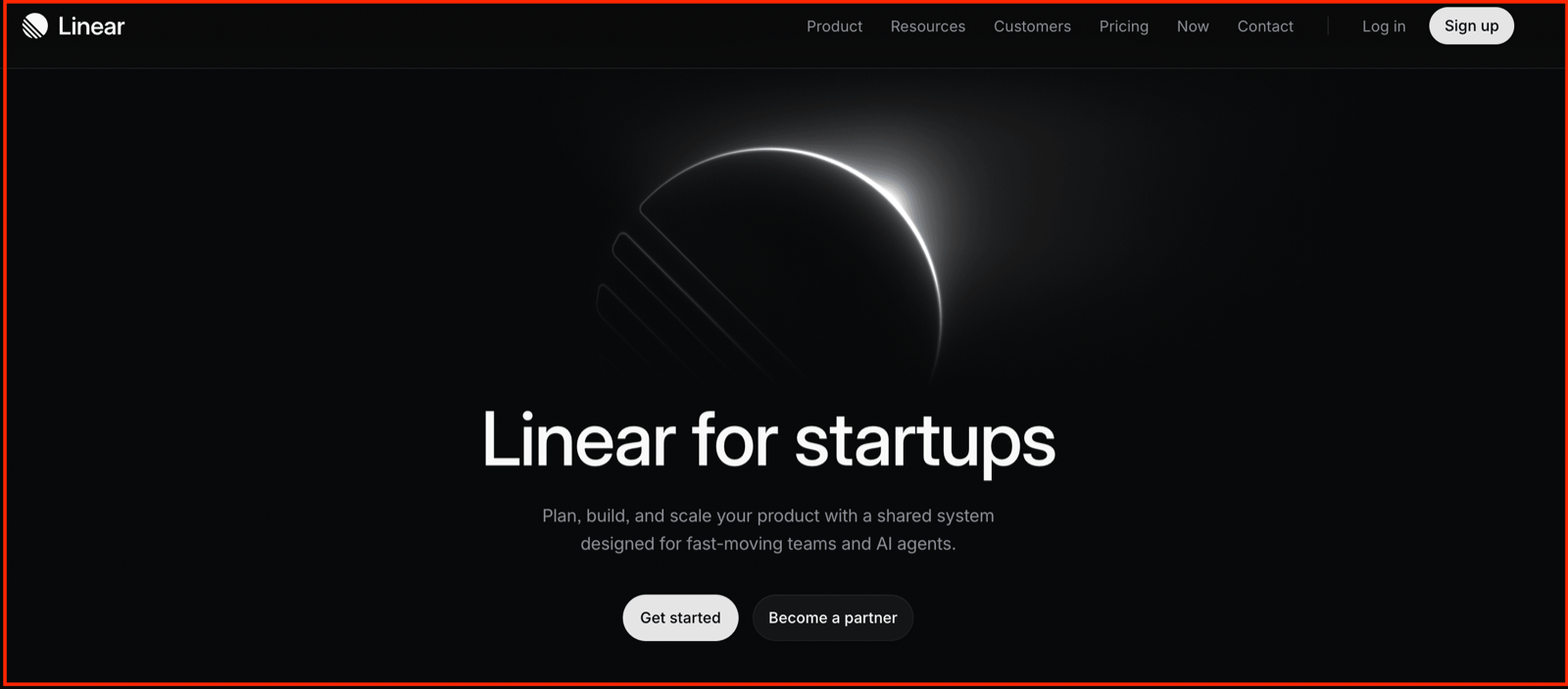
Linear is the issue tracker built for how modern product and engineering teams actually ship. Where Notion flexes to hold everything, Linear does one thing with uncommon speed and polish: it tracks the work of building software, from bug to backlog to release. For a startup with developers, it is the tool that keeps the roadmap moving without the drag of heavier project software.
The draw is pace. Keyboard-first navigation, a clean interface, and opinionated workflows mean issues get created and closed in seconds, not minutes. It organizes work into cycles and projects so a small team always knows what ships next, and it connects to GitHub and Slack so updates flow without manual status-chasing.
It fits product and engineering teams who want speed and focus. Non-technical teams are usually better served by Notion's flexibility.
Key features:
- Fast, keyboard-first issue tracking
- Cycles and projects to plan and ship in rhythm
- Roadmaps that tie daily work to bigger goals
- GitHub, Slack, and Figma integrations
- Built-in automation and AI to cut manual updates
Pricing: Linear is free for unlimited members with a 250-issue limit, enough for an early team. Paid plans are $10/user per month for Basic and $16/user per month for Business, billed yearly, with a startup program available.
How To Sequence: Don't Buy Ahead Of Your Stage
The stack above is not a shopping list to buy in one go. It is a sequence, and the rule for working through it is simple: pay last.
Start with the function you cannot operate without right now, and reach for the free tier first. Most of these tools have one. Mixpanel, PostHog, HubSpot, Notion, and Linear all run free at early-startup scale, so you can stand up analytics, a CRM, and your ops layer without spending a rupee.
When you outgrow free, check for a startup program before you pay full price. Customer.io, Clay, and Attio all offer steep discounts or a free year for early-stage companies, which buys you room while a channel proves itself.
Defer the tools that only make sense once a motion is working. Paid outbound enrichment earns its cost after outbound does, not before.
Build the Stack That Scales
I said at the start that the best startup growth tools are not a single platform but a stack you sequence by function. Build it that way and the payoff is real: you find users, understand them, convert them, and keep them, without overspending before a channel proves itself.
But a stack only captures demand. It never creates it. Semrush helps buyers find you, Mixpanel reads what they do, HubSpot tracks the deal. The one function that makes people trust you in the first place runs on people, not software, and it is the one most founders skip.
So don't. Supergrow turns ten minutes of talking into a week of posts in your voice. Start free for 7 days.