
Social selling tools help B2B sellers build relationships with buyers on LinkedIn. The right ones help you post ideas buyers trust, spot the right person at the right moment, and start conversations that turn into pipeline. But many tools sold for social selling are really cold email software or automation bots that LinkedIn doesn't allow.
This list of social selling tools is stricter. It covers 8 tools that each help sellers do a real social selling job, including two of LinkedIn's own tools that most lists skip. For each one, you'll see what it does, what it costs, and how it connects to LinkedIn.
The Best Social Selling Tools for LinkedIn at a Glance
The best social selling tools help sellers earn credibility, know who to talk to, start conversations, and connect them to pipeline, all within LinkedIn's rules. Supergrow helps sellers post their own ideas and engage with prospects. LinkedIn Sales Navigator helps them find buyers and reach out at the right moment.
-
Supergrow: Best for sellers who post their own ideas and engage with prospects, because it drafts posts in each seller's voice and connects through LinkedIn's official API
-
LinkedIn Thought Leader Ads: Best for putting a seller's best posts in front of target accounts, because your company Page can sponsor them with the seller's permission
-
GaggleAMP: Best for sales teams that share company content, because reps act on pre-approved posts in one click from Slack or Teams
-
LinkedIn Sales Navigator: Best for finding buyers and timing outreach, because Account IQ, Lead IQ, and alerts show who to contact and when
-
Dex: Best for keeping track of every relationship, because it syncs your LinkedIn connections and alerts you when someone changes jobs
-
Kondo: Best for managing a busy LinkedIn inbox, because it puts LinkedIn, WhatsApp, and iMessage in one inbox with follow-up reminders
-
Vidyard: Best for personal video replies, because you can record and send a video inside a LinkedIn message
-
Crystal: Best for matching your writing to each buyer, because it shows a personality profile on LinkedIn profiles
Before looking at each tool, here's what counts as a social selling tool and what doesn't.
What Counts as a Social Selling Tool
LinkedIn defines social selling as "a strategic method for sellers to connect and build relationships with prospects through social networks." A tool makes this list only if it helps a seller with one of four jobs:
- Earn credibility: Post ideas and keep a profile that makes buyers want to reply.
- Know who to talk to and when: Spot signals such as job changes and account activity.
- Start and keep conversations going: Comment, message, and follow up in a personal way.
- Connect conversations to pipeline: Track which conversations turn into meetings and deals.
Some popular tools don't make the list:
-
Cold email and contact databases: They're built for outbound, not social selling.
-
Company Page schedulers: They help marketing publish brand posts, not sellers build relationships.
-
General CRMs: They store deals but don't help you earn a reply.
-
Automation tools: LinkedIn prohibits tools that send connection requests, messages, or engagement automatically.
How We Chose These Tools and How Each Connects to LinkedIn
Every tool on this list does at least one of the four jobs above, is built for B2B sellers, and has a listed price or a clear pricing model. Each one also connects to LinkedIn in one of four ways:
-
LinkedIn's own product: LinkedIn builds and runs it.
-
Official API: You connect your account through LinkedIn's own sign-in (OAuth), and the tool works through LinkedIn's approved integration.
-
Browser extension: A Chrome add-on works on top of LinkedIn's website.
-
Your logged-in session: Software on your computer works inside the LinkedIn session you're already signed into.
LinkedIn doesn't allow third-party software or browser extensions that scrape data, change how its site looks, or automate activity, and it can restrict or shut down accounts that use them. Check any extension- or session-based tool against that rule before your team installs it.
Social Selling Tools Compared
The table lists the tools in the same order as the reviews below.
| Tool | Best for | How it connects to LinkedIn | Starting price | Free plan or trial |
|---|---|---|---|---|
| Supergrow | Sellers who post their own ideas | Official API (OAuth) | Pro $39/month, or $31/month billed annually | 7-day free trial |
| LinkedIn Thought Leader Ads | Boosting sellers' posts to target accounts | LinkedIn's own product | Your ad budget | No |
| GaggleAMP | Sales teams sharing company content | Not stated | Quote only, based on company size | No |
| LinkedIn Sales Navigator | Finding buyers and timing outreach | LinkedIn's own product | Core $119.99/month, or $1,079.88/year | Free trial for eligible members |
| Dex | Keeping track of relationships | Browser extension | Premium $12/month billed annually | Not listed |
| Kondo | Busy LinkedIn inboxes | Your logged-in session | Basic $28/user/month billed annually | 14-day money-back guarantee |
| Vidyard | Personal video replies | Browser extension | Starter $59/seat/month billed annually | Free plan and 14-day trial |
| Crystal | Matching your writing to each buyer | Browser extension | Premium $49/month, or $490/year | Free personality assessments |
8 Best Social Selling Tools for LinkedIn
Here's a closer look at each tool, grouped by the job it does.
Tools to Earn Credibility and Engage
Buyers check a seller's profile and posts before they reply, and they notice who leaves thoughtful comments on their own posts.
1. Supergrow
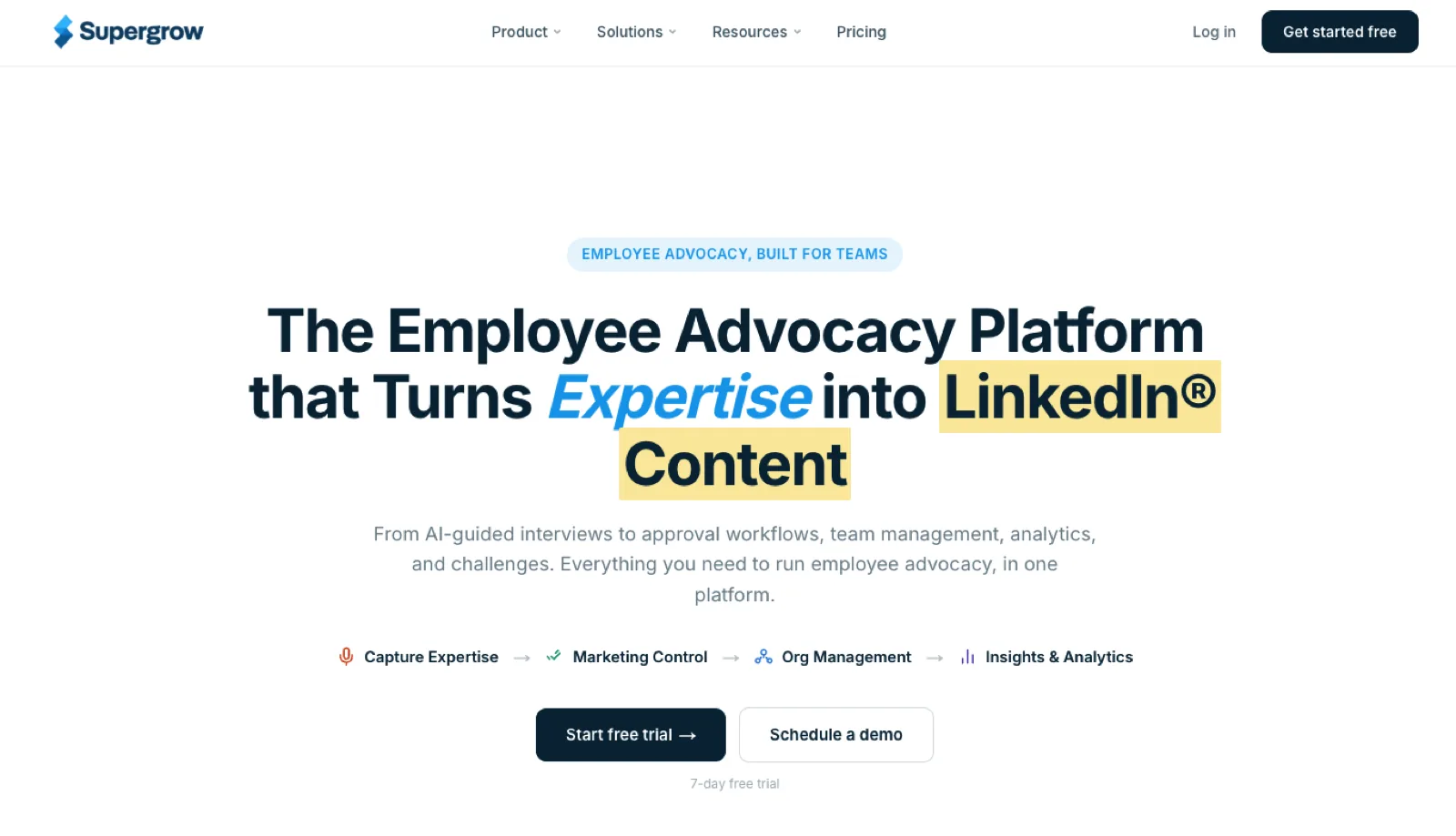
Supergrow is a LinkedIn platform that helps B2B sellers, founders, and executives build credibility through their own posts. It also keeps them visible to the buyers they want to reach, so their name is familiar before the first message.
How it connects to LinkedIn: LinkedIn's official API, through LinkedIn sign-in (OAuth). There's no browser extension, and Supergrow is a LinkedIn Verified Partner.
Best for: Sellers and executives who know they should post on LinkedIn but don't have time to write.
Key features: Content interviews turn a seller's ideas into drafts, and Content DNA keeps each draft in that person's voice. Managers can approve posts and publish on behalf of busy executives. With Supergrow Engage, sellers build lists of prospects, customers, or peers and see their recent posts in one feed. They react, comment, or repost in their own voice. AI can suggest a starting point, but the seller reviews and sends every action. At Sage, a Supergrow customer, over 40 team members, including sales and customer success, post regularly.
Pricing:
-
Pro: $39/month, or $31/month billed annually, for one person
-
Teams: $199/month, or $189/month billed annually, for 5 LinkedIn accounts
-
Free trial: 7 days
Pros
-
Sellers post their own ideas in their own voice
-
Every comment and reaction stays in the seller's hands
Cons
-
Works on LinkedIn only
-
Not a prospecting database, so pair it with Sales Navigator
2. LinkedIn Thought Leader Ads
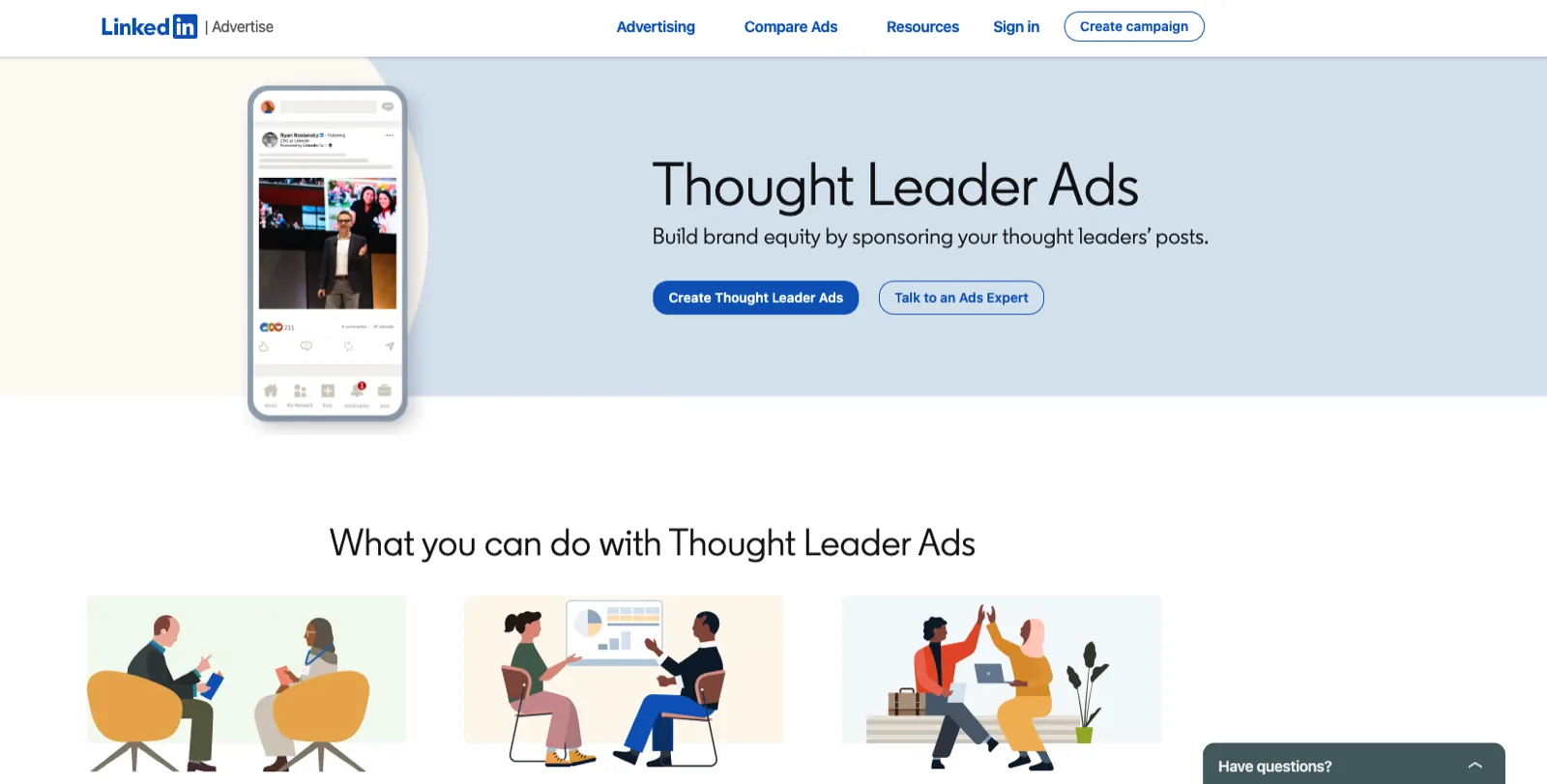
Thought Leader Ads are a LinkedIn ad format that turns a member's organic post into a sponsored ad paid for by your company page. You can sponsor posts from employees, executives, experts, customers, or creators.
How it connects to LinkedIn: LinkedIn's own product.
Best for: Teams that want a seller's or executive's best posts to reach target accounts, not just their followers.
Key features: The member approves each request before their post runs as an ad. You set up and target the ad in Campaign Manager, LinkedIn's ad platform, and track the results there too. It works best alongside a tool that helps sellers post consistently, such as Supergrow.
Pricing: There's no subscription. You pay for the ads you run, so the cost is your ad budget.
Pros
-
Puts a seller's post in front of buyers who don't follow them yet
-
Runs inside LinkedIn, with no extra tool to install
Cons
-
Only boosts posts that already exist, so sellers need to post first
-
Every boosted post adds to your ad spend
3. GaggleAMP
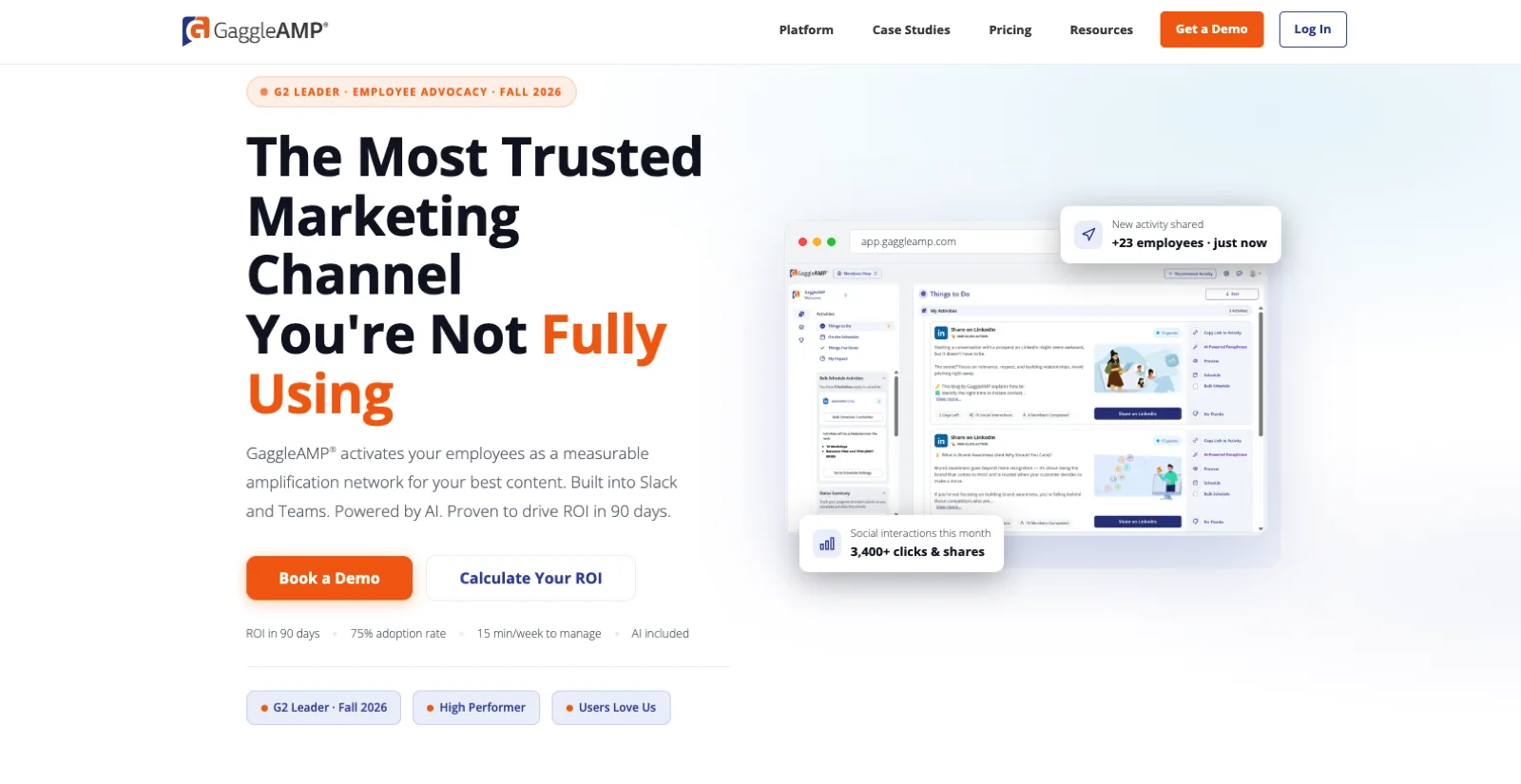
GaggleAMP is an employee advocacy platform that gets employees, including sales reps, sharing company content on LinkedIn, X, Facebook, Instagram, and other networks from one feed.
How it connects to LinkedIn: GaggleAMP doesn't say how it connects to LinkedIn, so ask in your demo.
Best for: Sales teams that should share company content regularly.
Key features: Managers create pre-approved "activities," such as a post to share or comment on, and send them by team, for example, LinkedIn thought leadership posts for sales. Reps complete each activity in one click. AI writes a different version of each post for every employee. Reports track UTM-tagged clicks, earned media value, and pipeline. In GaggleAMP's customer stories, WGroup built more than $2 million in new sales opportunities. If you're weighing it up, compare GaggleAMP alternatives too.
Pricing: GaggleAMP sets the price by your company's total size and lets you invite unlimited members. You get the price through a custom proposal and pay once a year.
Pros
-
Reps share from Slack or Teams without opening another app
-
Inviting more employees doesn't raise the price
Cons
-
Reps share company content rather than their own ideas
-
The base price needs a 2-year contract
Tools to Know Who to Talk to, and When
Timing and context turn a cold message into a relevant one.
4. LinkedIn Sales Navigator
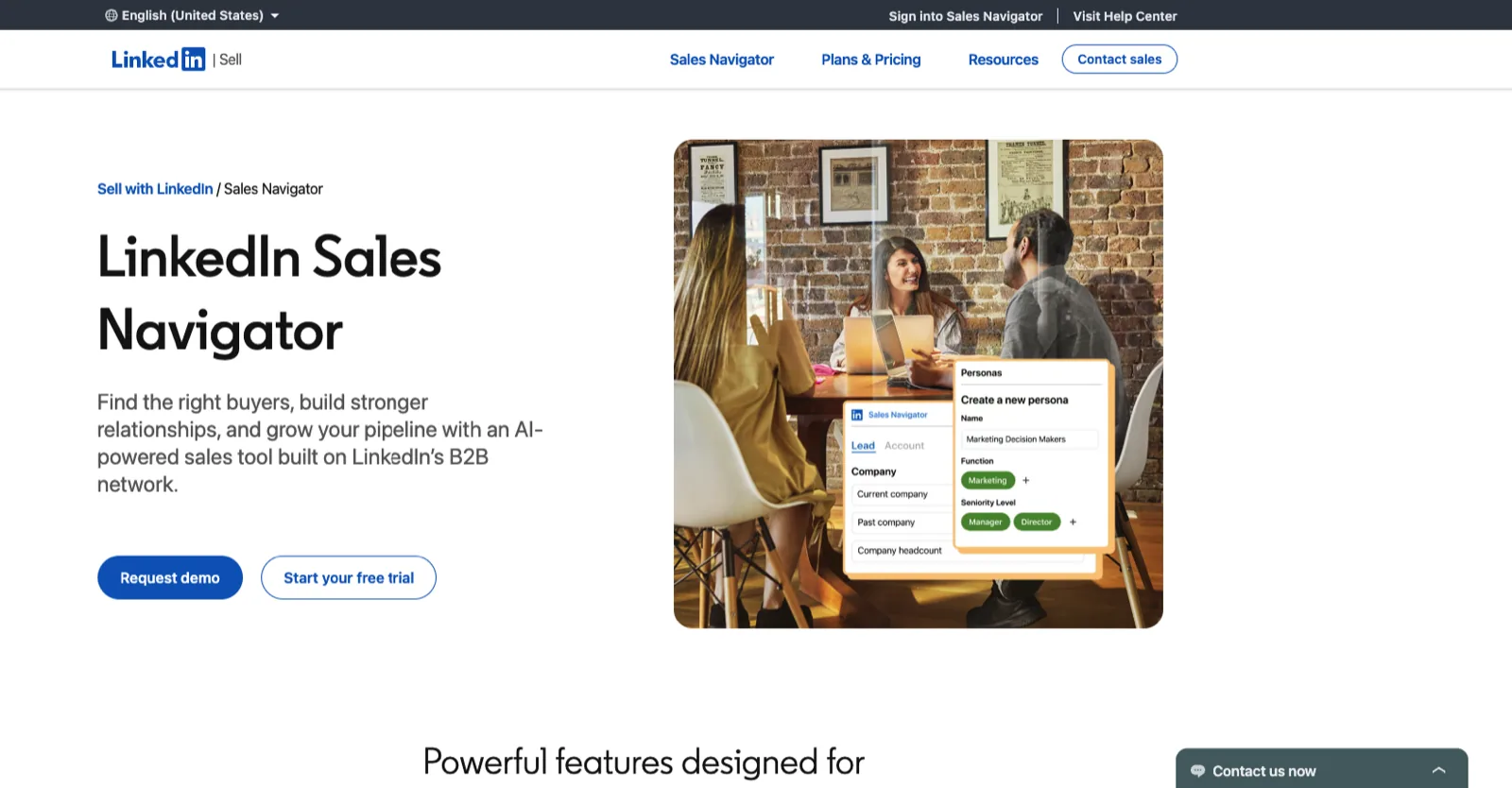
LinkedIn Sales Navigator is LinkedIn's paid prospecting tool for B2B sellers. It adds advanced search across LinkedIn's members and companies, saved lists of leads and accounts, and AI that helps you research buyers and write outreach.
How it connects to LinkedIn: LinkedIn's own product.
Best for: Any B2B seller who prospects on LinkedIn.
Key features:
-
Account IQ: Summarizes an account's activity and earnings calls.
-
Lead IQ: Shows relationship paths and conversation starters for a lead.
-
Relationship Explorer: Highlights interested buyers and mutual connections.
-
Alerts: Flags job changes and new content from your leads.
-
Message Assist: Drafts tailored outreach messages.
Teams also get TeamLink and Relationship Map to find warm paths through colleagues, plus CRM sync. Features differ by plan, so check LinkedIn's plan comparison before you buy.
Pricing: Prices are per license.
-
Core: $119.99/month, or $1,079.88/year ($89.99/month)
-
Advanced: $159.99/month, or $1,799.88/year ($149.99/month)
-
Advanced Plus: Quote only
Eligible members can start a free trial.
Pros
-
Signals tell you who to contact and when
-
Built into LinkedIn, so there's nothing extra to install
Cons
-
Costs at least $1,079.88 a year per seller on annual billing
-
Finds buyers but doesn't help sellers post or build credibility
5. Dex
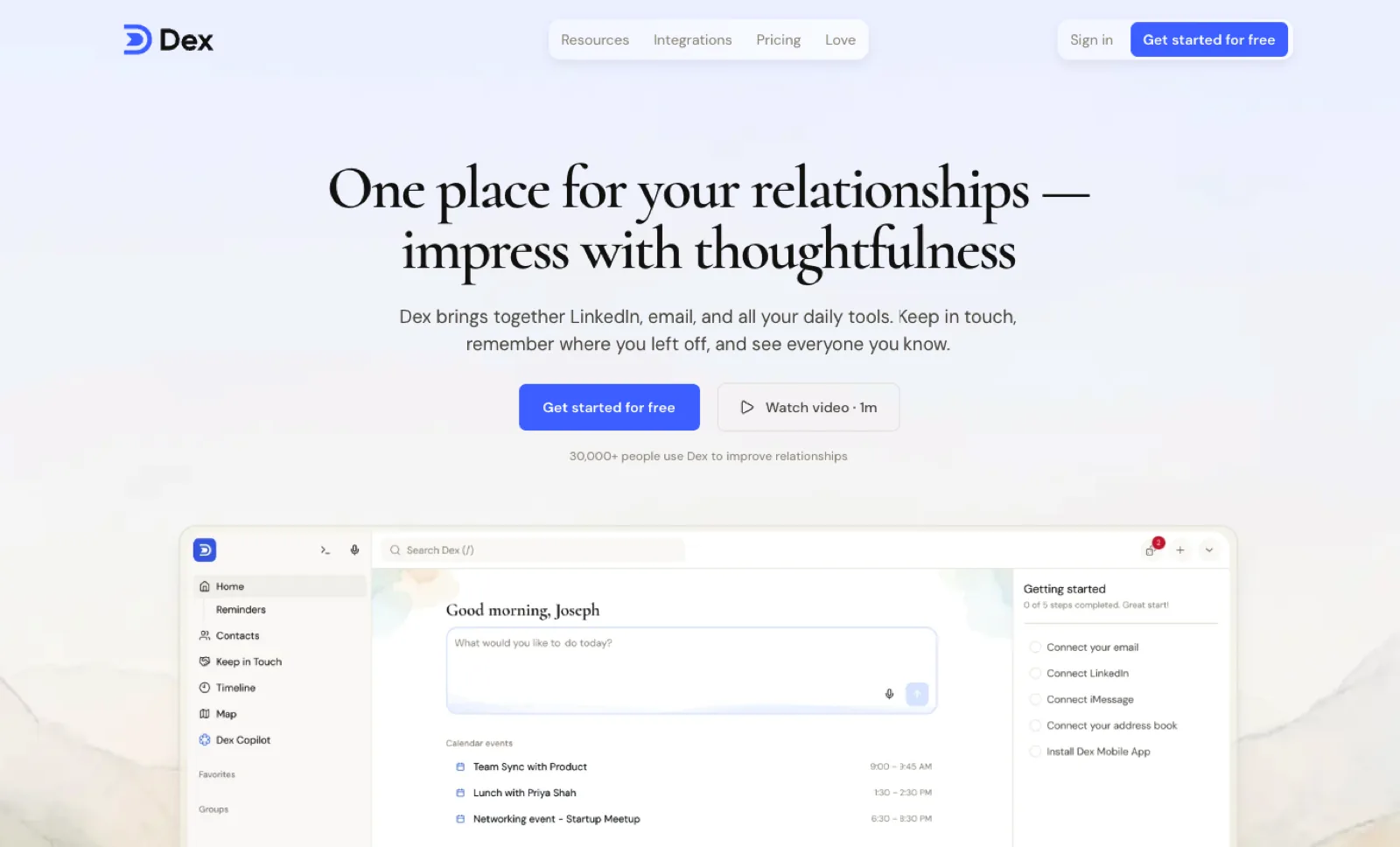
Dex is a personal CRM that tracks people instead of deals. It helps you remember who you know, what you last talked about, and when to follow up.
How it connects to LinkedIn: A browser extension that syncs your LinkedIn connections in the background.
Best for: Founders and sellers with large networks who rely on warm introductions and timely follow-ups.
Key features: Dex alerts you when a connection changes job title, so you can reach out at the right time. You can add notes and reminders for each person and see your history with them on one timeline. The Team plan adds CRM integrations and SSO.
Pricing: Prices below are on annual billing, which saves 40% compared with monthly.
-
Premium: $12/month, syncing up to 2,500 LinkedIn connections
-
Professional: $20/month, syncing up to 9,000 connections
-
Team: $40 per user per month, syncing up to 9,000 connections, with CRM integrations and SSO
Pros
-
Job-change alerts tell you when to reach out
-
Low cost for one person
Cons
-
Built for relationships, not sales pipelines
-
Premium syncs only 2,500 LinkedIn connections
Tools to Start and Keep Conversations Going
Most social selling happens in messages, so these tools make replies faster and more personal.
6. Kondo
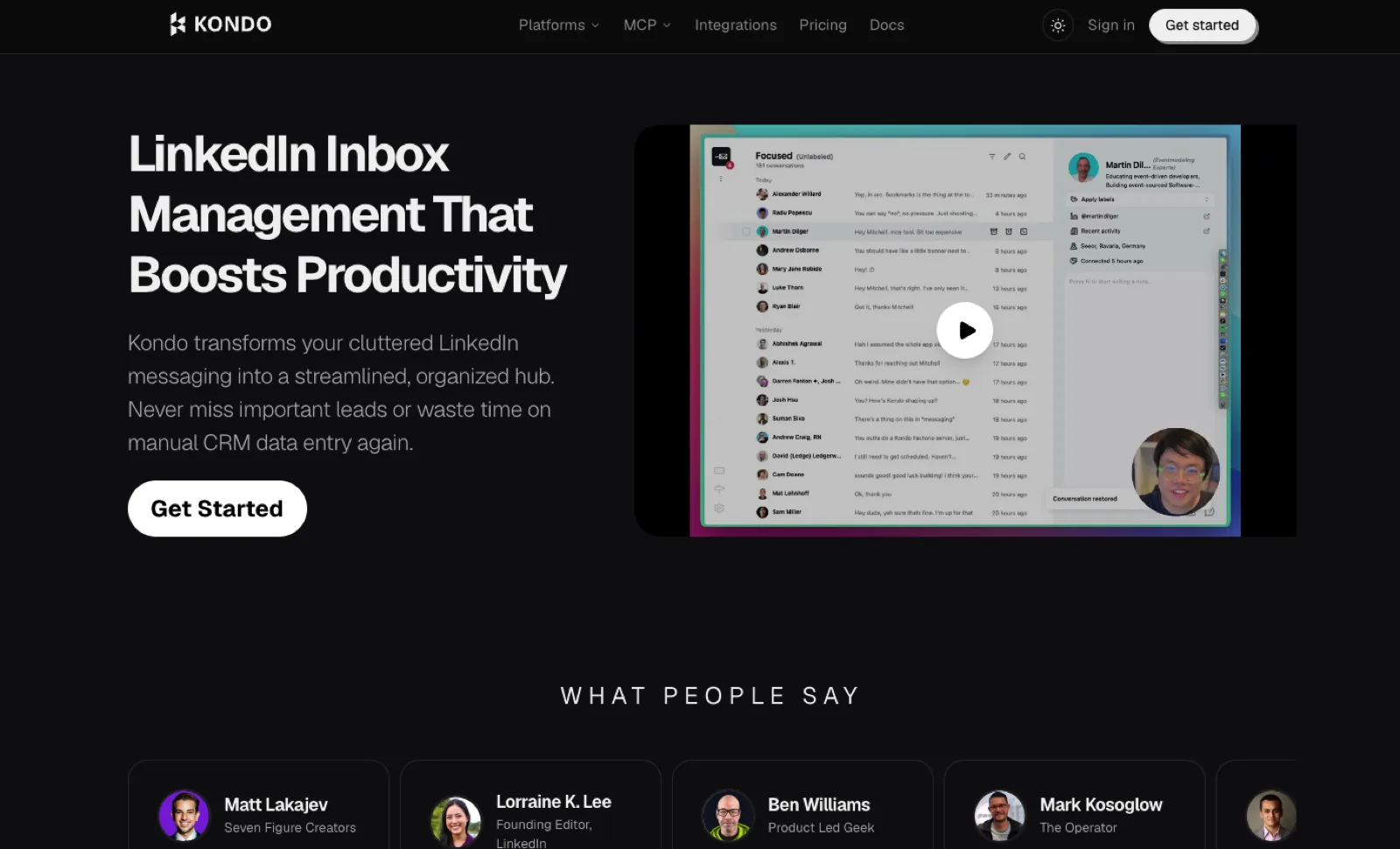
Kondo is a desktop app that replaces LinkedIn's built-in messaging with a faster inbox. It's built for people who handle a high volume of sales conversations in their DMs.
How it connects to LinkedIn: It works inside your own logged-in session on your computer. Kondo reads your chats locally and never sees your LinkedIn password.
Best for: Sellers and founders with busy LinkedIn inboxes.
Key features: Labels, follow-up reminders, and keyboard shortcuts help you reply faster and keep conversations from slipping. Kondo syncs conversations to HubSpot, Salesforce, Attio, and other CRMs.
Pricing: Prices are per user per month, billed annually, with a 14-day money-back guarantee.
-
Basic: $28
-
Business: $36, adding the Sales Navigator inbox and CRM integrations
-
Enterprise: $52
Pros
-
One inbox for LinkedIn, WhatsApp, and iMessage
-
Follow-up reminders keep conversations moving
Cons
-
CRM sync starts on the $36 Business plan
-
Relies on your own session rather than an official LinkedIn connection
7. Vidyard
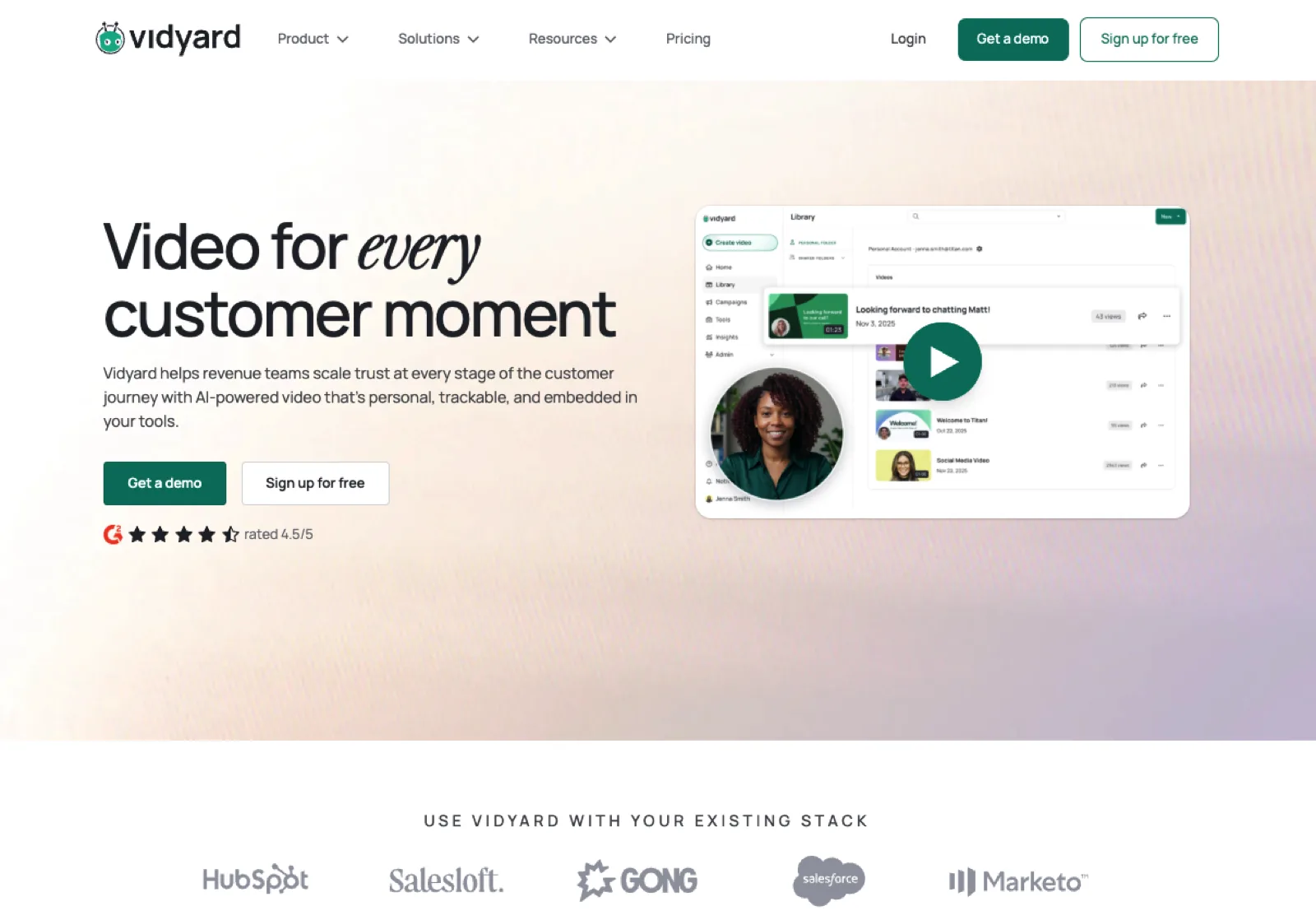
Vidyard is a video messaging platform for sales teams. Sellers record quick camera or screen videos and send them in place of a long written message.
How it connects to LinkedIn: A Chrome extension that works inside LinkedIn's message composer.
Best for: Sellers who want to stand out with short, personal video replies.
Key features: You can record and send a video right inside a LinkedIn message, or share videos to your feed or a company page.
Pricing: Vidyard has a free plan. Starter costs $59 per seat per month, billed annually, with a 14-day trial, and Teams is priced through a quote.
Pros
-
Video replies feel more personal than text
-
A free plan lets you try it first
Cons
-
Each video takes more time than a text reply, so save it for warm conversations
-
Starter costs $59 per seat per month
8. Crystal
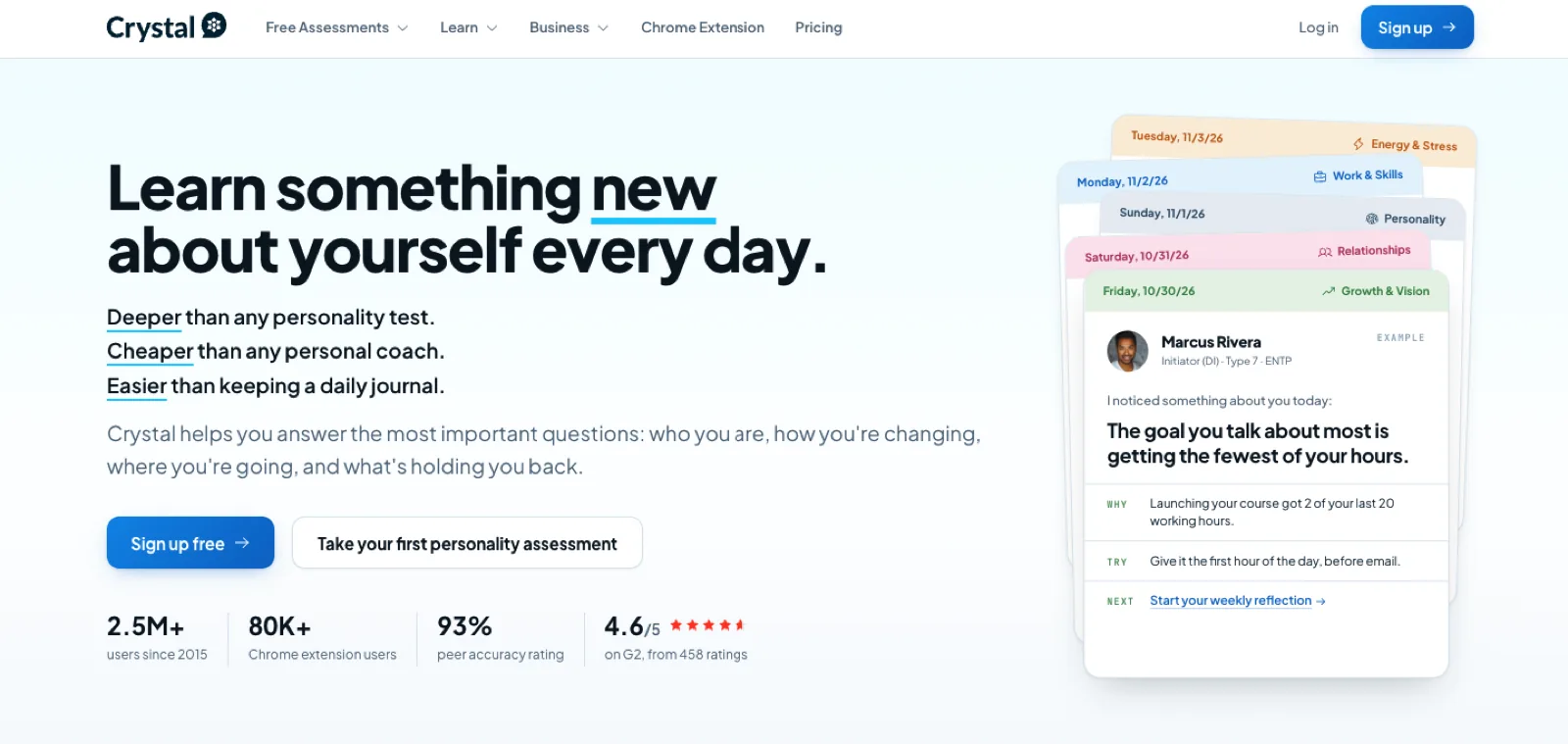
Crystal is a personality insights app that uses the DISC framework to predict how a person prefers to communicate and what kind of message they respond to.
How it connects to LinkedIn: A Chrome extension that shows personality insights on LinkedIn profiles.
Best for: Sellers who want to adjust how they write to each buyer.
Key features: Crystal for Chrome shows a personality profile on every LinkedIn profile you visit. It comes with Crystal Premium.
Pricing: Personality assessments are free. Premium costs $49/month or $490/year, and Buyer Profiles are priced per team.
Pros
-
Quick prompts on how to approach each buyer
-
Free assessments let you try it first
Cons
-
Insights are inferred from profiles, so treat them as a prompt, not a fact
-
The product now focuses mainly on personal coaching, not sales
How to Build a Social Selling Stack and What It Costs
Most sellers need two or three of these tools, not all eight. Here are three example stacks based on list prices.
Solo Founder or Seller
Supergrow Pro paired with Sales Navigator Core costs $158.99/month on monthly billing, or $120.99/month on annual plans ($31 for Supergrow plus $89.99 for Sales Navigator). Add Dex Premium for $12/month, billed annually, to keep track of your relationships.
Sales Team of 5
Supergrow Teams plus Sales Navigator Advanced for each rep costs $998.95/month on monthly billing or $938.95/month on annual plans. Add Kondo Business at $36 per user per month, billed annually, if reps live in their LinkedIn inboxes. Set aside a small Thought Leader Ads budget to boost the best posts.
Larger Team
Combine Sales Navigator Advanced Plus with CRM sync, Supergrow, and an advocacy tool such as GaggleAMP for company content. Most of these are priced through quotes, so there's no list total.
Whatever your size, roll tools out in this order. Help sellers post and engage first, then add signals, then add tools for messages and tracking.
How to Measure Social Selling
LinkedIn now says its Social Selling Index (SSI) score "no longer accurately reflects the modern sales environment." So don't make SSI your main metric. Track these instead:
-
Conversations started: Buyer conversations that begin on LinkedIn each month.
-
Meetings booked: Conversations that turn into meetings.
-
Pipeline influenced: Deals connected to LinkedIn activity, tracked through CRM sync from Sales Navigator, Kondo, or Dex, or through UTM-tagged links.
-
Posting consistency: How often each seller posts and engages each week.
Build Relationships, Not Automation
The right social selling tools help sellers build relationships, not automate them. Start with posting and engaging, add Sales Navigator for timing, and then add tools for messages and tracking.
Start the 7-day free trial, or book a demo to see how Supergrow fits your sales team.