
If you are looking for an EasyGen alternative, you already know the problem.
EasyGen writes a draft fast. But the draft sounds like every other post in the feed, so you end up rewriting most of it by hand. That is the tool working as designed. It generates a few versions and leaves the editing to you.
Here is what makes that worse in 2026. LinkedIn now pushes down posts that read like generic AI writing, and the templated style EasyGen leans on is exactly what's getting buried. So you pay $59.99 a month, and then you fix the output yourself.
There is a better way to do this. Here are 6 EasyGen alternatives, starting with the table.
TL;DR — 6 EasyGen Alternatives at a Glance
Not every tool here fixes the same thing. Use this table to match your reason for leaving EasyGen to the tool that solves it.
| Tool | Starting Price | AI Voice Training | Scheduling & Analytics | Best For |
|---|---|---|---|---|
| Supergrow | $39/mo ($31 annual) | Content DNA, learns your voice | Both built in | Founders and creators who want content in their own voice, plus the full workflow |
| AuthoredUp | $19.95/mo ($16.63 annual) | No AI generation | Scheduling + deep analytics | Writers who draft their own posts and want formatting and analytics |
| MagicPost | $21/mo (AI from $39) | Profile-based voice matching | Both built in | Creators who want AI, scheduling, and analytics in one dashboard |
| Taplio | $39/mo (AI from $69) | AI, needs editing | Both built in | Creators who want the full LinkedIn loop with an inspiration library |
| Kleo | $99/mo ($83 annual) | Memory layer, improves per post | Scheduling included | Creators building a distinctive voice over time |
| Typefully | $8/mo (AI from $19) | AI writing, not LinkedIn-specific | Both built in | Creators publishing across LinkedIn, X, Threads, and Bluesky |
The 6 Best EasyGen Alternatives
Every tool on this list costs less than EasyGen's $59.99 entry price, and each adds something EasyGen leaves out. Here is how each delivers.
1. Supergrow
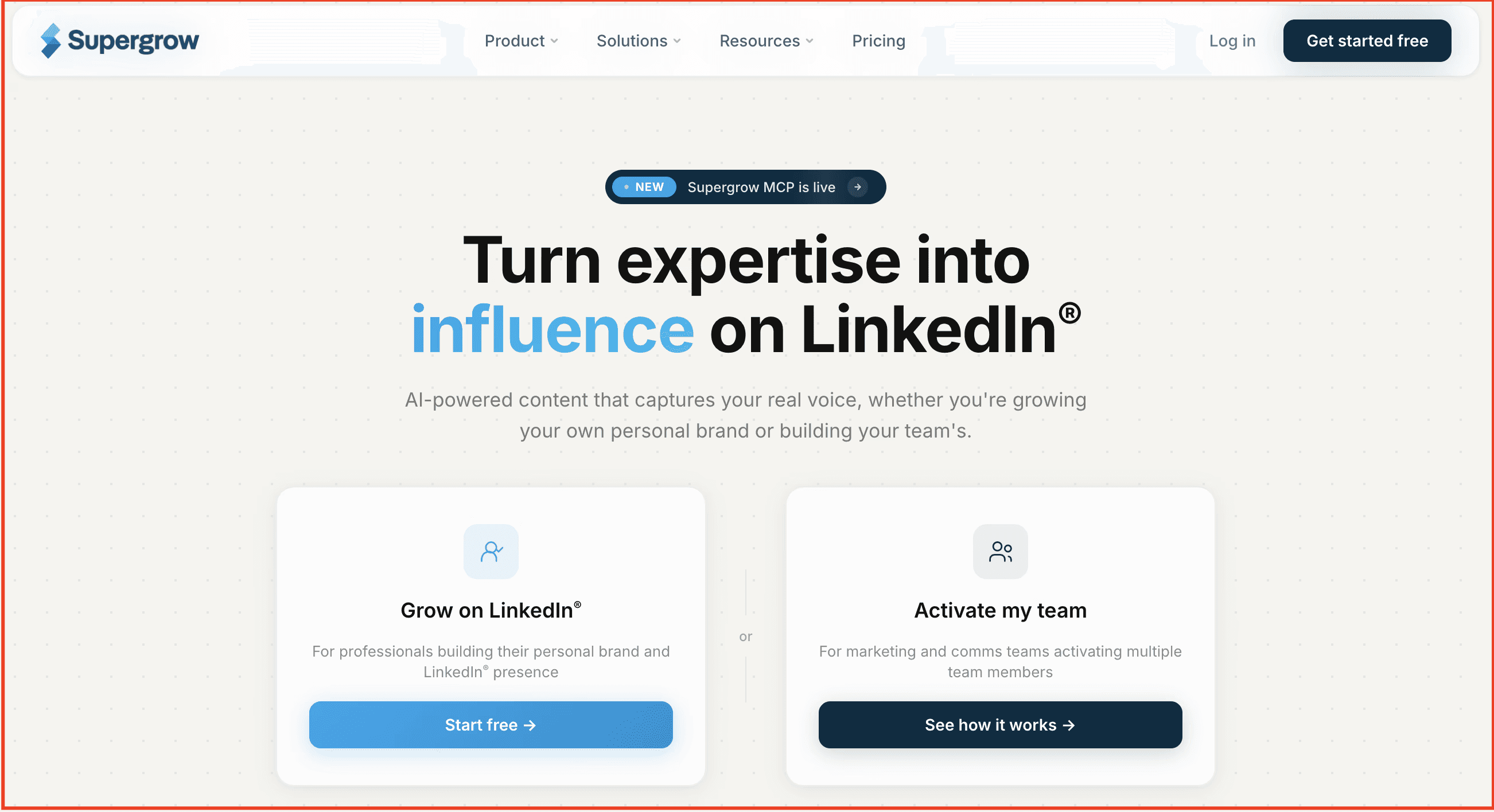
LinkedIn content built around your voice, not a template.
Supergrow is the best EasyGen alternative because it fixes the two things that push people off EasyGen: it learns your actual voice instead of printing a template, and it bundles scheduling, analytics, and carousels into one tool at a lower price.
Most LinkedIn tools generate from what works for everyone. Supergrow's post generator works from what works for you. Its Content DNA feature models your tone, vocabulary, hooks, and content pillars, so the output reads like something you would actually write.
That is the first difference an EasyGen switcher feels. Where EasyGen hands you a generic draft to rewrite, Supergrow removes the editing tax at the source. PostCast takes it further. You speak through a short guided session, and it turns your actual thinking into several post drafts. Voice notes become publish-ready posts the same way.
The workflow is the second reason people move. EasyGen generates and stops. You still copy, paste, and post somewhere else. Supergrow keeps creation, scheduling, first-comment CTAs, and analytics in one place, so a post goes from idea to calendar without leaving the tool.
For B2B teams, the same system runs employee advocacy at scale, turning internal expertise into consistent LinkedIn visibility.
Why Supergrow is the best EasyGen alternative
- It learns your voice, not LinkedIn's: Content DNA builds a profile from your writing, so every draft sounds like you instead of the same viral template everyone else is using.
- PostCast removes the blank page: Speak for a few minutes, get multiple drafts from your own ideas. No prompts, no rewriting marathon.
- AI is included from the entry plan: No credit ceiling, no mid-month wall, no jump to a higher tier to unlock the feature you came for.
Best for: Founders, creators, and B2B teams who want content that sounds like them and a system built for consistent LinkedIn visibility.
Key Features
- Content DNA: AI voice profiling across tone, vocabulary, and pillars
- PostCast: a guided AI interview that turns spoken ideas into posts
- AI Post Generator: repurpose PDFs, blogs, and raw ideas into LinkedIn posts
- Carousel Maker: branded LinkedIn carousels without a separate design tool
- First-comment scheduler: auto-publish CTAs and links
- Content calendar and Kanban board: plan and schedule in one view
- Analytics: follower growth, post performance, and weekly reports
- Teams: approval workflows, idea distribution, challenges, and leaderboards
- MCP: run your LinkedIn workflow from Claude, ChatGPT, or Gemini
Pros
- Learns your actual voice, not just tone presets
- PostCast is the fastest path from idea to drafted post
- AI included from the entry plan, no credit ceiling
- Carousel Maker built in, no Canva needed
- First-comment scheduling built in for better reach
Cons
- LinkedIn only, no multi-platform publishing
- No mobile app yet, web and desktop only
Pricing
- Pro: $39/month, or $31/month billed annually. AI included from day one.
- Pro: $39/month, or $31/month billed annually
- Teams: $199/month, or $189/month billed annually
- Enterprise: Custom
- 7-day free trial, no credit card required
If EasyGen keeps handing you drafts that sound like everyone else, try Supergrow free and see what LinkedIn content looks like when the system is built around you.
2. AuthoredUp
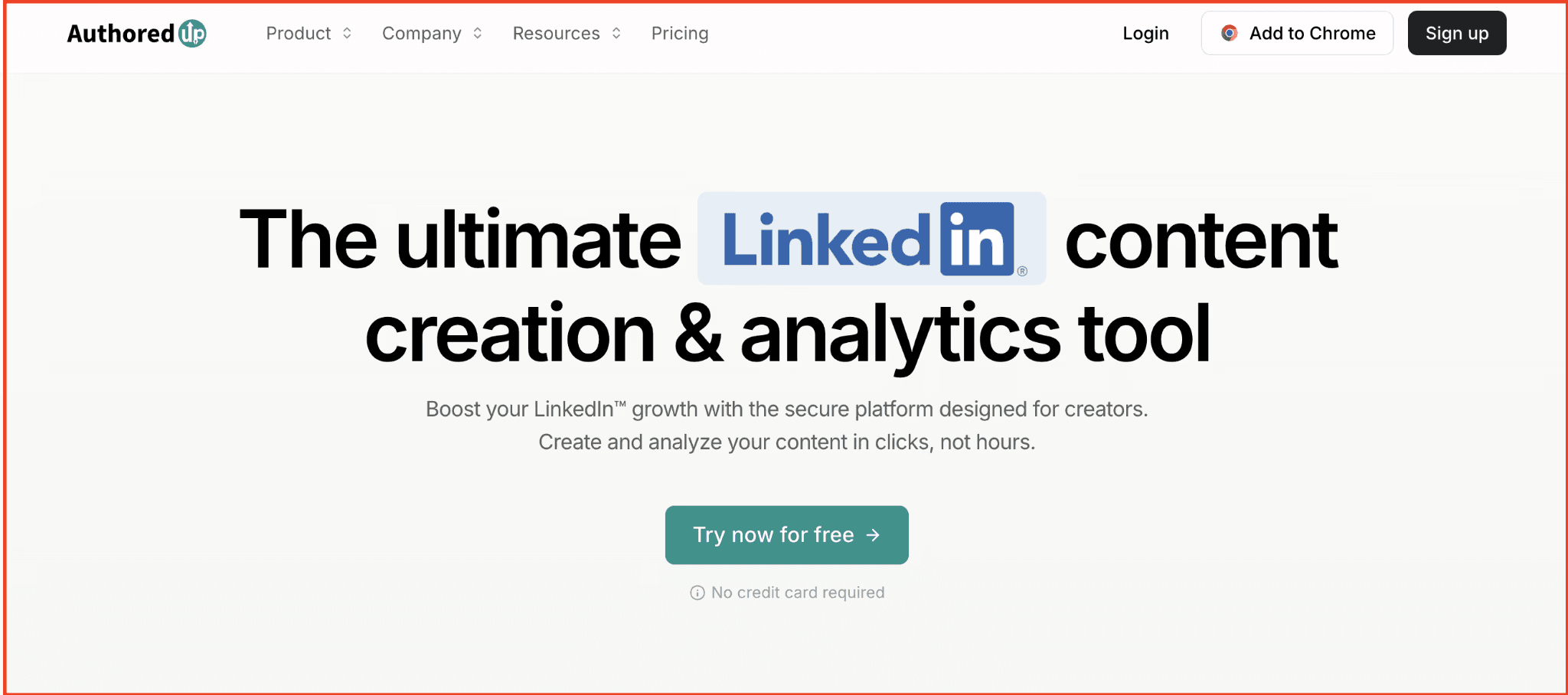
A LinkedIn editor that sharpens what you write, with real analytics behind it.
AuthoredUp solves a different EasyGen problem. Where EasyGen writes for you and leaves editing to you, AuthoredUp assumes you write your own posts and gives you the precision to make them land. The editor adds Unicode bold, italics, custom bullets, emoji, and a real-time mobile and desktop preview, so what you see is exactly what publishes.
Its analytics go deeper than LinkedIn's native dashboard and deeper than anything EasyGen offers. Impressions, engagement rate, follower growth, and side-by-side post comparisons sit in one place, with historical data you can import from your LinkedIn archive.
The trade-off is clear. AuthoredUp has no AI post generator, so it will not draft content for you. If you're leaving EasyGen because of generic output, this is a strong fit. If the blank page itself is the problem, it stays unsolved here.
Best for: Writers and ghostwriters who draft their own content and want formatting control plus analytics depth.
Key Features
- Editor: Unicode bold, italics, custom bullets, and real-time preview
- Hook library: 300+ hooks and post endings
- Content calendar: scheduling with one-click post reuse
- Deep analytics: historical data via LinkedIn archive import
- Team features: draft collaboration and team analytics on the Business plan
Pros
- Deepest post-level analytics of any tool on this list
- All features included, no credit limits
- Precise formatting that renders exactly as previewed
Cons
- No AI post generation; the blank page problem stays unsolved
- Scheduling is lighter than dedicated publishing tools
Pricing
- Individual: $19.95/month, or $16.63/month billed annually
- Business: $14.95/profile/month, or $12.46/profile billed annually, minimum 3 profiles
- 14-day free trial, no credit card required
3. MagicPost

AI content, scheduling, and analytics for LinkedIn in a single dashboard.
MagicPost covers the ground EasyGen leaves open. EasyGen generates a post and stops, so you copy it and schedule it elsewhere. MagicPost keeps generation, scheduling, and analytics in one place, so the whole workflow runs without switching tools.
The AI is trained on high-performing LinkedIn content and adapts to your style through profile-based voice matching, which pushes output closer to your voice than EasyGen's tone presets. It also adds an engagement watchlist that surfaces the latest posts from your target connections, so commenting and relationship-building sit alongside creation rather than in a separate tab.
The catch is the tiers. The cheapest plan covers scheduling and analytics but no AI, so it is easy to buy the wrong one if you came for the writing.
Best for: Creators and B2B professionals who want AI-generated LinkedIn content with scheduling and analytics in one tool.
Key Features
- AI post generator: trained on high-performing LinkedIn content
- Voice matching: adapts to your writing style from your profile
- Ideas and hooks: topic suggestions and hook generation
- Scheduling and analytics: calendar plus post performance data
- Engagement watchlist: latest posts from your target connections
Pros
- AI, scheduling, and analytics in one dashboard
- Unlimited AI generation on the Creator plan, no credit ceiling
- Voice matching adapts output to your style
Cons
- The Analytics plan has no AI, so it is easy to buy the wrong tier
- No team or advocacy features
Pricing
- Analytics: $21/month, scheduling and analytics, no AI
- Creator: $39/month, unlimited AI generation
- Team and Agency: Custom pricing
- 7-day free trial, no credit card required
4. Taplio
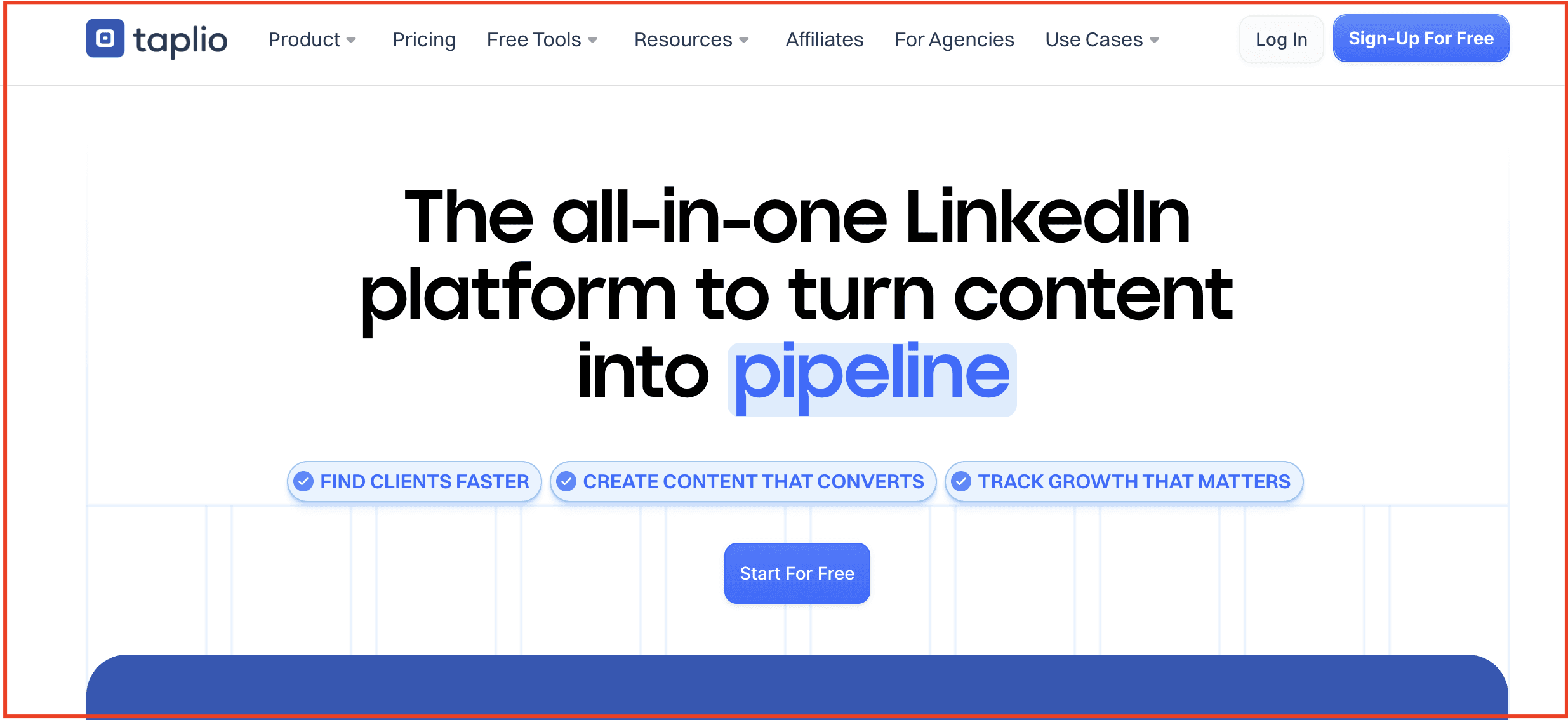
An all-in-one LinkedIn platform with an inspiration library at its center.
Taplio is the widest tool on this list. Where EasyGen does one thing, Taplio covers AI post generation, scheduling, engagement, analytics, and lead management in a single platform. It also carries a large library of high-performing posts you can pull from for ideas, which is the feature most people associate with it.
For scope, that is a real step up from EasyGen. The trade-off shows up in two places. The AI output has the same tendency toward generic phrasing that sends people looking for EasyGen alternatives in the first place, so drafts still need editing to sound like you. And the pricing is built to look cheaper than it is.
The $39 Starter plan includes no AI credits. The AI writing most people sign up for starts on the Standard plan at $69 a month. If you are leaving EasyGen over price, read the tiers closely before you switch.
Best for: Creators and businesses who want the full LinkedIn loop, from ideas to scheduling to lead tracking, in one tool.
Key Features
- AI post generator: drafts posts from your topic and audience inputs
- Inspiration library: a large database of high-performing posts
- Smart scheduling: a queue that plans posts for reach
- Analytics: follower growth, engagement, and post performance
- Lead tools: build lists and track interactions
Pros
- The broadest feature set on this list
- Large inspiration library for ideas
- Scheduling, analytics, and lead tools in one platform
Cons
- The $39 Starter plan includes no AI, real AI access starts at $69
- AI output still needs editing to avoid generic phrasing
- LinkedIn only, with a steeper learning curve than simpler tools
Pricing
- Starter: $39/month, scheduling and analytics, no AI credits
- Standard: $69/month, AI generation and full features
- Pro: $199/month, adds lead and outreach tools
- 7-day trial with full access
5. Kleo
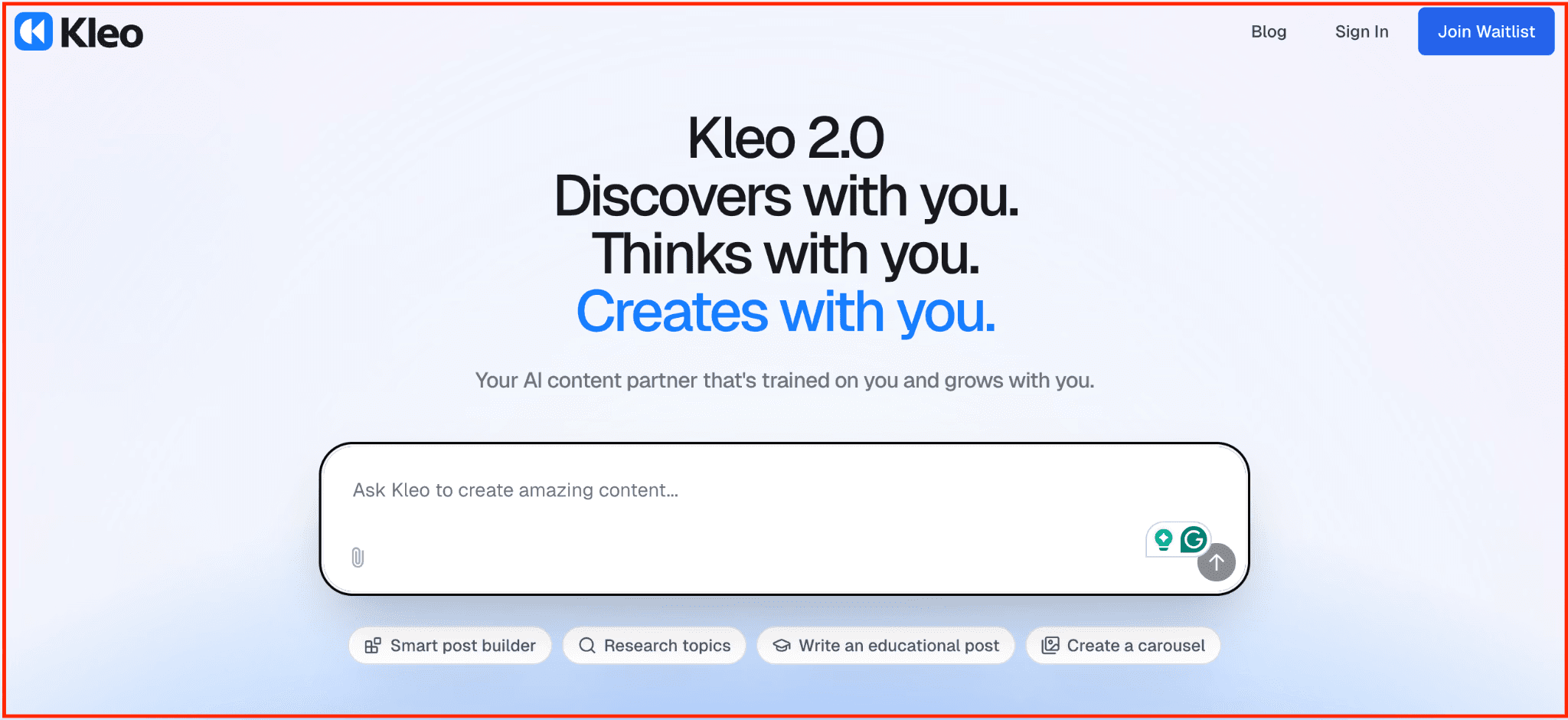
AI personal branding that gets sharper every time you post.
Kleo takes the most direct aim at the reason most people leave EasyGen. EasyGen runs your input through a one-shot form and returns a templated draft. Kleo builds a knowledge base from your identity, expertise, and writing history, then generates from that foundation.
The memory layer is what sets it apart. Every post you publish teaches Kleo more about how you think and write, so the output in month six is noticeably better than month one. That is the opposite of a static template, and it is the closest thing on this list to a voice that compounds.
The feature set is broad for a single price. Knowledge base, writing style training, unlimited post generation, graphics, scheduling, templates, and analytics are all included with no tiers or credit limits. The cost is the barrier. At $99 a month, it is the highest individual price here, and there is no free trial to test it first.
Best for: Creators serious about building a distinctive LinkedIn voice over time and willing to invest in a system that compounds.
Key Features
- Knowledge base: built from your expertise, experience, and past content
- Memory layer: learns from every post you publish
- Writing style training: persistent voice memory across drafts
- Unlimited generation: posts plus graphics each month
- All-in-one: scheduling, templates, swipe file, and analytics included
Pros
- The most sophisticated voice-learning system on this list
- All features at one price, no credit limits or gating
- Covers LinkedIn and X from one platform
Cons
- No free trial, only a 30-day money-back guarantee on annual plans
- $99/month is the highest individual price on this list
- No carousel support currently
Pricing
- Single plan: $99/month, or roughly $83/month billed annually
- Trial: no free trial, 30-day money-back guarantee on annual plans
- Included: all features, no tiers
6. Typefully
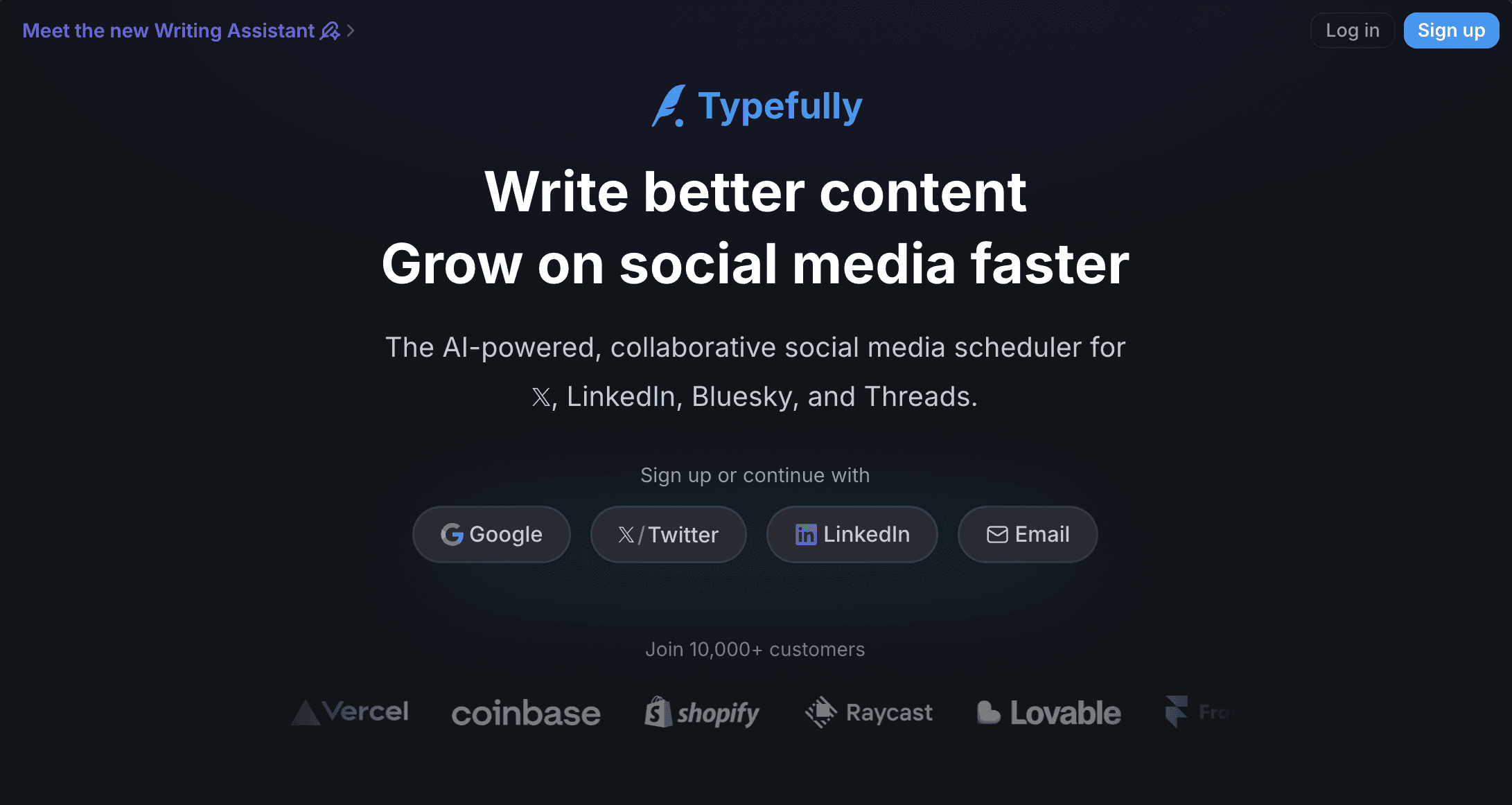
Write once, publish across LinkedIn, X, Threads, and Bluesky from one clean editor.
Typefully answers a different EasyGen limitation. EasyGen is LinkedIn-only and priced at a premium. Typefully spreads across LinkedIn, X, Threads, Bluesky, and Mastodon, so if your brand lives on more than one platform, you write once and publish everywhere from a single distraction-free editor.
The editor is the product's strongest asset. It auto-saves, previews with high fidelity, and keeps you focused on the writing rather than the interface. AI writing assistance is available from the Creator plan up, trained for social content rather than general copy. Team collaboration and approval workflows come in without per-seat pricing, which makes it workable for small teams.
The trade-off is focus. Typefully is not LinkedIn-first, so it has no LinkedIn-specific voice training or Content DNA equivalent. If LinkedIn is your only channel, tools higher on this list will serve you better. If you publish across several, this is the cleanest way to do it.
Best for: Creators and small teams who publish across LinkedIn, X, Threads, and Bluesky and want one clean writing and scheduling workflow.
Key Features
- Editor: distraction-free, auto-save, high-fidelity preview
- Cross-platform publishing: LinkedIn, X, Threads, Bluesky, Mastodon
- AI writing assistant: from the Creator plan up
- Team collaboration: approval workflows and unlimited users on Team
- Analytics: engagement and growth tracking
Pros
- One of the cleanest writing interfaces available
- Multi-platform scheduling at an affordable entry price
- Unlimited team members on the Team plan, no per-seat fees
Cons
- Not LinkedIn-first; LinkedIn is one of five platforms
- No LinkedIn-specific voice training or Content DNA equivalent
- No social inbox; you cannot reply to comments inside the tool
Pricing
- Free: limited, effectively a demo
- Starter: $8/month
- Creator: $19/month, adds AI writing, unlimited scheduling, and analytics
- Team: $39/month, unlimited users and approval workflows
- 14-day free trial, no credit card required
Making the switch from EasyGen
Stop rewriting drafts that sound like everyone else. You left EasyGen because the output didn't match your voice and the price didn't match a tool that did one job. Pick the alternative that fixes your reason for leaving, and switch this week.
If you want one platform that pulls it all together — voice-led content creation, carousels, scheduling, and analytics in a system built around you — Supergrow is made for exactly that.
Switch to Supergrow today. Try Supergrow free, no credit card required, and watch how quickly consistent LinkedIn growth follows.